
Overview
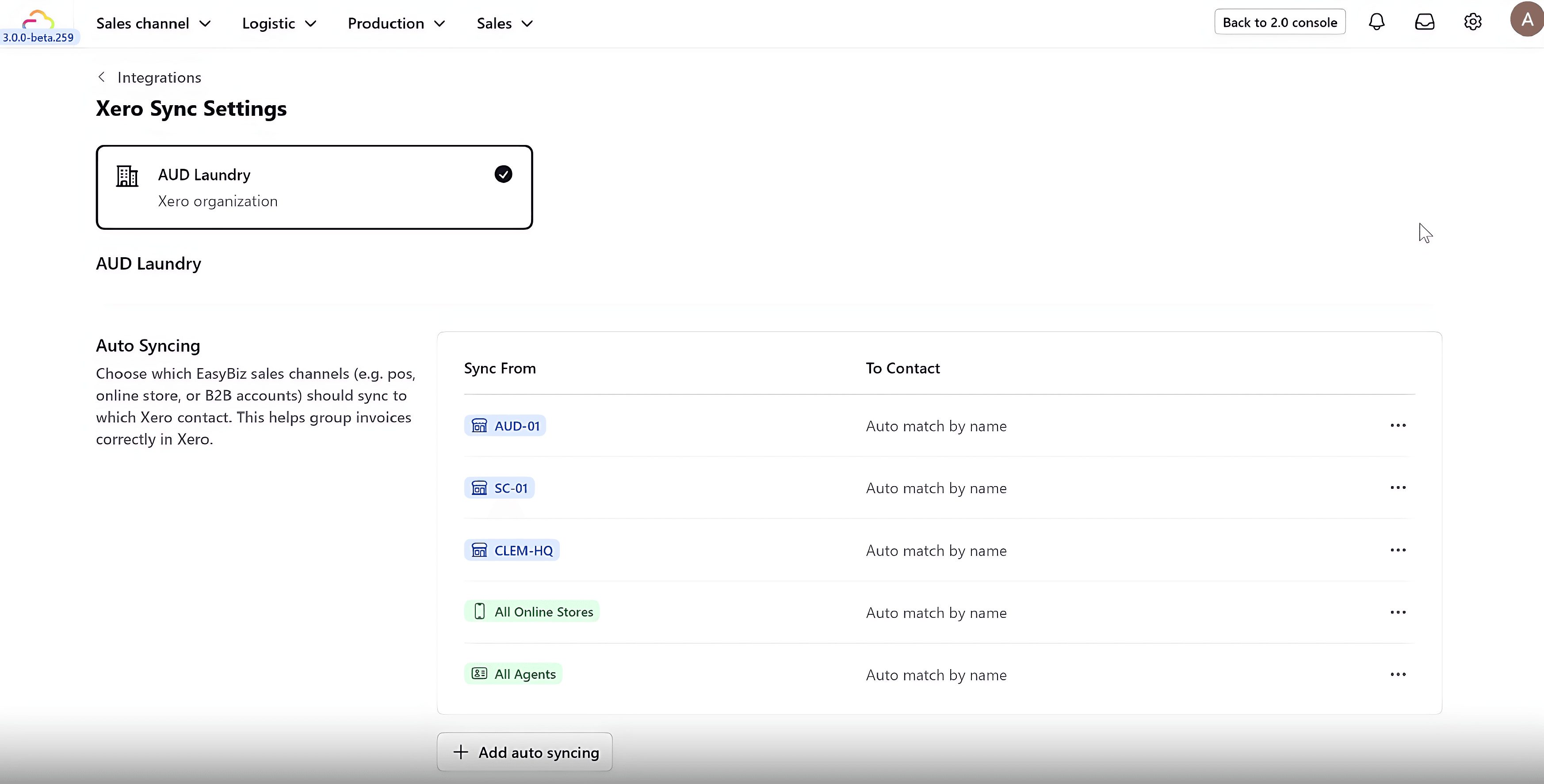
The Xero integration provides a direct link between the sales floor and the accounting ledger. When an order is created and finalized in the EasyBiz POS, the system instantly triggers the synchronization of the corresponding invoice data into the Xero ledger.
This direct connection streamlines sales recording, eliminates redundant data entry, and ensures financial records are always accurate and updated in real-time with POS activity.
How to use?
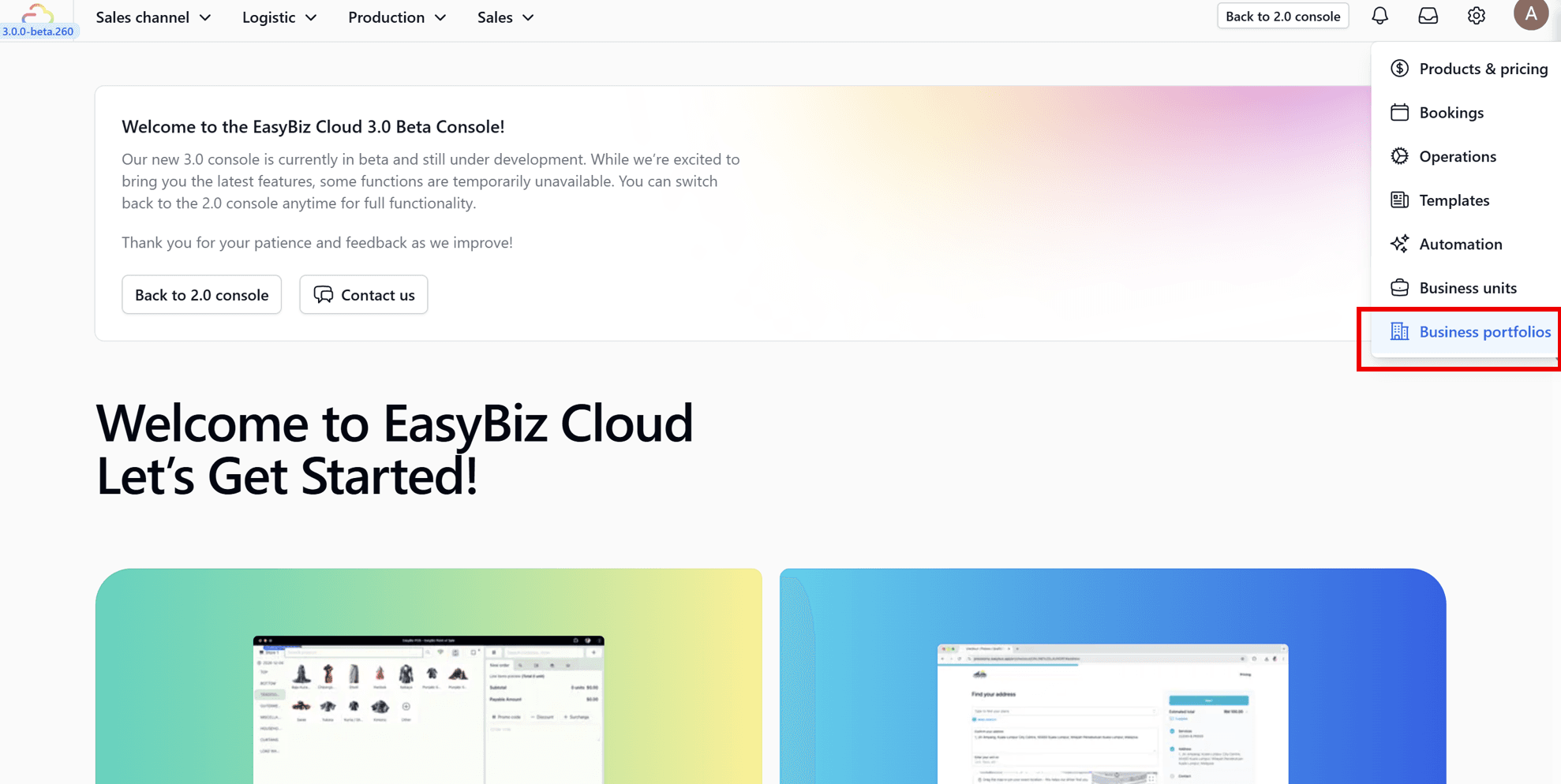
1. Navigate to Business Portfolios: Log in to your EasyBiz 3.0 Console. On the side menu, go to Settings and select Business Portfolios.
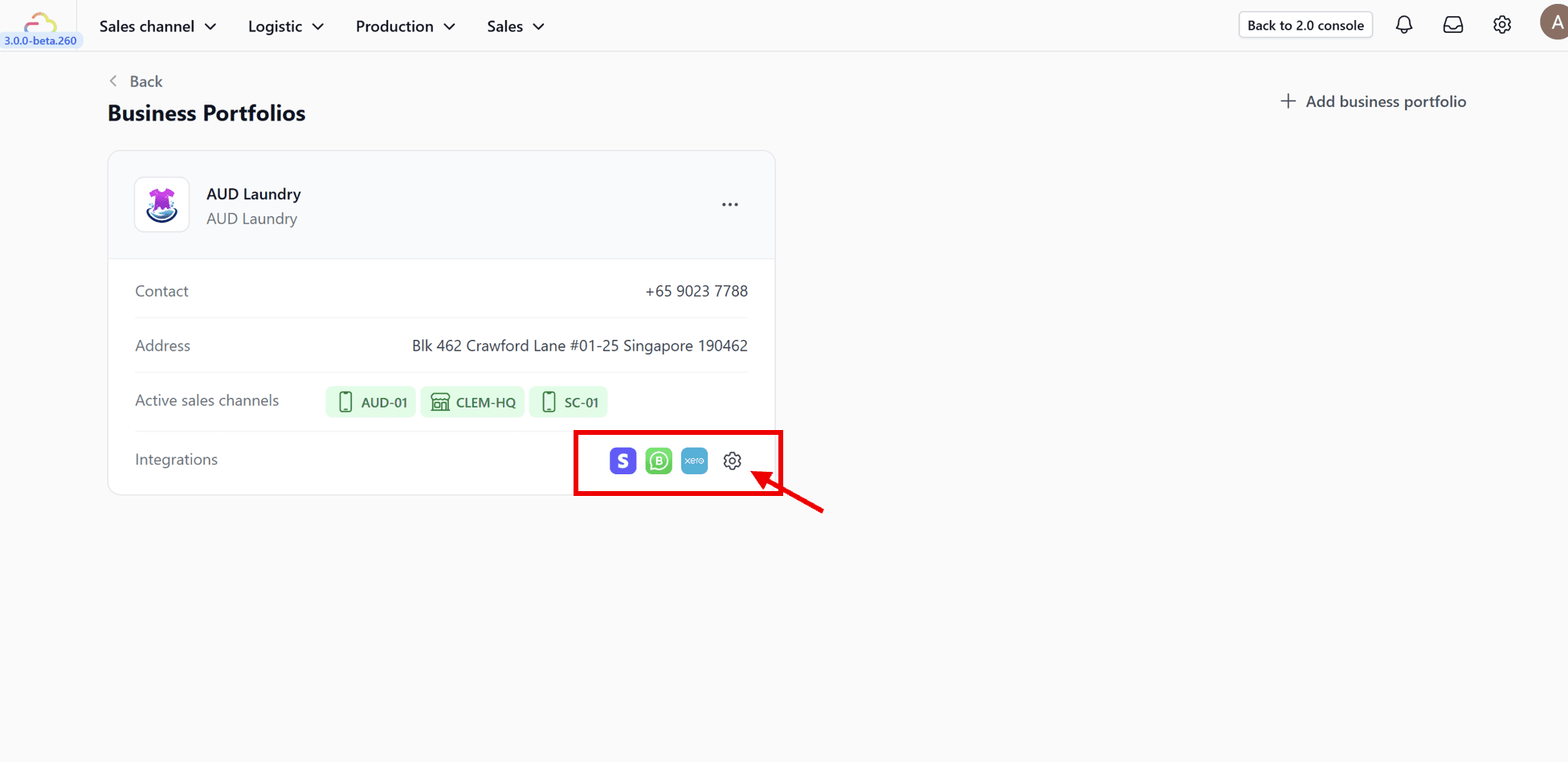
2. Select Integration Settings: Click on the specific business portfolio you want to connect, then click on the Integrations settings button.
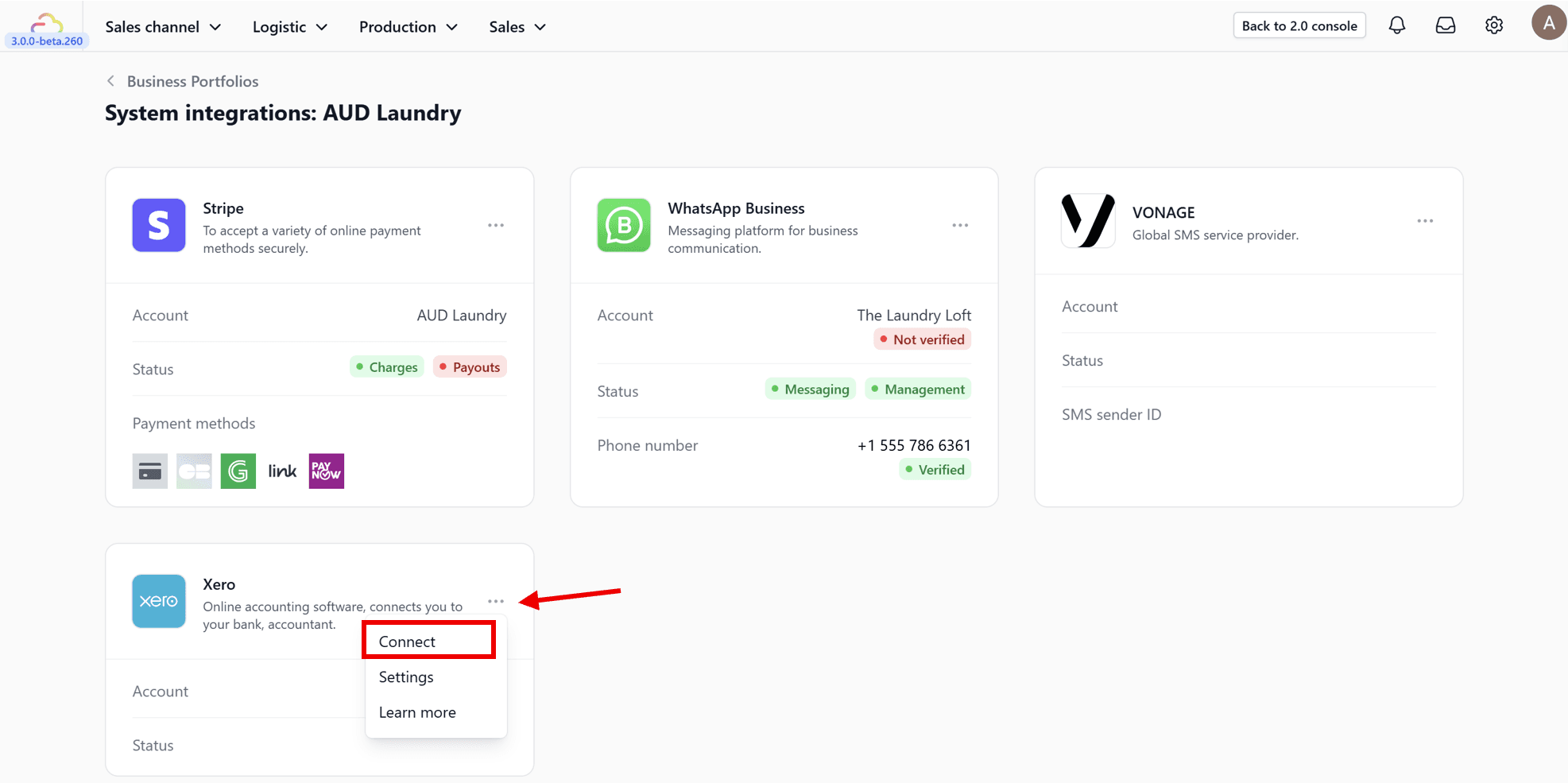
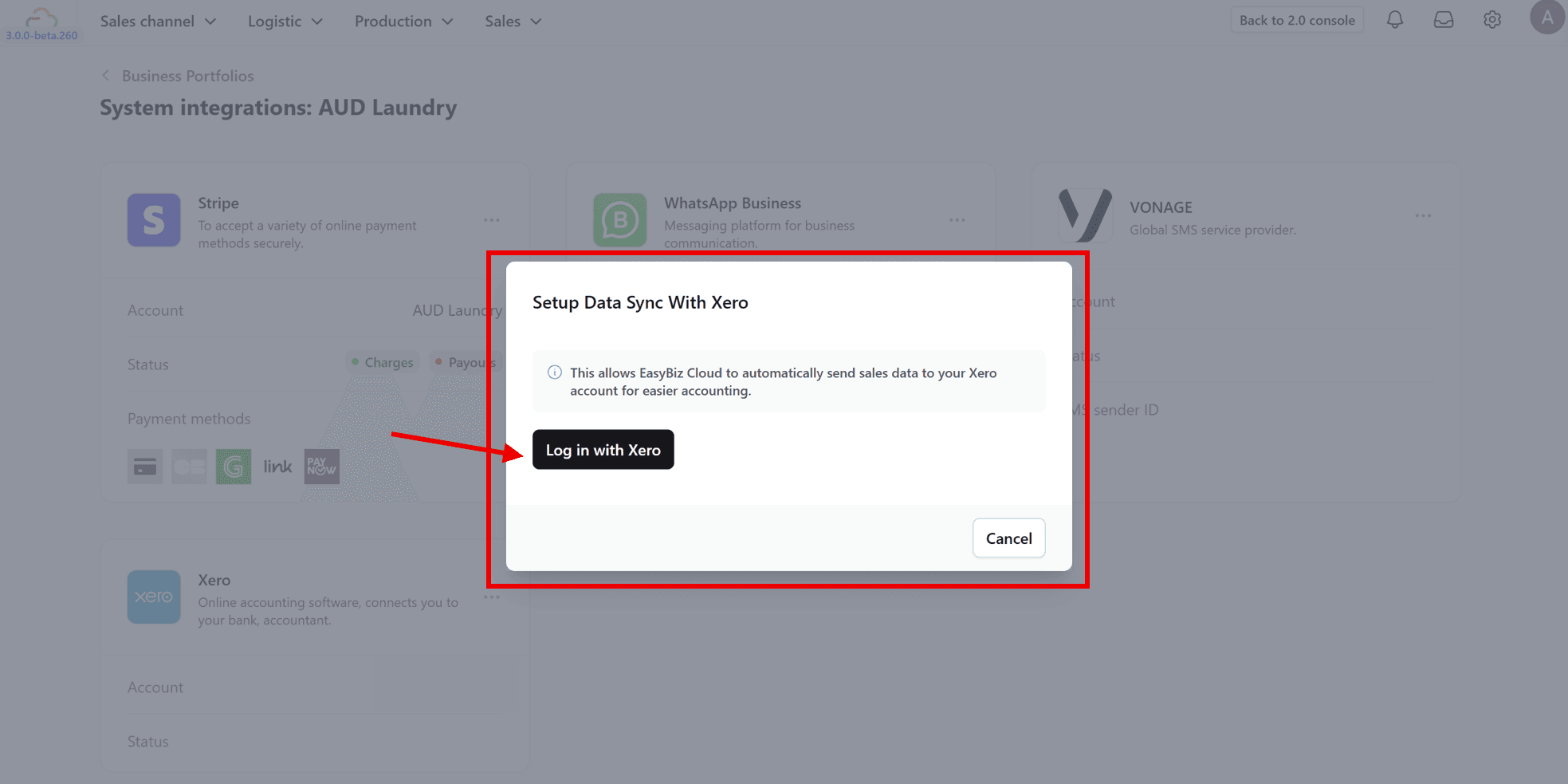
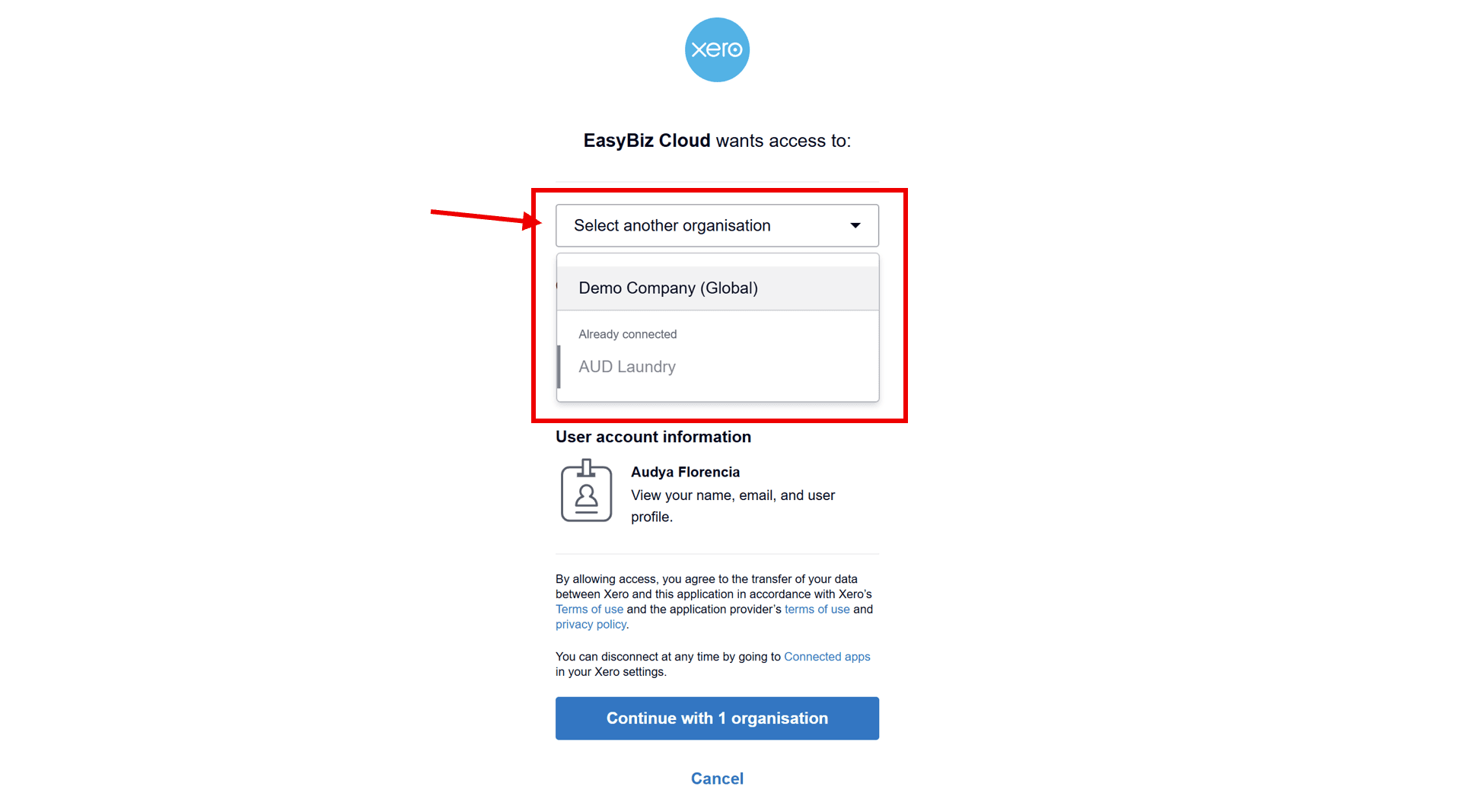
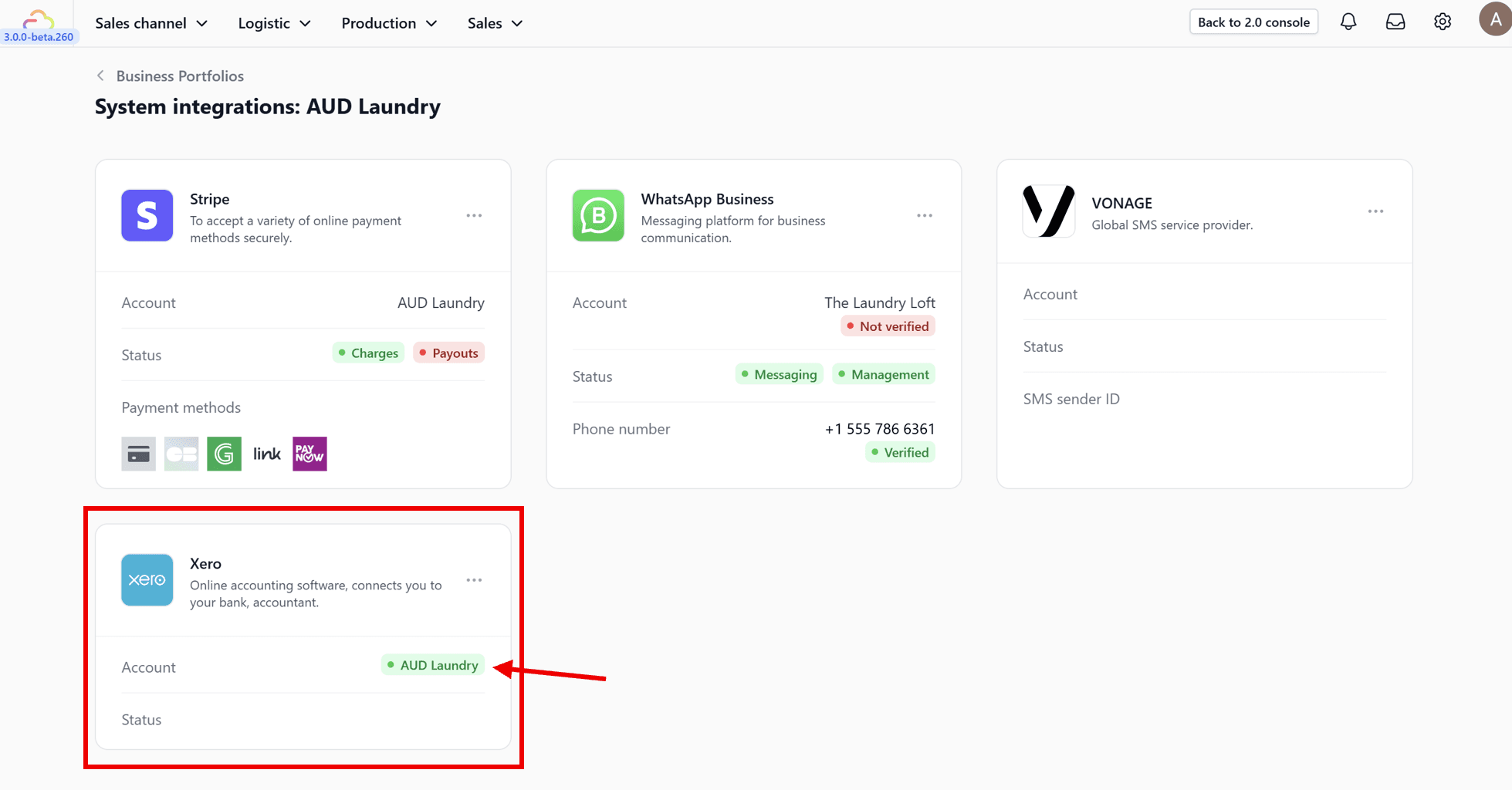
3. Connect Xero: Locate the Xero card in the list of available integrations. Click the ••• icon on the card and select Connect.