January 19, 2026
New Stock Management, Mobile App Improvements & more
As your business grows, keeping track of every part, product, and customer conversation becomes a bigger part of your day.
Our latest update is built to help you master these daily operations. We’ve focused on giving you a bird’s-eye view of your inventory and providing your team with sharper tools to handle busy WhatsApp inboxes.
The centerpiece of this release is a brand-new Stock Management system, designed to take the guesswork out of your inventory.
Combined with new Conversation Labels and improved mobile performance, this update ensures that whether you are at the computer or on your phone, you have the data and the organization you need to keep your business running smoothly.
Stock Management Dashboard
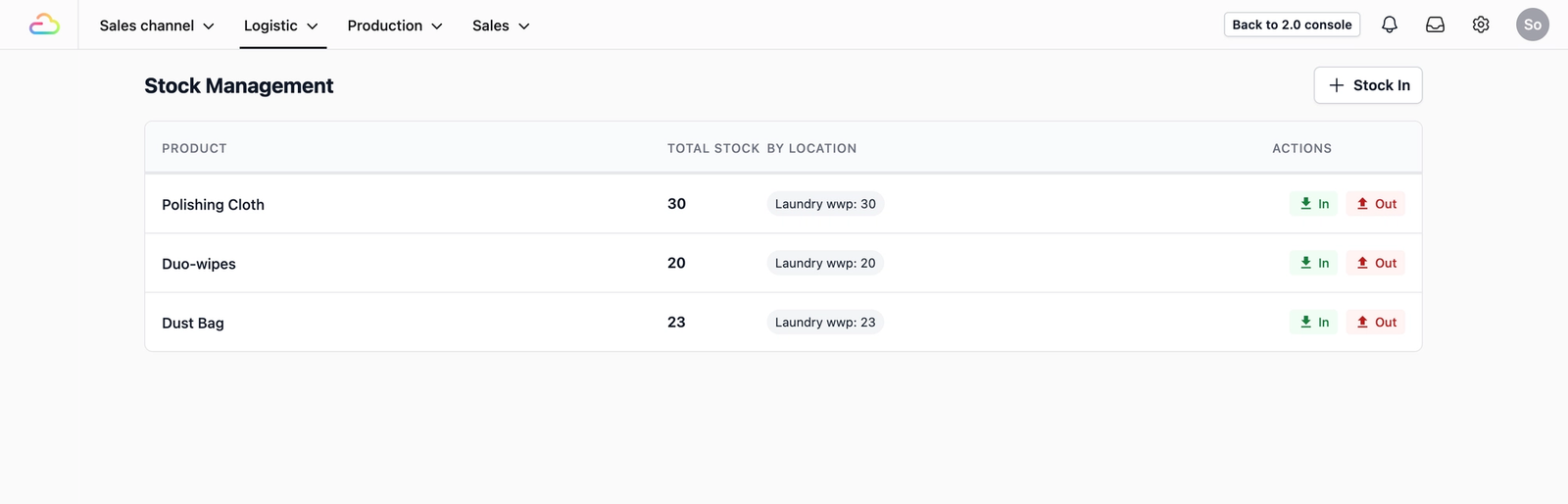
We’ve added a dedicated Stock Management dashboard to your console for businesses that sell products alongside their services. This central hub allows you to move away from manual tracking and view your total stock levels across all your different shop locations at a glance.
By using simple "Stock In" and "Stock Out" actions, you can keep your inventory numbers perfectly accurate with just a few clicks. This dashboard view shows real-time monitoring, allowing you to see exactly which items are at which shop, ensuring better coordination between your teams and fewer surprises when a customer asks for a specific product.
Better WhatsApp Organization
Our mobile app does more than just handle business operations; it also serves as your primary hub for WhatsApp Business communication. To help your team stay organized during peak hours, we have integrated Conversation Labels directly into the app’s chat interface. You can now create custom labels to tag to your WhatsApp chats—such as "New lead" or "Pending Payment"—making it simple to filter your inbox and find exactly who you need to talk to without ever leaving the EasyBiz environment.
Automatic Media Retry
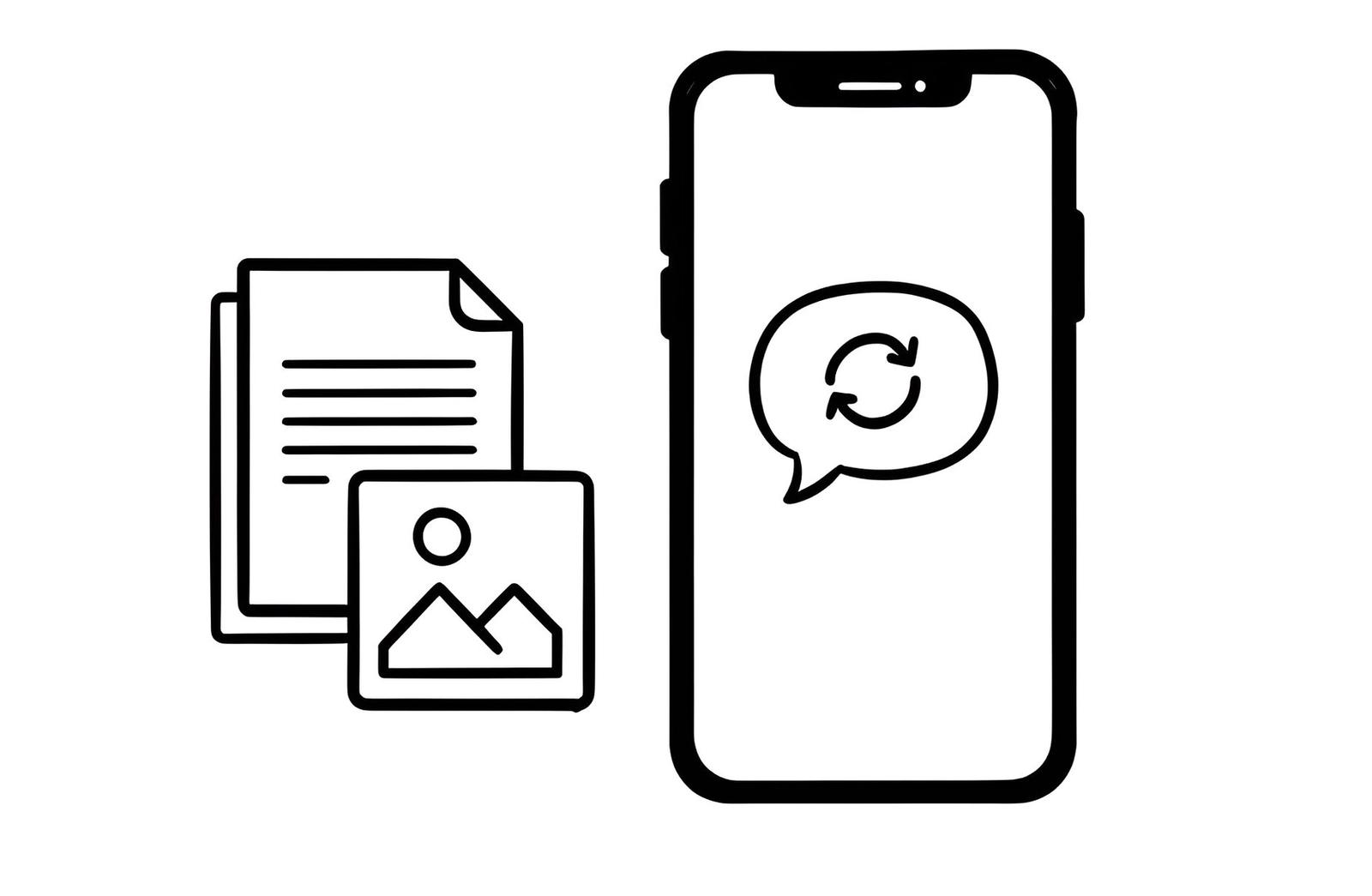
We have improved how our system handles incoming and outgoing files to ensure your team always has the information they need. If an image, document, or video fails to load within a conversation due to a temporary connection issue, the system will now automatically retry the process. This ensures that your media displays correctly in the chat without your team having to manually refresh or wait on a failed loading screen.
Improved WhatsApp Message Sending
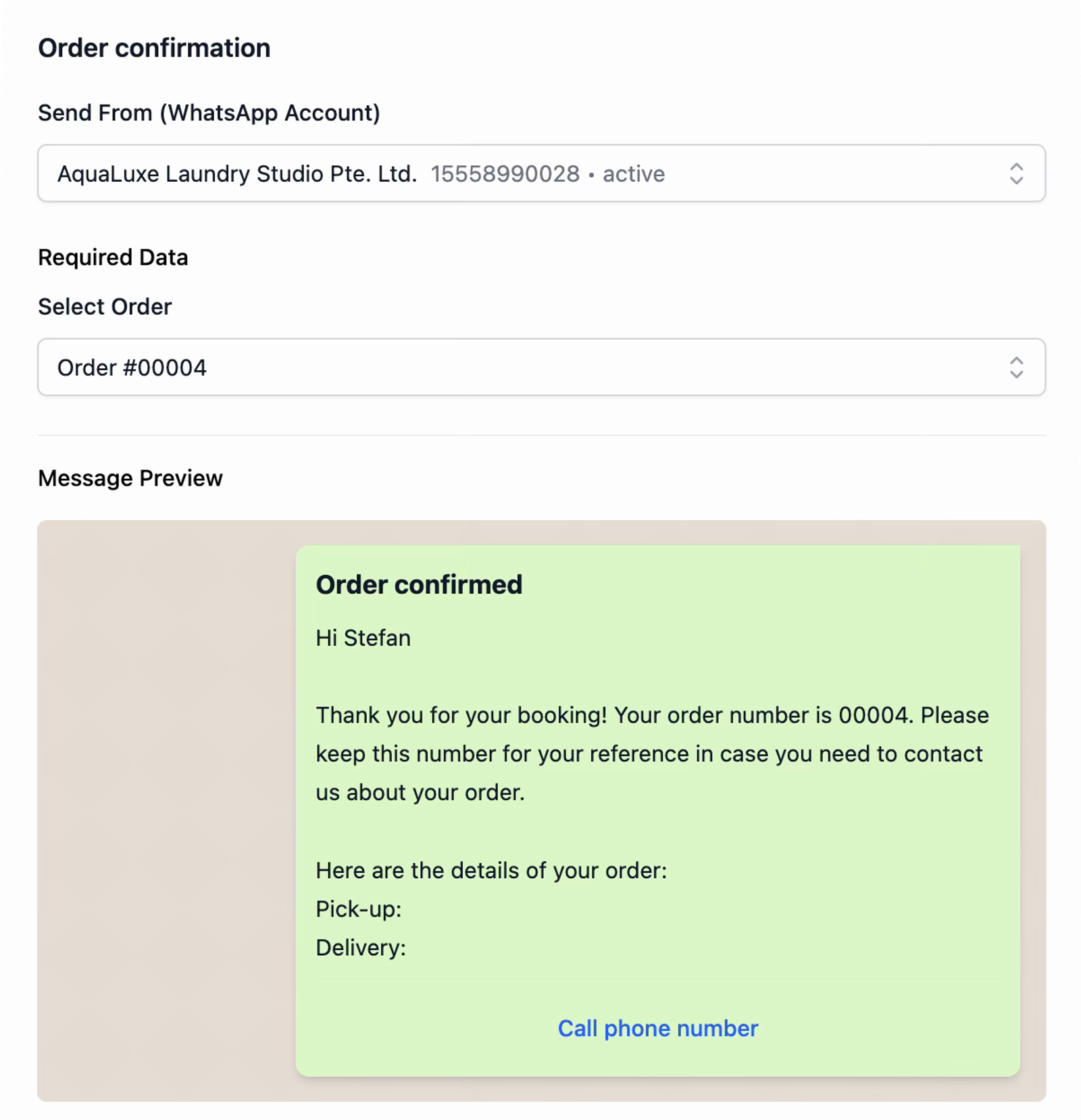
We’ve upgraded the WhatsApp messaging experience to give you total confidence in your customer outreach. We have introduced a refreshed preview layout that allows you to see exactly how your message will appear on the customer's phone before you hit send. This ensures your formatting, tone, and professional image are perfect every time. To support this new workflow, we’ve also optimized the system under the hood, meaning your WhatsApp templates now load significantly faster.
System Reliability
Beyond the new features, we have implemented several general performance improvements and bug fixes across the entire platform. These "under-the-hood" updates are designed to make the console and mobile app more stable, ensuring a smoother experience for you and your staff throughout the day.
Coming Soon
We are already building the next set of features to simplify your workday:
- Barcode Scanner Support: Use your phone camera to scan products for even faster stock updates.
- Delivery & Logistics: A new dedicated page to manage pending deliveries and confirm items during the handover process.
- Interactive WhatsApp Flows: Digital forms for customers to book appointments or sign up directly within the chat.