
Templates Setup
In this chapter
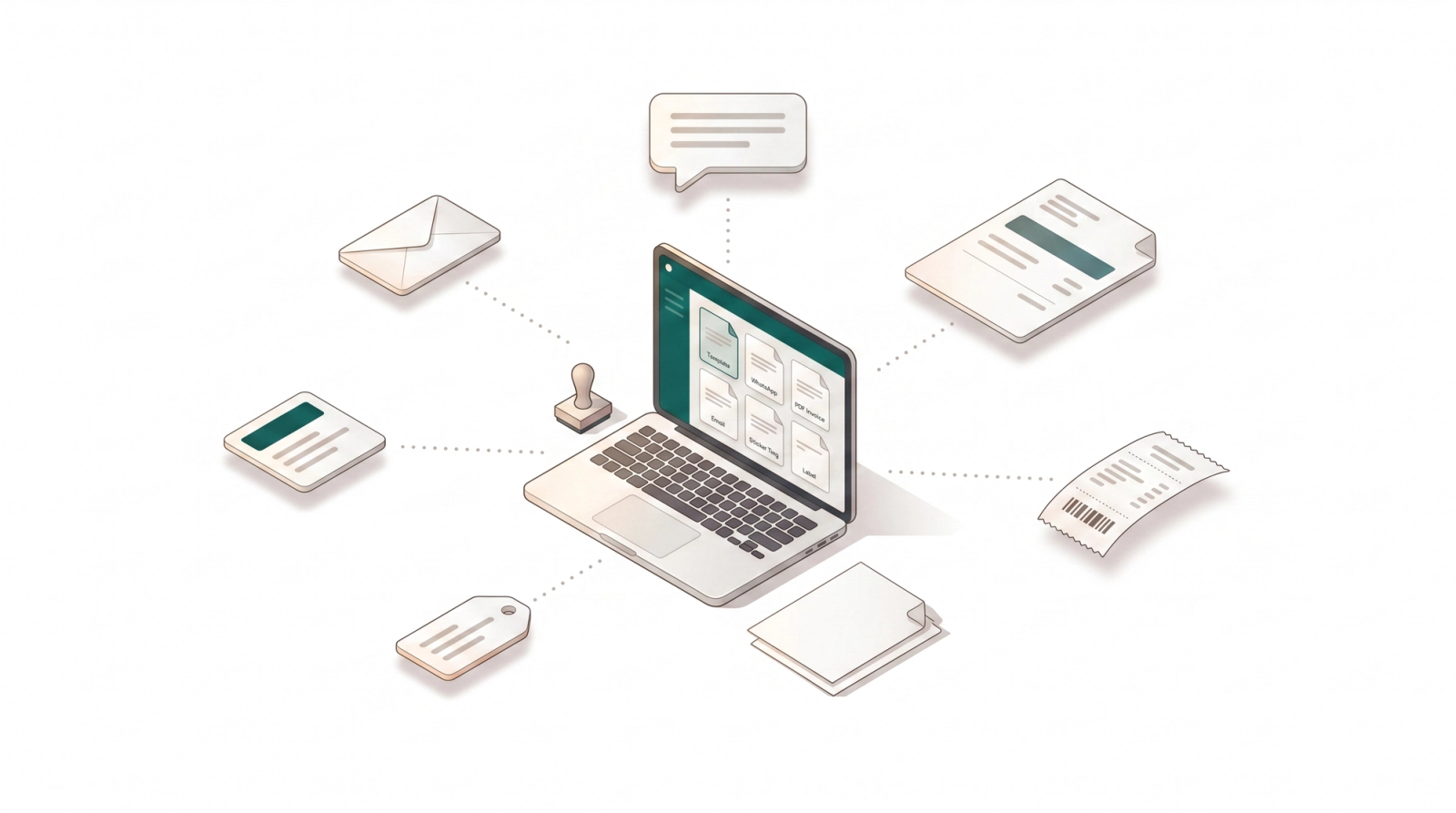
Your business identity, standardized. Templates act as the design blueprints for all your customer communications. Instead of manually formatting every document, use this section to define pre-approved layouts for Physical Labels, Receipts, PDF Invoices, and digital notifications. Set it up once, and ensure every output is professional, consistent, and on-brand.
Articles
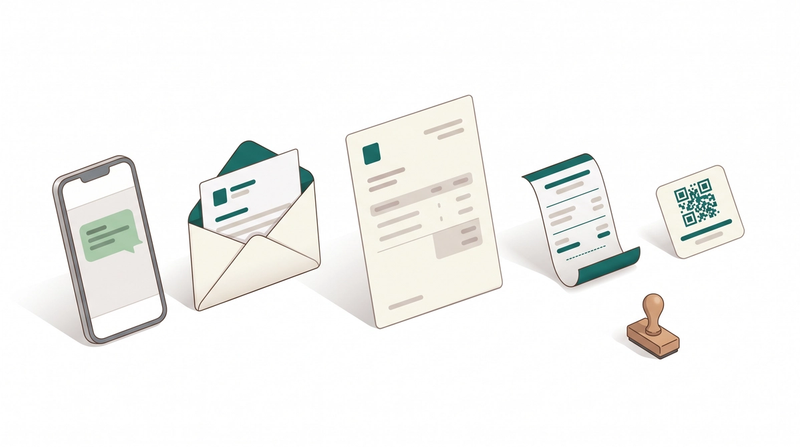
Stop formatting manually. Centralize your designs for invoices, receipts, and messages to ensure every customer interaction is consistent and professional.
Read more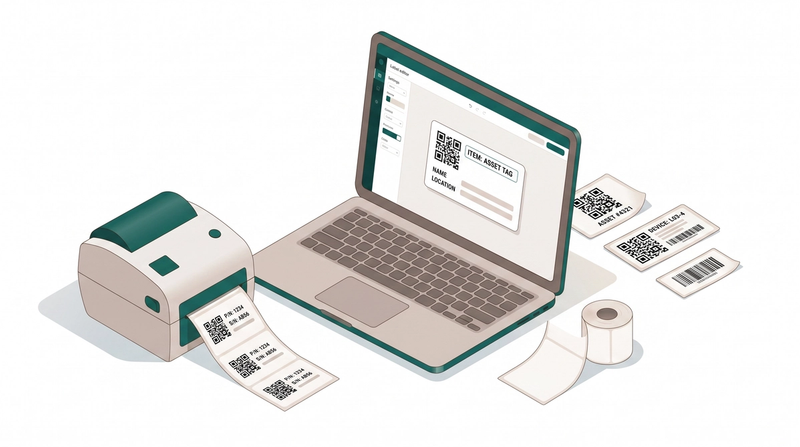
Design custom label tags that match your workflow. Ensure items are easy to track with scannable QR codes and clear service instructions.
Read more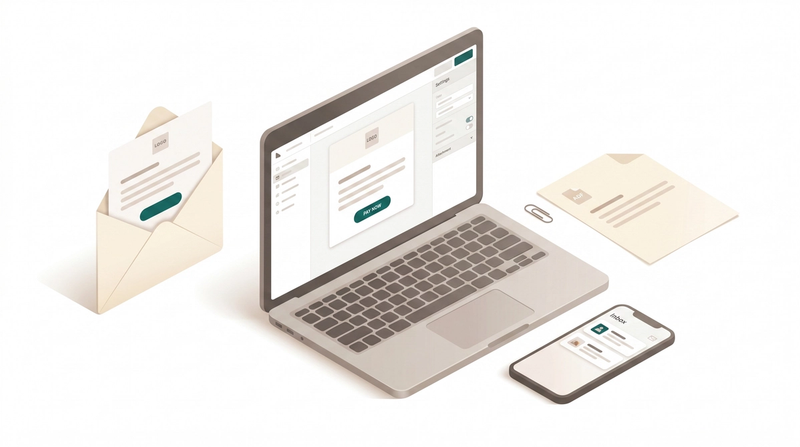
Streamline your customer communication with customizable, on-brand email templates for every notification.
Read more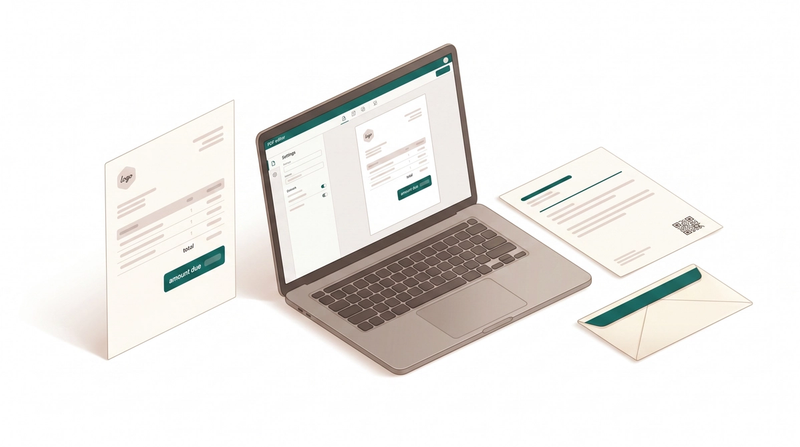
Customize the layout, branding, and details of your digital invoices and receipts to leave a lasting impression.
Read more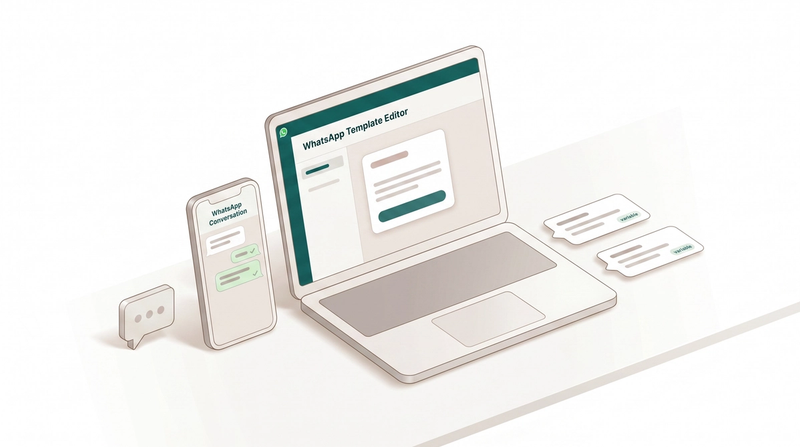
Stop typing the same messages manually. Learn how to create automated WhatsApp templates for orders, payments, and delivery updates.
Read more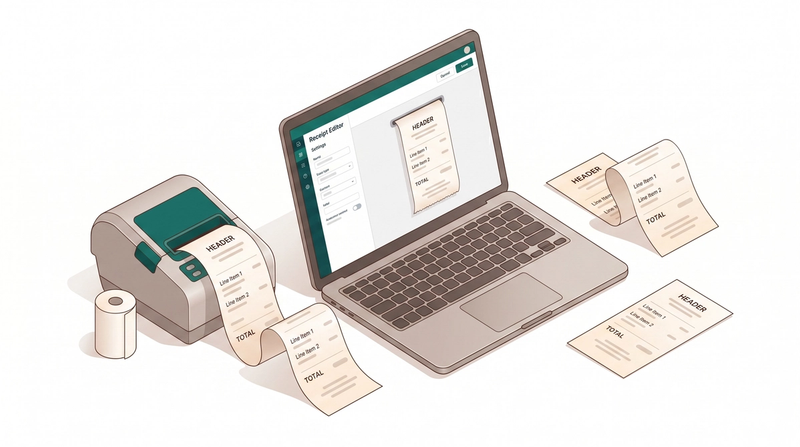
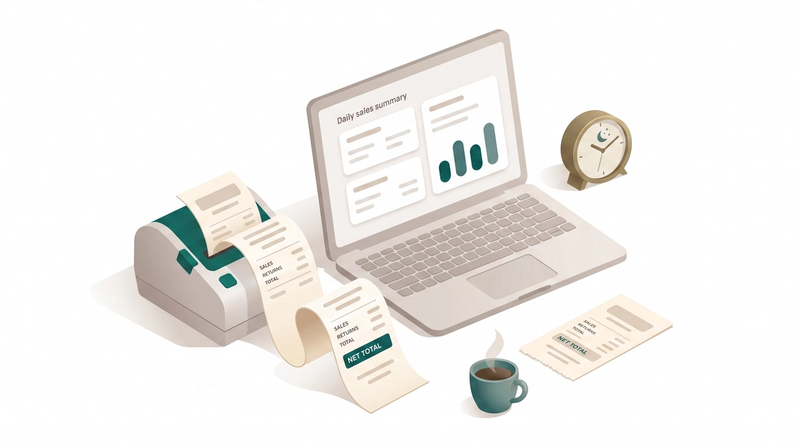
Create and publish the receipt template that powers your end-of-day sales summary.
Read more