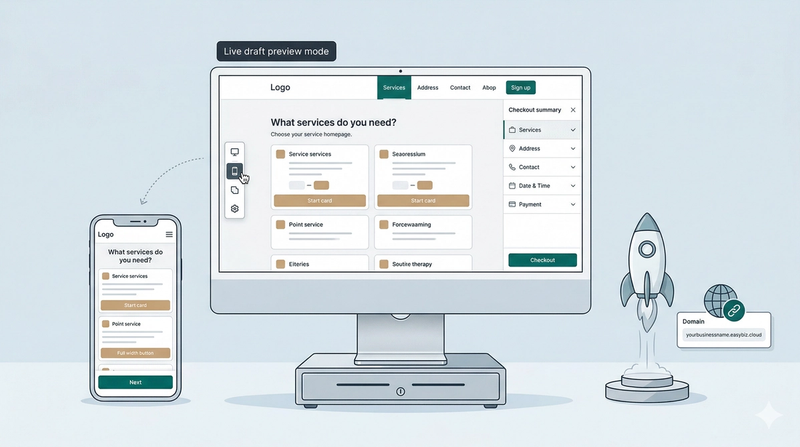
Online Store
In this chapter
The Online Store is your 24/7 digital assistant. It bridges the gap between a customer viewing your services and that customer appearing as a ready-to-work order in your system.
Articles
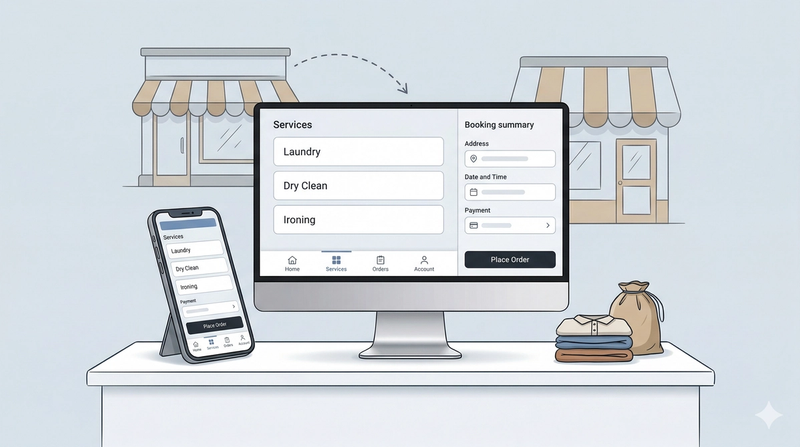
The Online Store is your digital storefront. It allows your customers to view your services and book appointments or place orders directly from their computer or phone.
Read more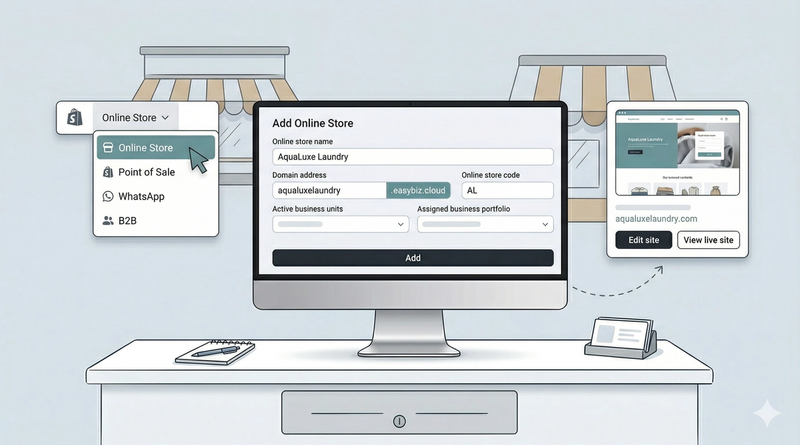
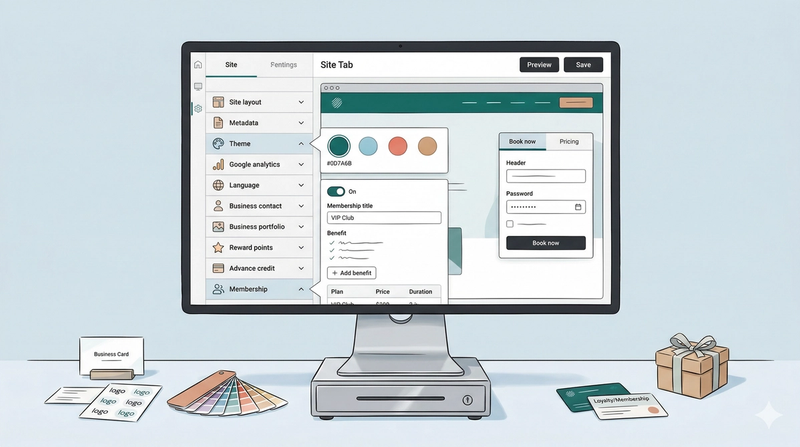
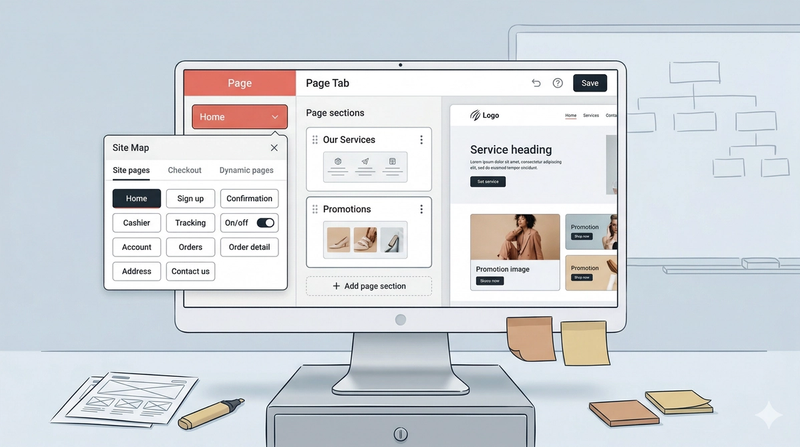
Create your digital storefront to automate customer interactions and connect your services to the web.
Read more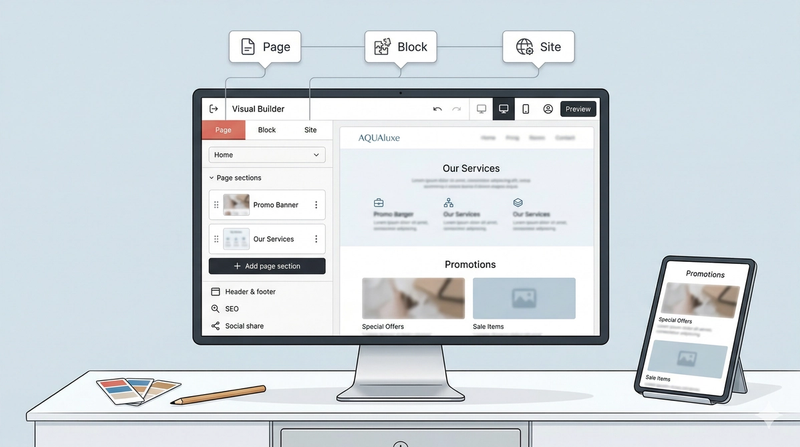
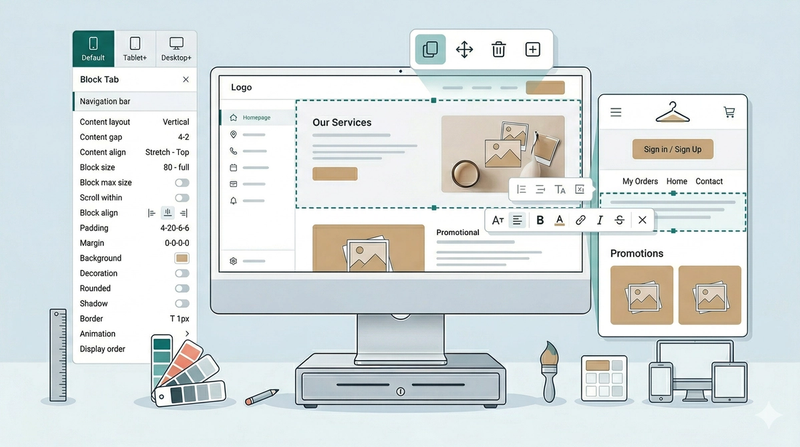
The Block Tab is where you customize the specific elements of your website. Similar to how you would format a slide in PowerPoint, this tab allows you to adjust font styles, change colors, swap images, and control the layout of individual pieces of content.
Read more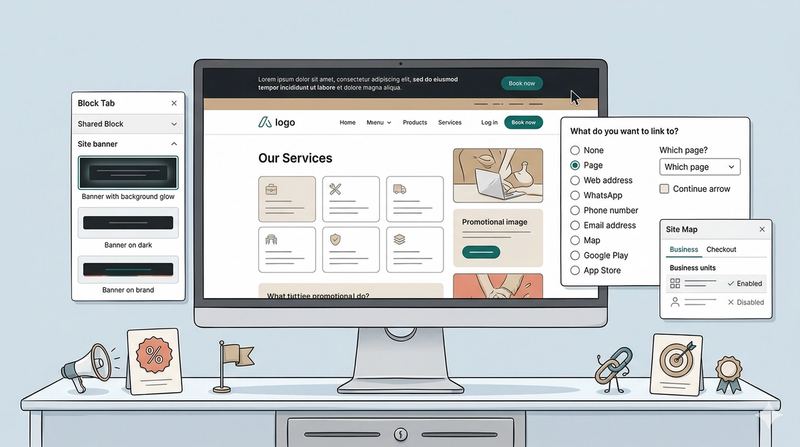
The Site Banner is a specialized block designed for important announcements.
Read more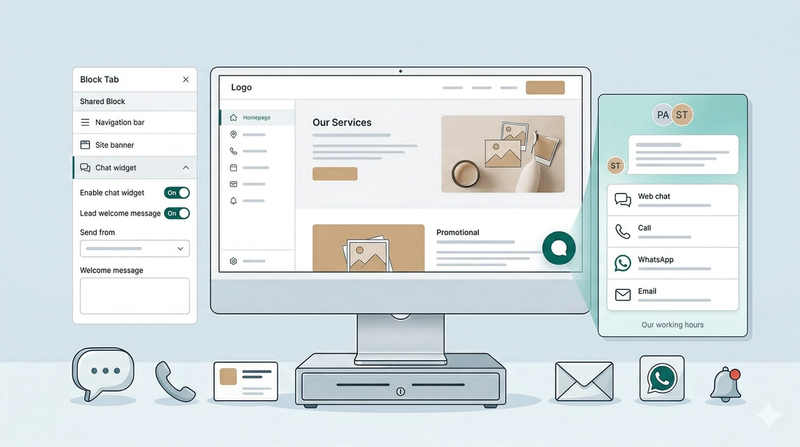
The Chat Widget is a communication tool that allows you to converse directly with your customers.
Read more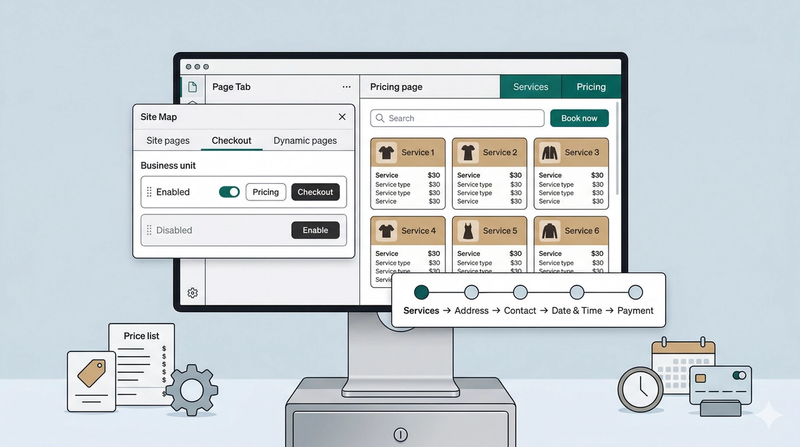
The booking system is the heart of your website. It allows visitors to browse your "menu" of services and officially book your time and expertise.
Read more