
Custom Fields
In this chapter
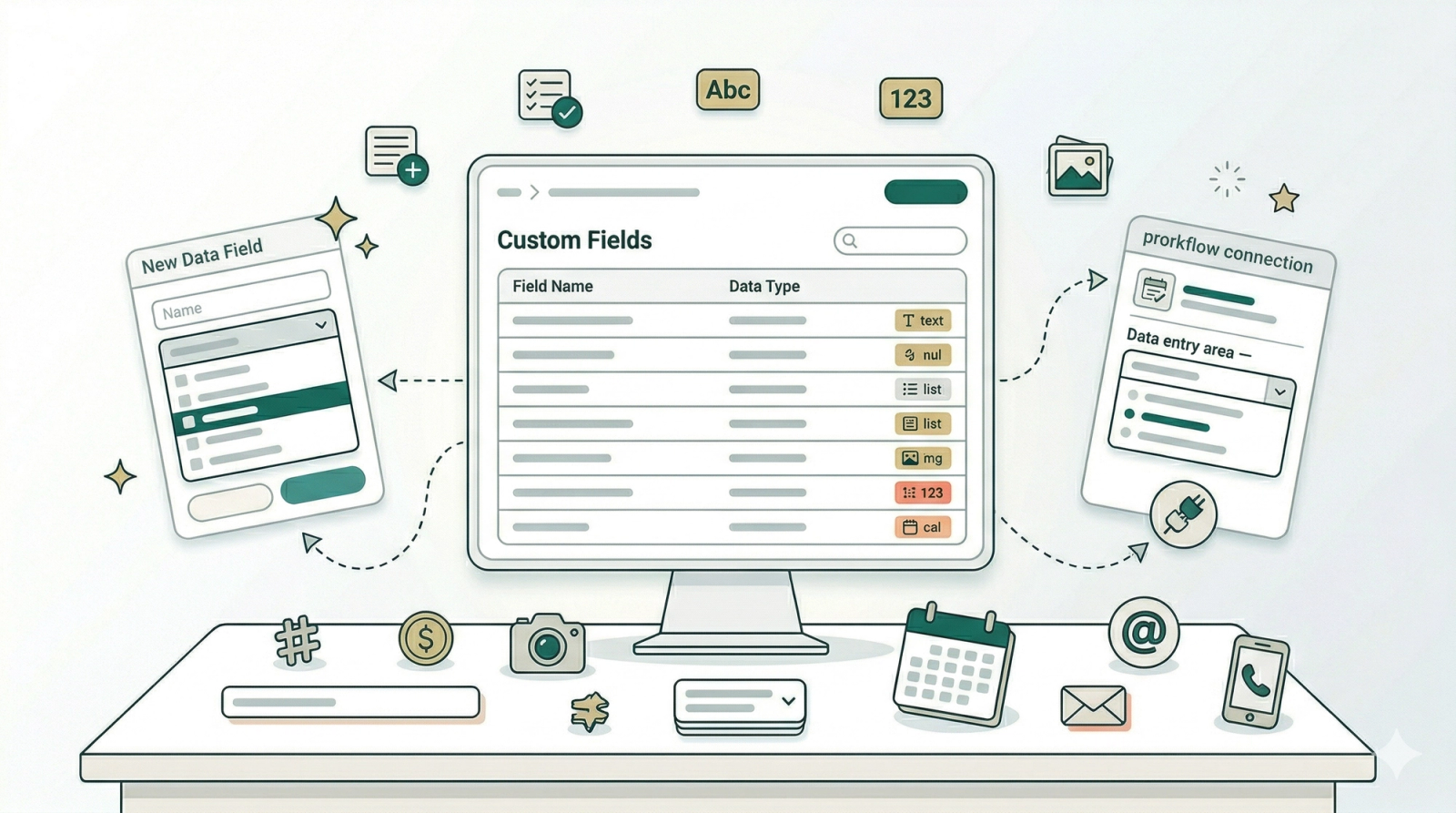
Custom Fields let you build the exact forms your business needs. Instead of using generic, one-size-fits-all fields, you create your own — things like bag brand, repair type, damage description, or before-and-after photos. Once created, these fields can be attached to any workflow in your Business Process Management setup, so your team always captures the right information at the right time. Start with the introduction to understand what's available, then follow the configuration guide to set them up.
Articles

Capture the right information at every step — learn what data fields are, which types are available, and how they fit into your workflows.
Read more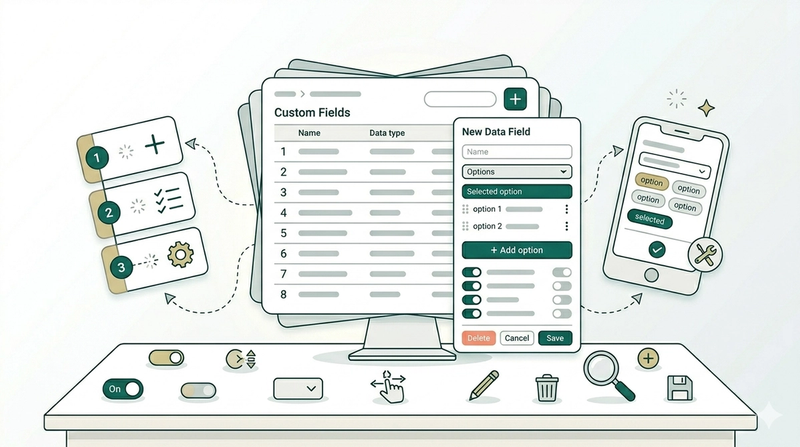
Start building your business forms — add data fields, configure options, and manage everything from one page in the Console.
Read more