
Order Management
In this chapter
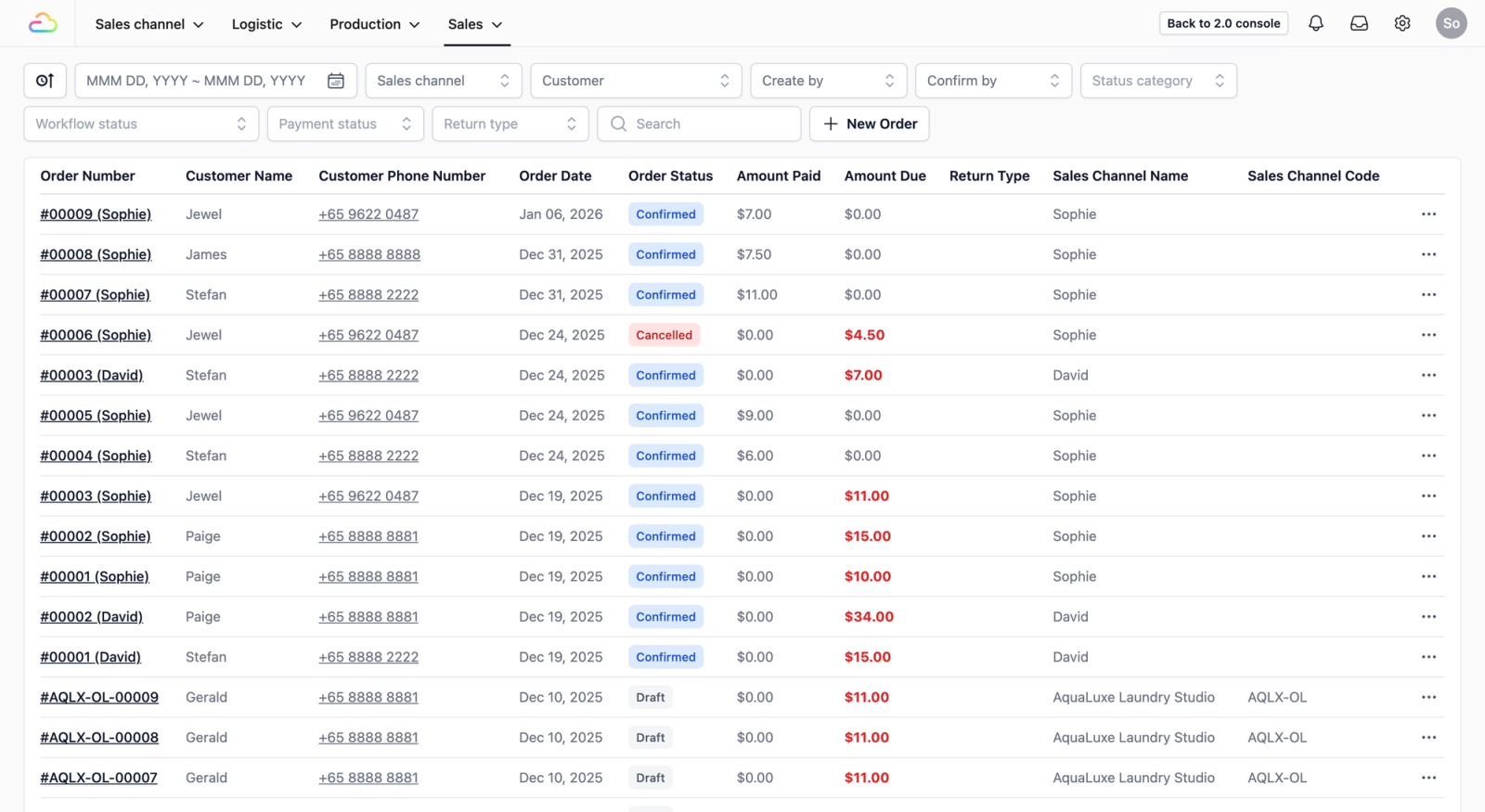
When a customer places an order, your team needs to know what steps to follow and where that order is at any given time. This section walks you through how to set up the order process in EasyBiz — from defining the steps your team follows when creating an order, to tracking its progress all the way to completion.
Articles

Learn what Order Management is and how it helps you track every order from start to finish.
Read more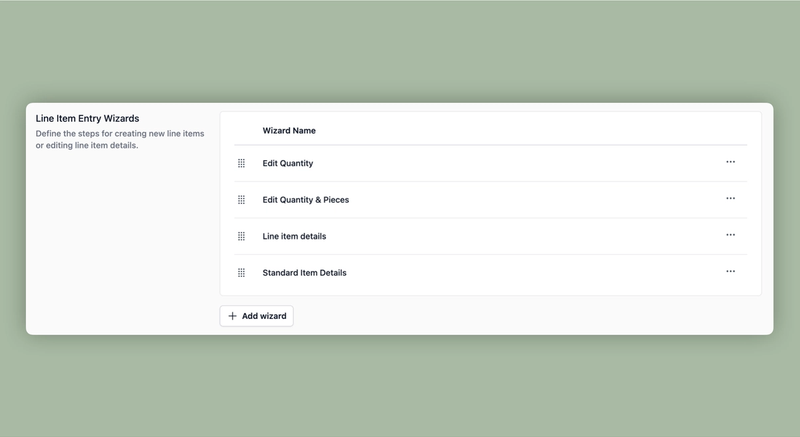
Define what information your team fills in when adding an item to an order.
Read more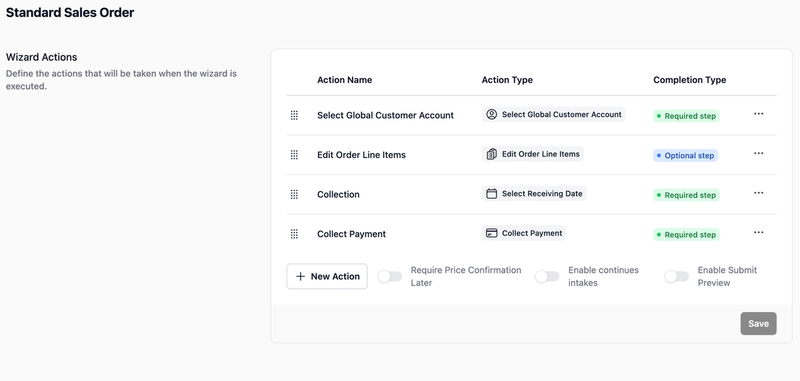
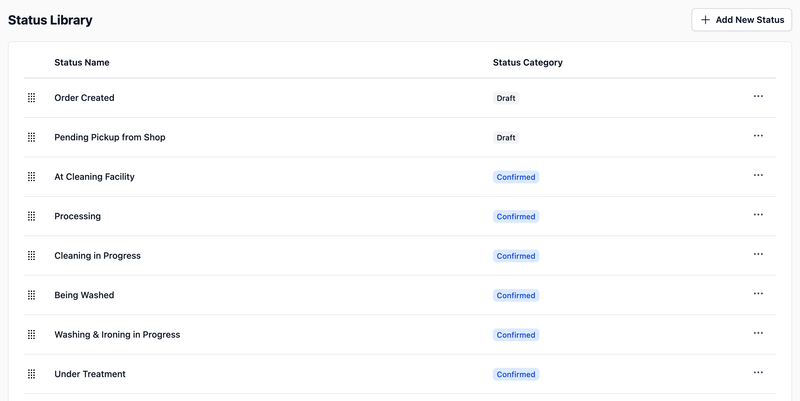
Define the stages your orders go through, from the moment they come in to when they are completed.
Read more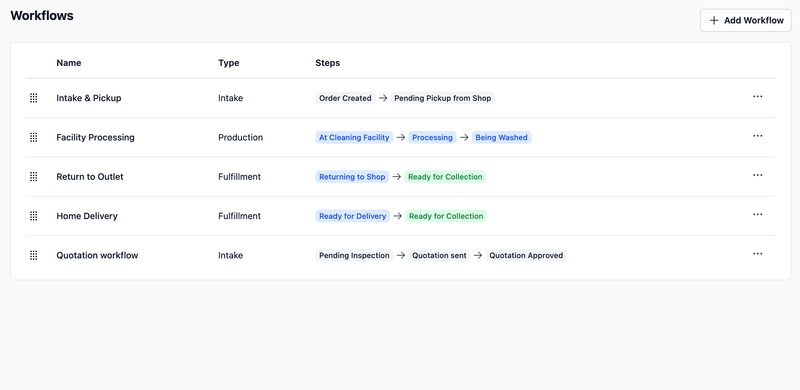
Build the step-by-step process your orders follow as they move through your business.
Read more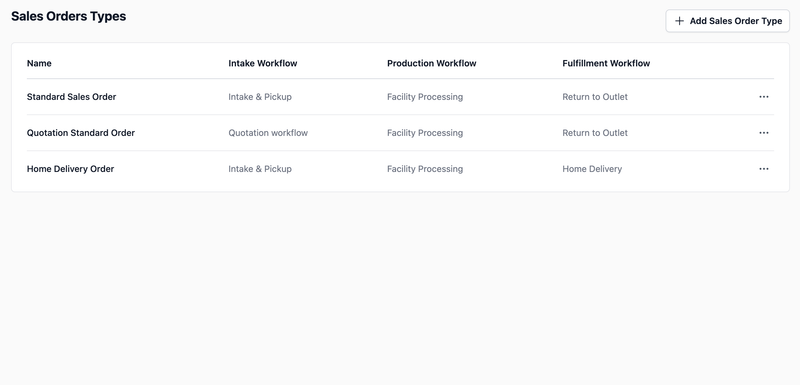
Link your workflows together to create a complete order process for each type of service you offer.
Read more