
Bookings
In this chapter
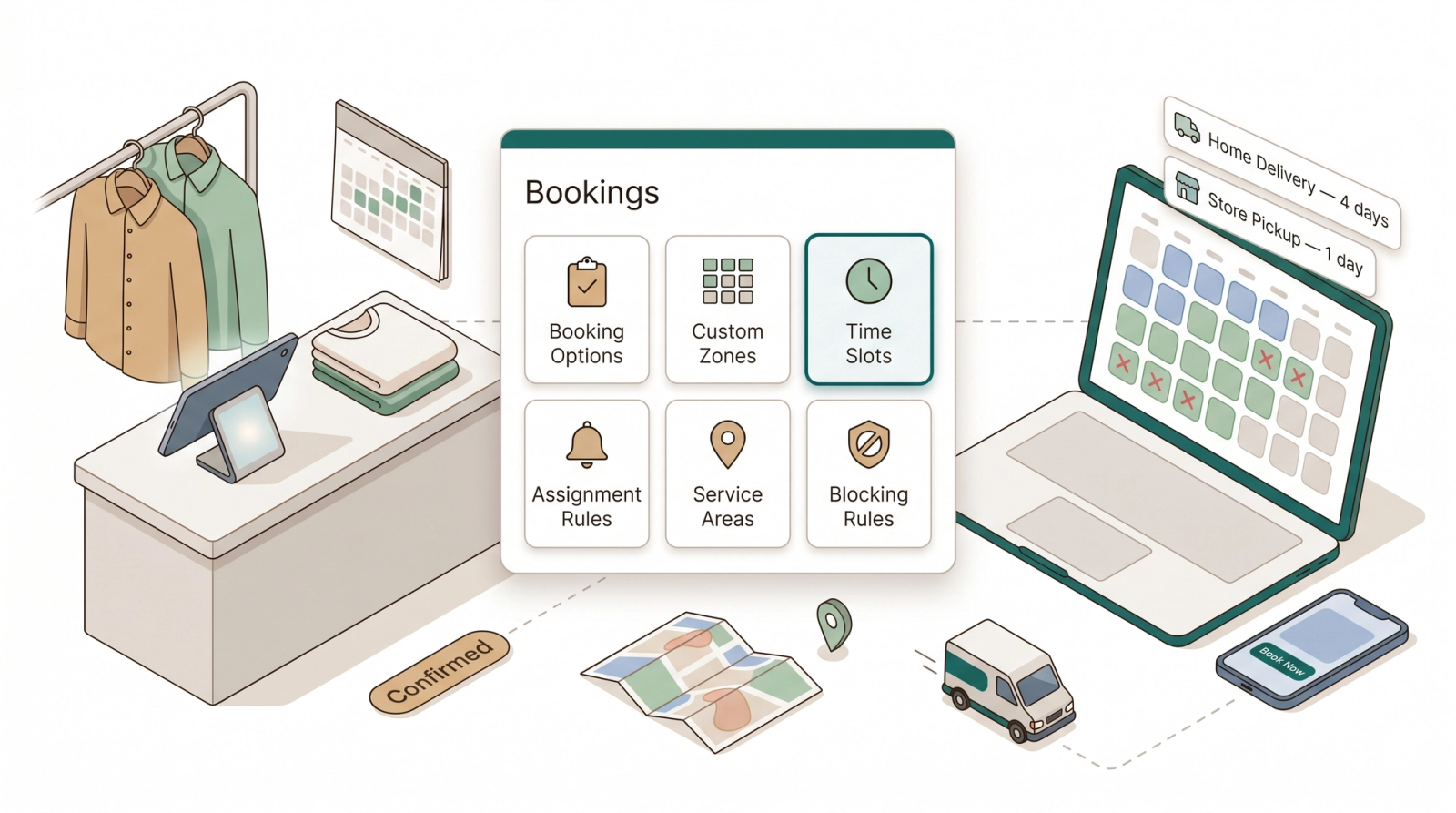
The Bookings area is where you tell EasyBiz when and where your services are available. Set up your booking options, draw your service zones, add time slots, and let the system auto-assign drivers and block out holidays. Every rule here flows directly into what customers see on your online store, mini-apps, and POS collection-date picker.
Articles
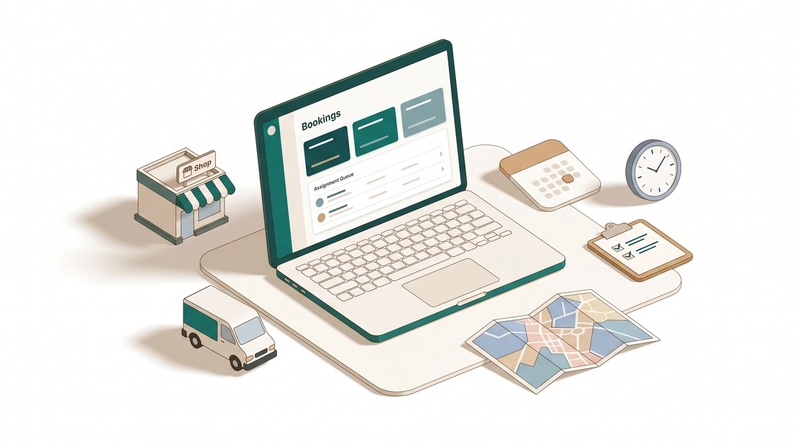
Learn what the Bookings setup does, in what order to build it, and what each setting controls so your calendar never overbooks.
Read more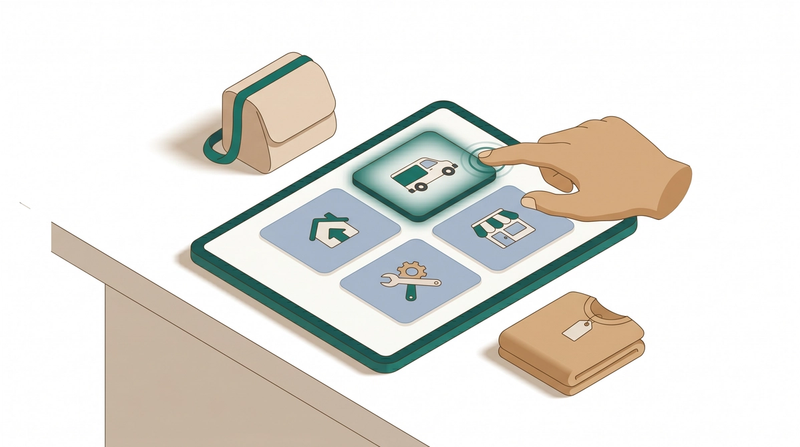
Build the service choices your customer sees at checkout, from a standard pickup to an express delivery.
Read more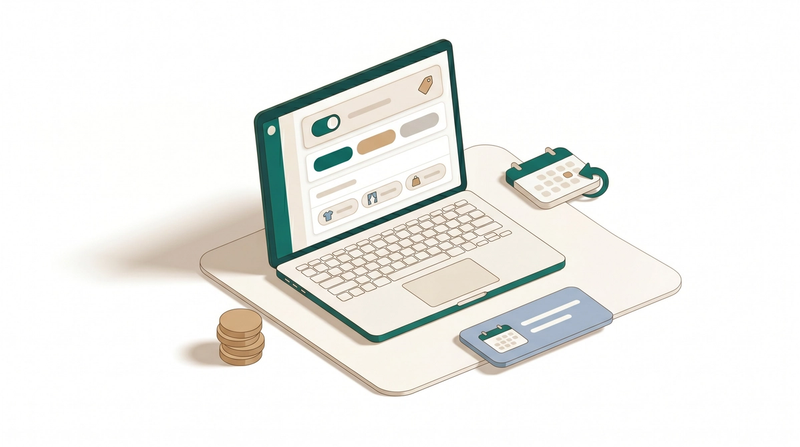
Add a surcharge, limit which sales channels or services can use this option, and control whether customers can reschedule.
Read more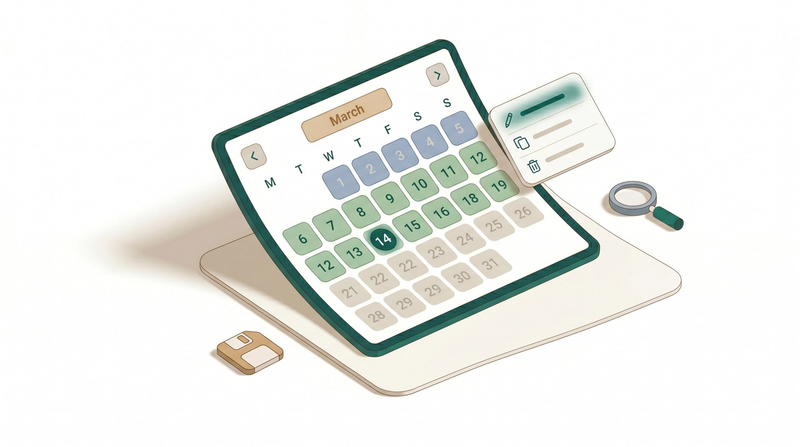
Once your booking option is configured, here is how to save it, check that the calendar looks right, and manage it after it goes live.
Read more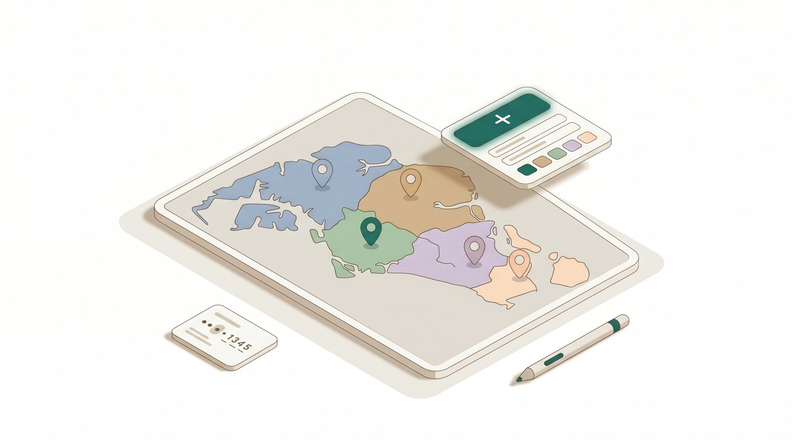
Group your city into named zones so you can set delivery rules, fees, and driver assignments by area instead of one by one.
Read more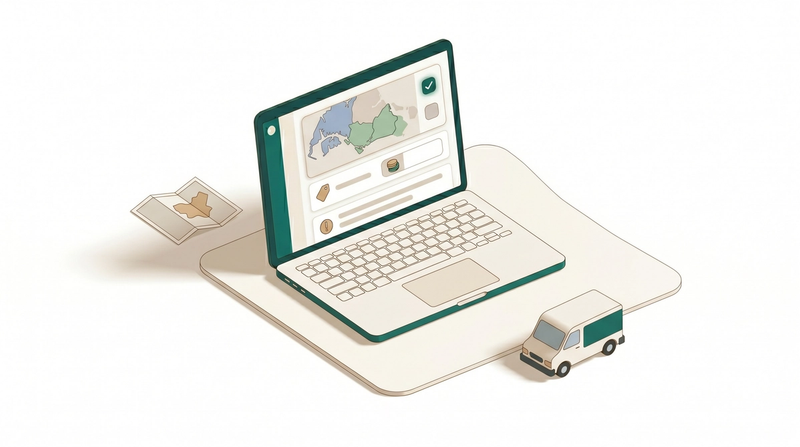
Tell each business unit which zones it covers, what the minimum order is, and what customers outside your area see.
Read more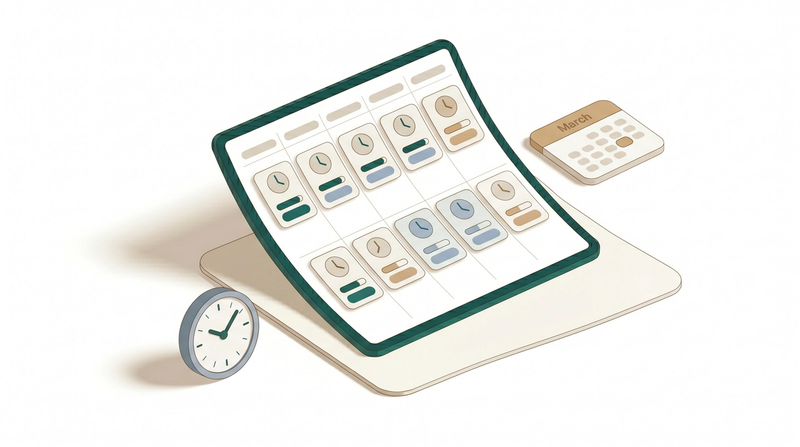
Set the exact time windows customers can pick at checkout, with optional daily caps and area limits.
Read more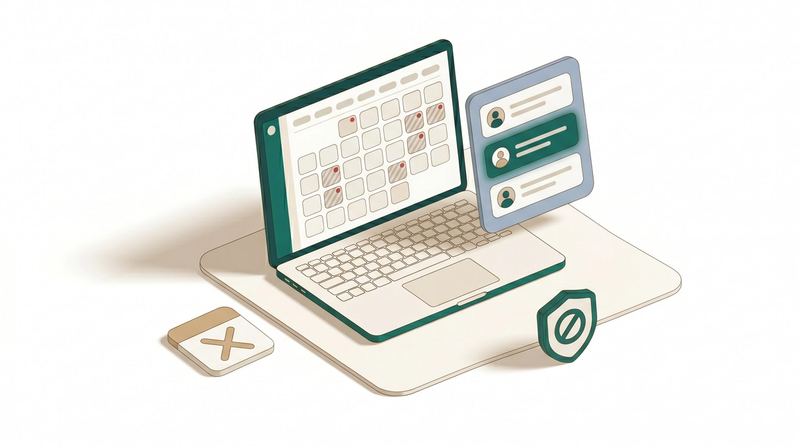
Prevent unwanted bookings by blocking specific dates or customers based on your operational needs.
Read more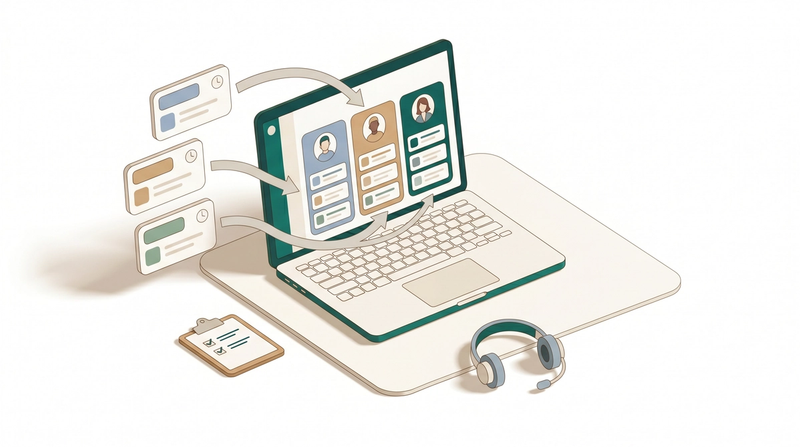
Skip manual dispatch. Send each new booking to the right driver or team automatically based on area, day, time, or business unit.
Read more