
Inventory Management
In this chapter
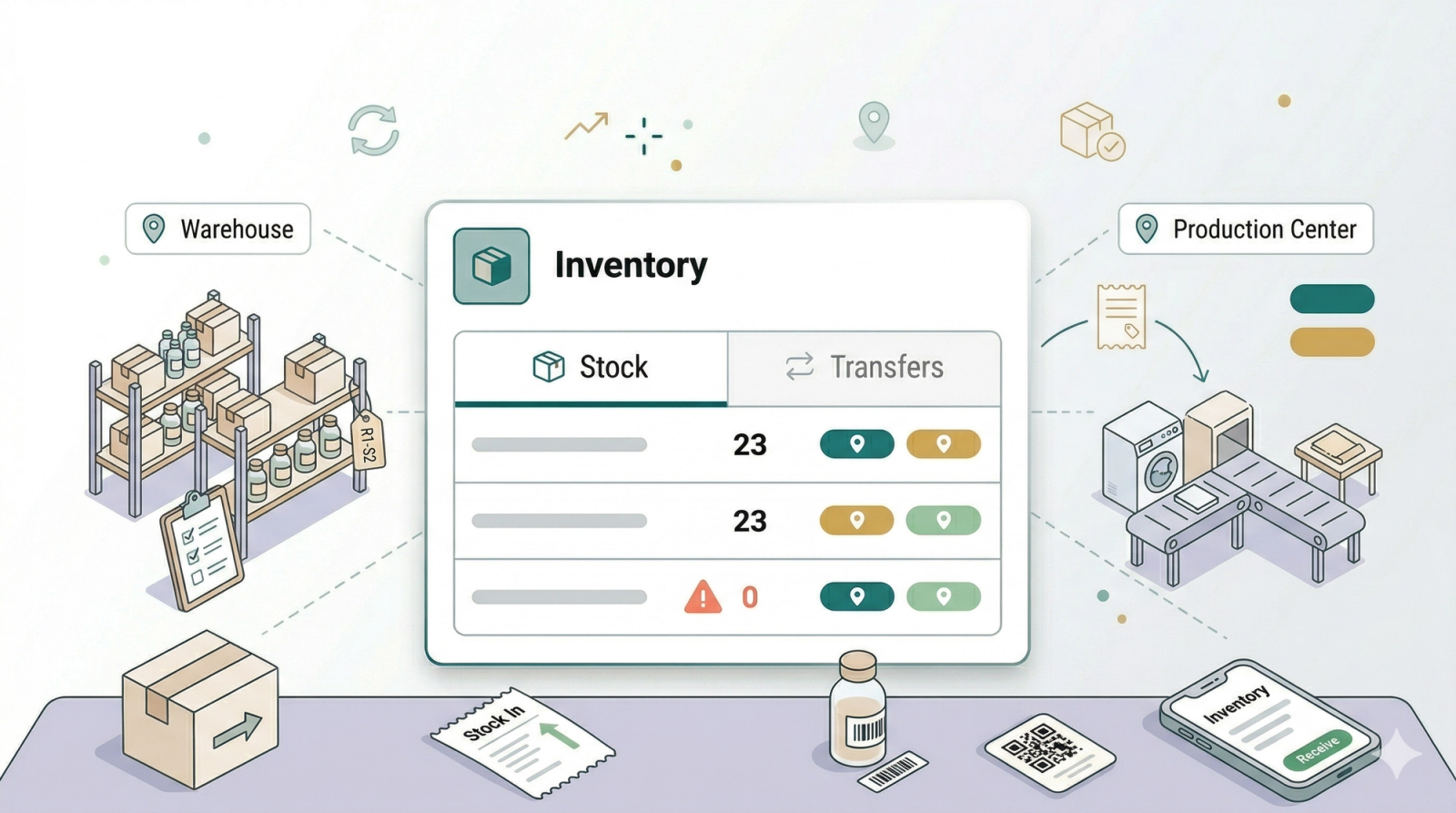
Inventory Management helps you organise storage areas, production centers, retail stock, and stock movements in EasyBiz. Use Locations settings when you need to name the places your team works from or stores items in. Use the Inventory page when you need to check retail product stock, add stock, remove stock, or send stock between locations. This category is best for shop owners who sell physical products, manage supplies, or operate more than one outlet or production center.
Articles
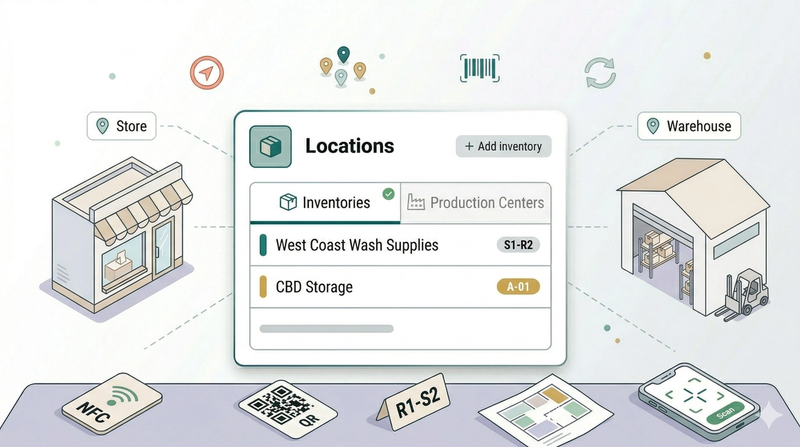
Know which locations to create before your team starts storing items, routing work, or tracking stock.
Read more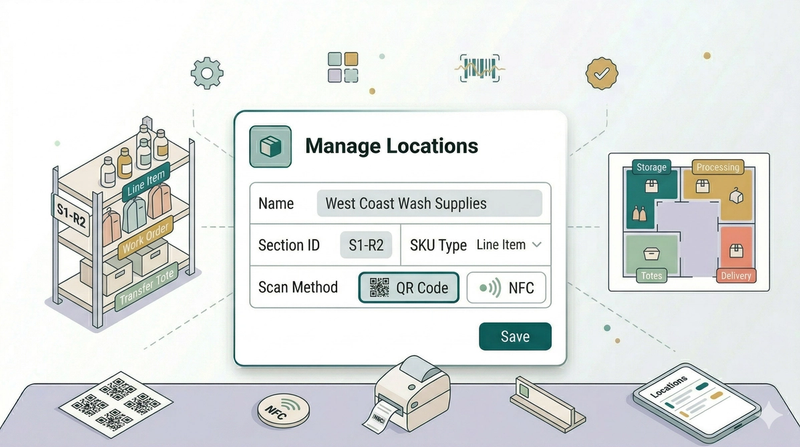
Create storage areas and sections so your team can recognise where items belong.
Read more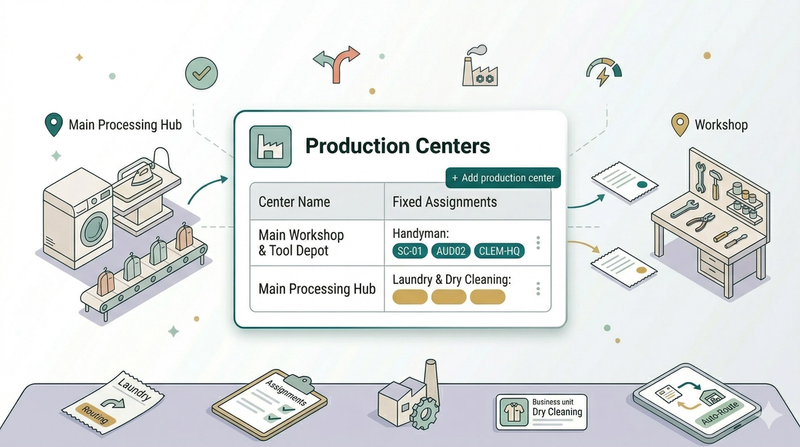
Create production centers so EasyBiz knows where different types of work should be handled.
Read more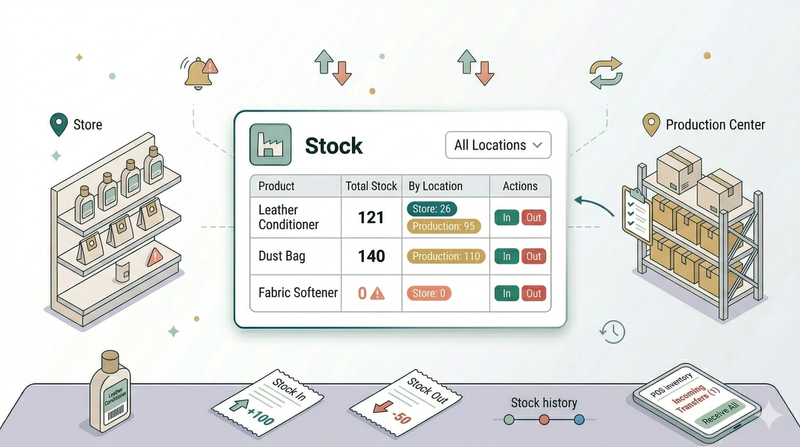
See what stock you have, where it sits, and when your team needs to add, remove, or transfer it.
Read more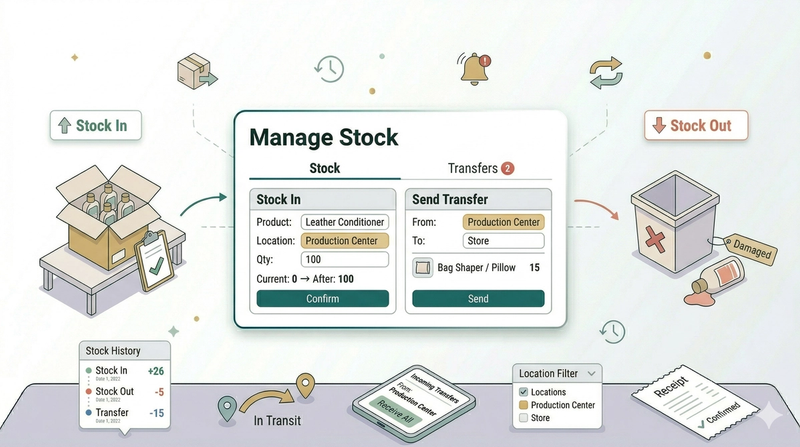
Record stock in, stock out, transfers, history, filters, and exports from the Inventory page.
Read more