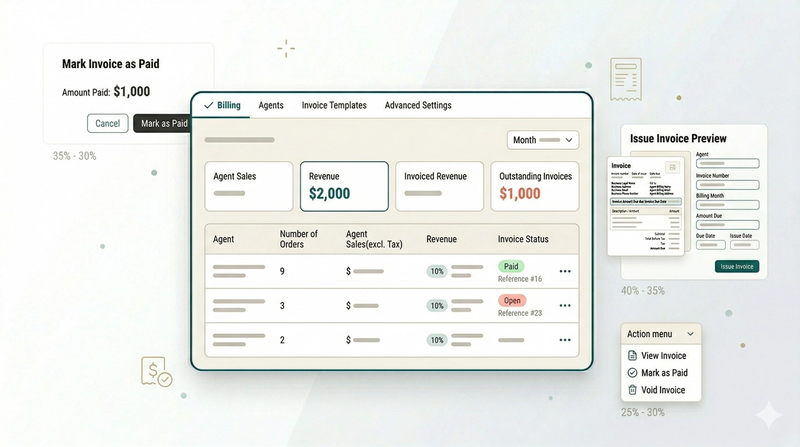
B2B Operations
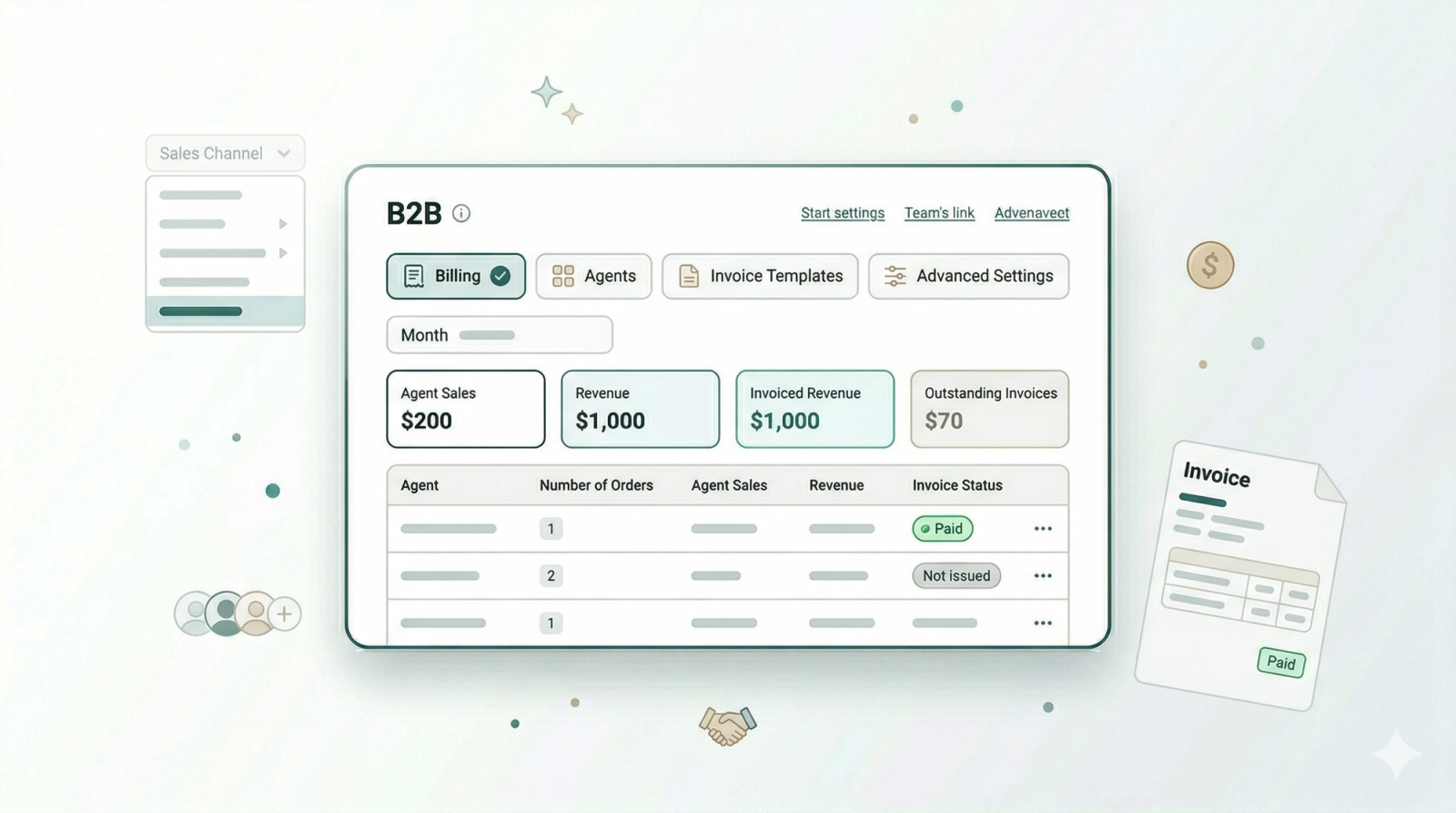
In this chapter
This section walks you through setting up B2B in EasyBiz step by step. You will learn how to add the people and partners you work with, organise them, set their rates, track the orders they bring in, and pay them.
Articles
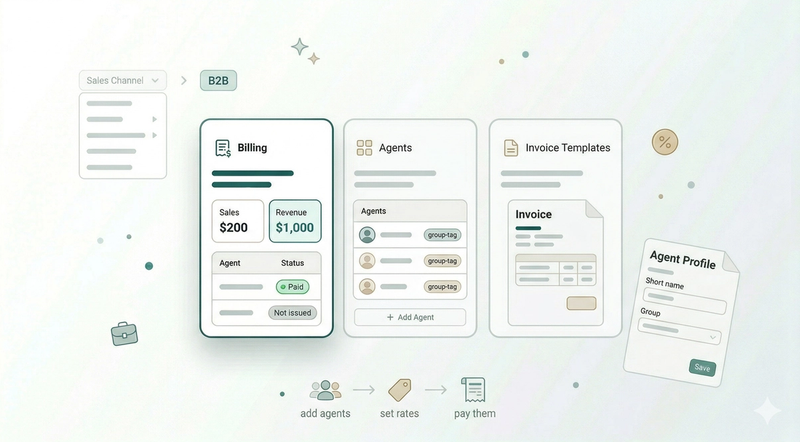
Learn what B2B is and how it helps you manage and pay the partners who bring orders to your business.
Read more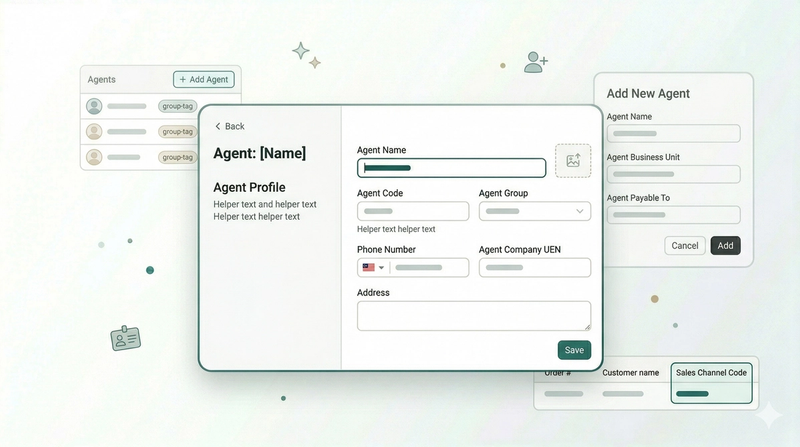
Add the people and partners who bring orders to your business and set up their profiles.
Read more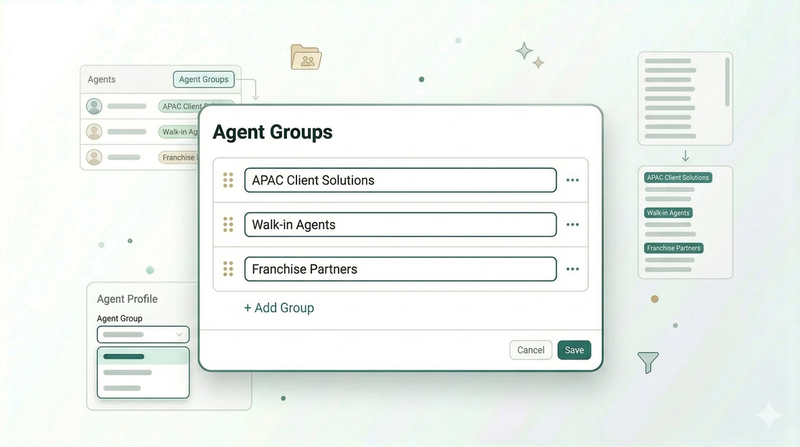
Organise your agents into groups so your team can find the right one quickly
Read more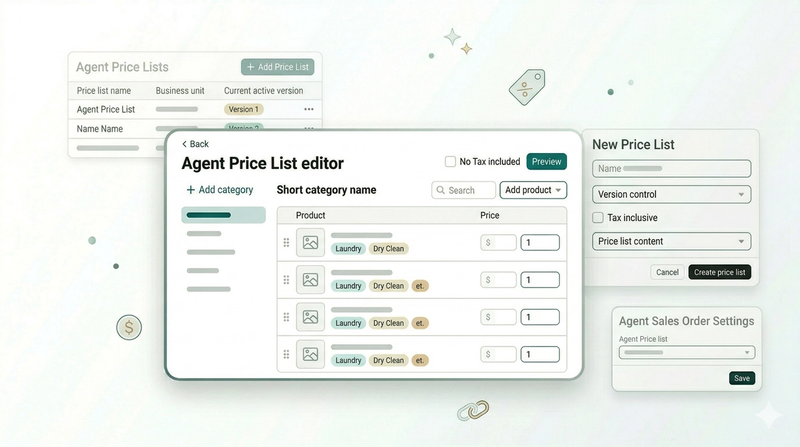
Set up the pricing for your agents so every order is billed at the right rate automatically.
Read more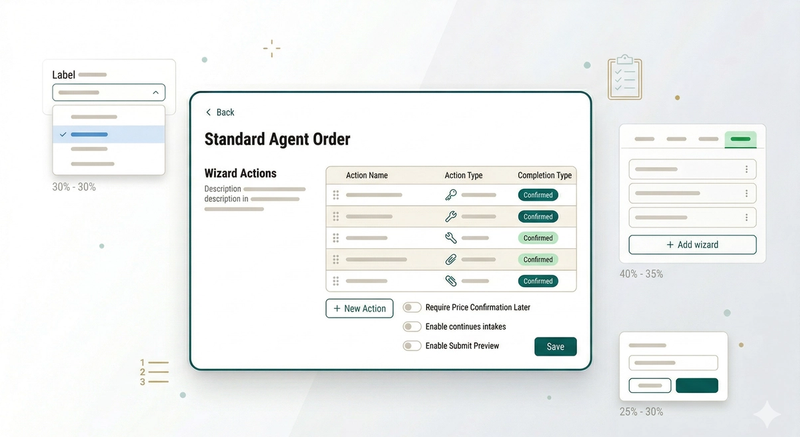
Set up the steps your team or agents follow when creating an order, so every order comes in with the right information.
Read more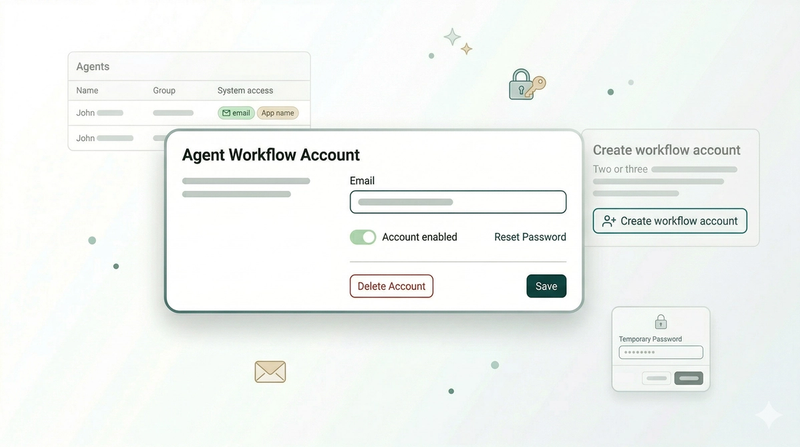
Give your agents their own login so they can create orders and access the mobile app.
Read more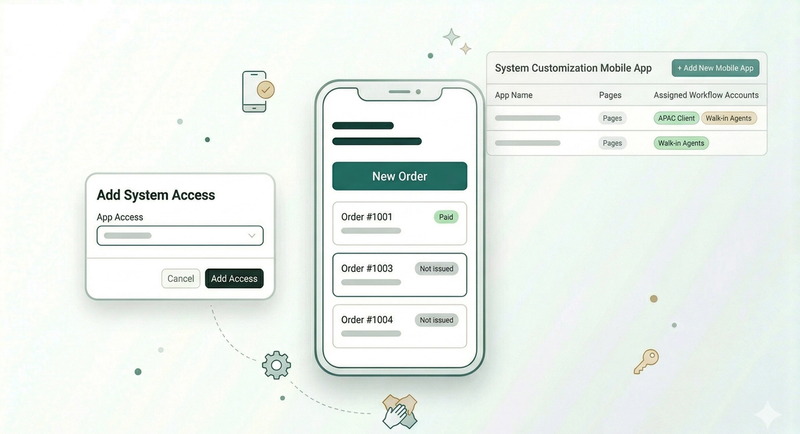
Create an app for your agents so they can manage their customers and create orders from their phone.
Read more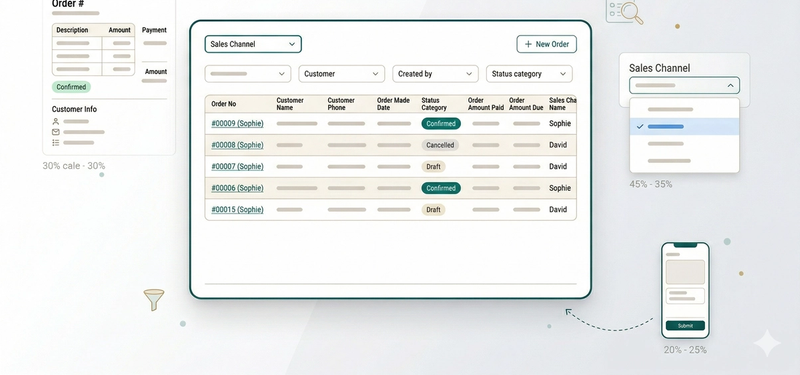
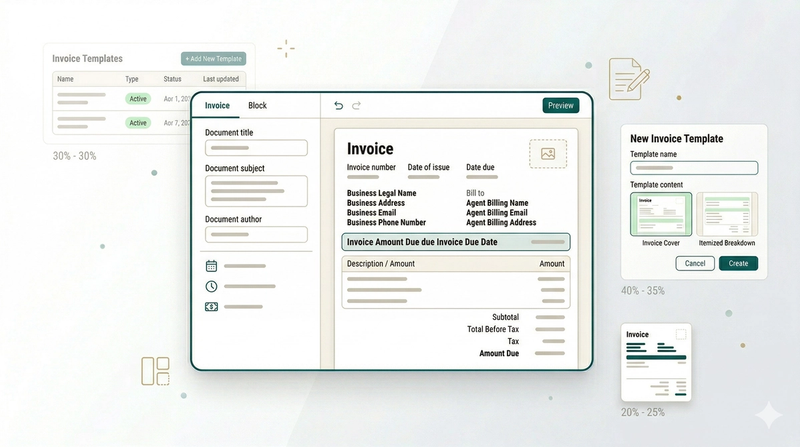
Create and customise the invoices you send to your agents so they clearly show what they are being paid for.
Read more