
Introduction to B2B
In this article
If your business works with partners who help bring in orders — whether they are collection points, referral partners, or even your own staff — B2B helps you manage them all in one place. This guide explains what B2B is in EasyBiz, how it helps you track what each partner brings in, and where to find everything you need to get started.
Contents
Contents
What is B2B?
B2B stands for "Business-to-Business." In EasyBiz, we use the word Agent to refer to anyone who helps bring orders to your business. This could be a collection partner, a referral source, or even your own staff. It depends on how your business works.
Instead of them paying you, you are often the one paying them for the orders they bring in. By adding your agents into EasyBiz, you can track exactly how many orders each agent brings in and make sure they are paid the right amount.
How the B2B System Helps Your Business
The B2B module helps you manage your agents and stay on top of what you owe:
- Organised Payouts: Track exactly how many orders each agent brings in so you can pay them correctly.
- Custom Rates: Set specific pricing or commission rates for each agent, so you don't have to calculate manually every time.
- Professional Invoices: Generate invoice covers and itemised breakdowns to show your agents exactly what they are being paid for.
- Easy Tracking: Your plant workers can tag orders to the right agent when they come in, so every order is accounted for.
Navigating the B2B Page
To get to the B2B page:
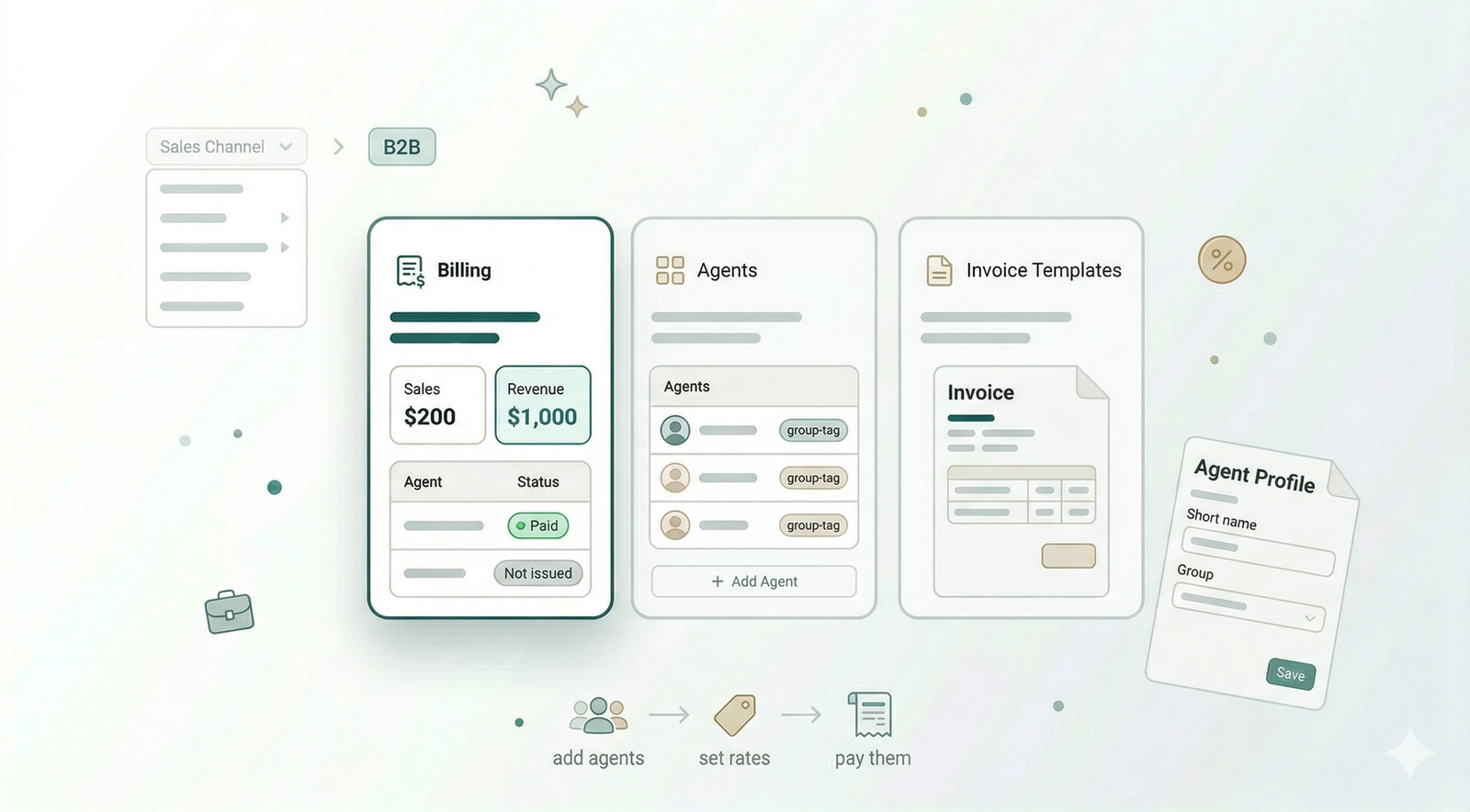
- Click on Sales channel from the top navigation bar and select B2B from the menu.

The Three Main Tabs in B2B
There are three main tabs we will use to help you get started.
- Billing: This is the first tab you see. Use this to track how many orders each agent brings in and how much revenue they are generating. This is where you prepare the final invoices to settle payments with them.

- Agents: This is where you manage your list of agents. You can add new agents and organise them into groups. This is useful if you have many agents and want to make it easier for your team to find the right one.

- Invoice Templates: This is where you customise the look of the payment documents you send to your agents. You can change the Invoice Cover or the Itemized Breakdown here.

What's Next
Now that you know how B2B works in EasyBiz, continue to [Add an Agent] to register your first business customer in the system.
Give feedback
Up next
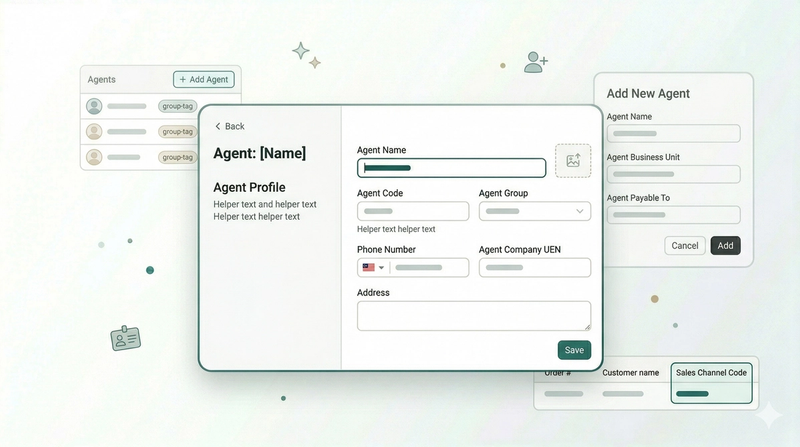
Add an AgentAdd the people and partners who bring orders to your business and set up their profiles.
Read more