
Auto Reply Rules
In this chapter
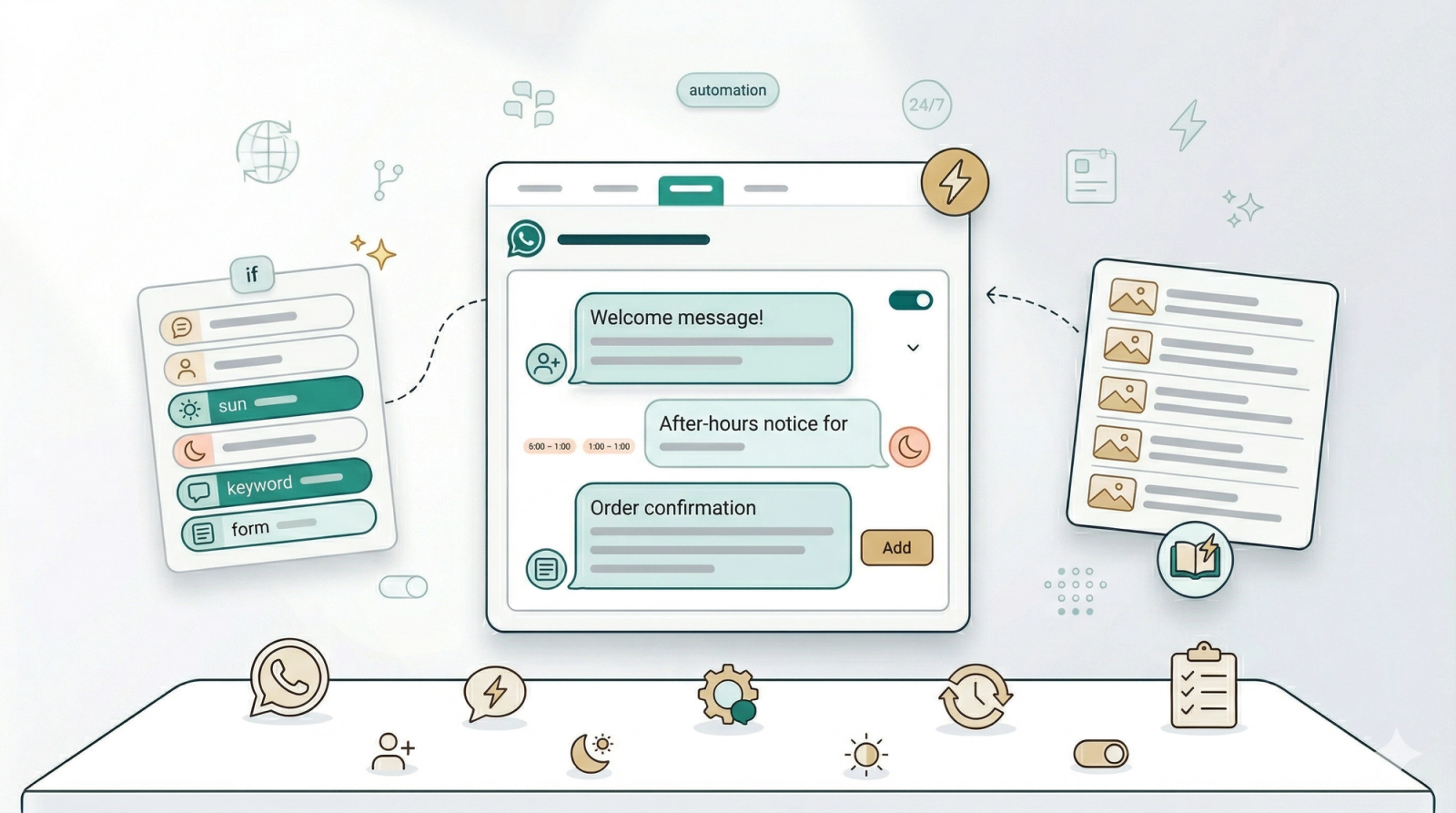
Auto Reply Rules let you set up automatic WhatsApp responses that trigger based on what your customers do — whether they message for the first time, send a keyword like "price", book a pickup through your Mini App, or contact you after hours. Once set up, your WhatsApp replies itself. Your customers always get an instant, professional response, and your team can focus on the work.
Articles
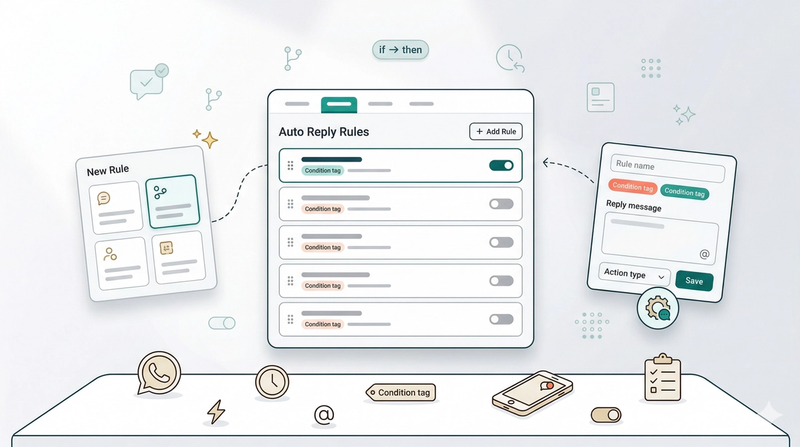
Automatically respond to your customers on WhatsApp the moment they message — even when your team is busy or the shop is closed.
Read more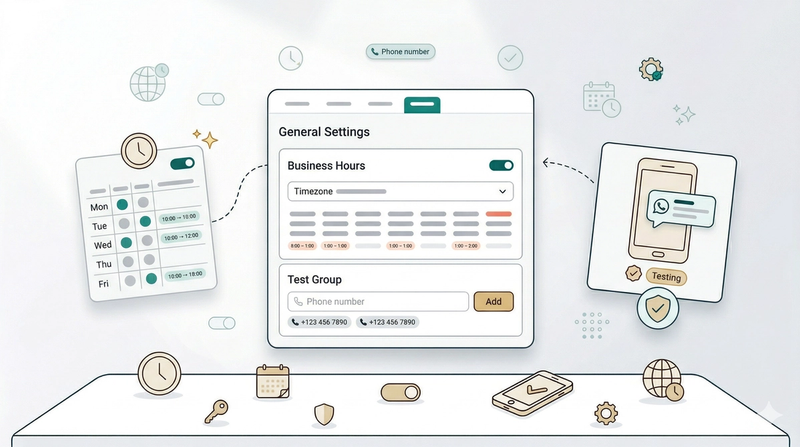
Set your business hours and test numbers — two essential settings that control when your auto replies fire and who receives them during testing.
Read more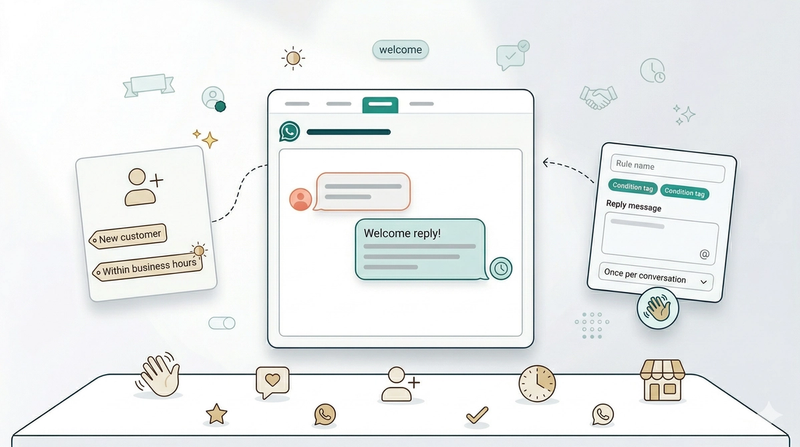
Greet first-time customers instantly — send an automatic welcome message the moment someone new messages your business during opening hours.
Read more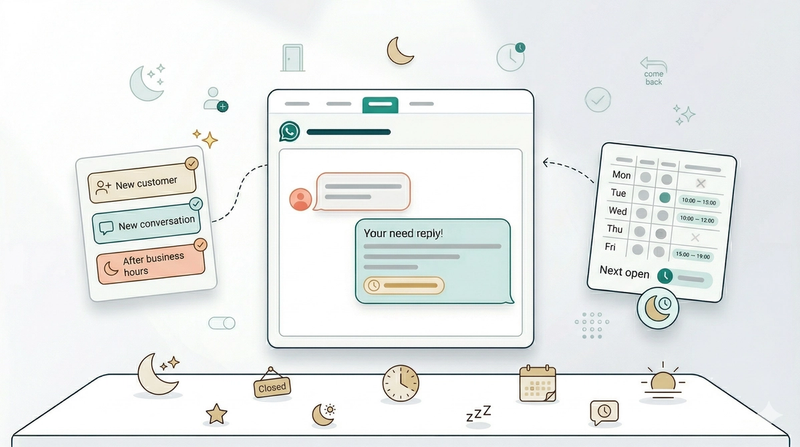
Don't leave new customers waiting — send an automatic after-hours welcome that tells them exactly when you'll be back.
Read more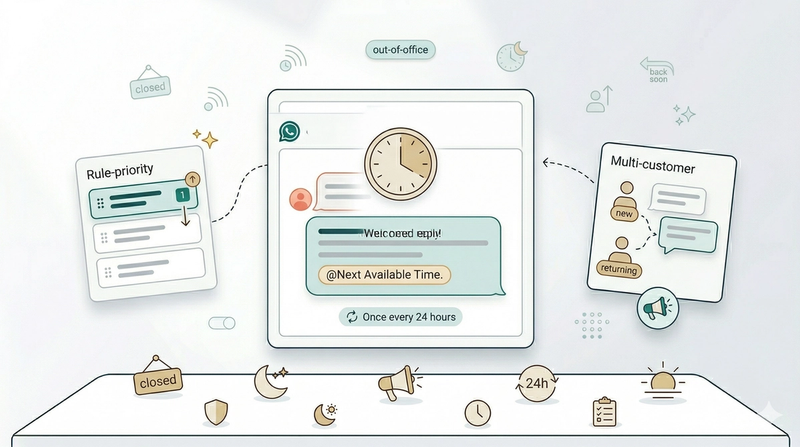
Let every customer know when you'll be back — send an automatic reply to anyone who messages while you're closed.
Read more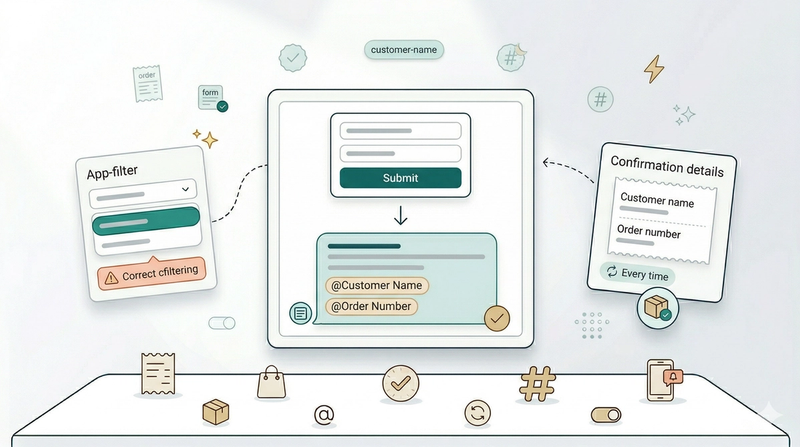
Confirm every order instantly — send an automatic WhatsApp reply with the customer's name and order number the moment they book.
Read more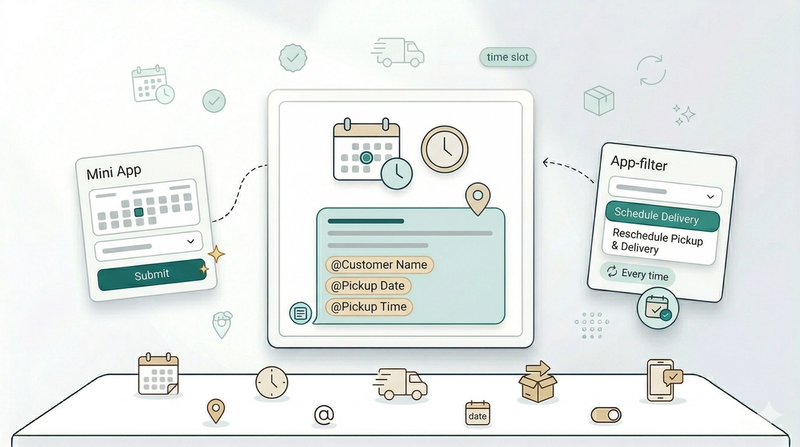
Confirm every booking instantly — send an automatic WhatsApp reply with the date and time when a customer schedules a pickup or delivery.
Read more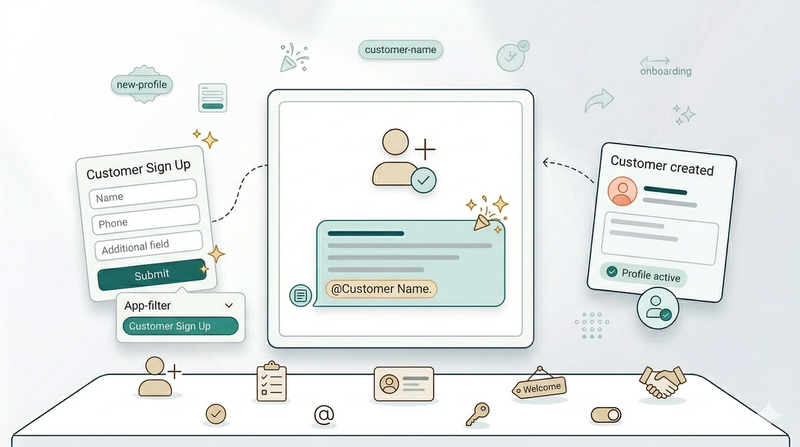
Welcome every new sign-up instantly — send an automatic WhatsApp reply the moment a customer creates their account through your Mini App.
Read more