
Managing Production Centers
In this article
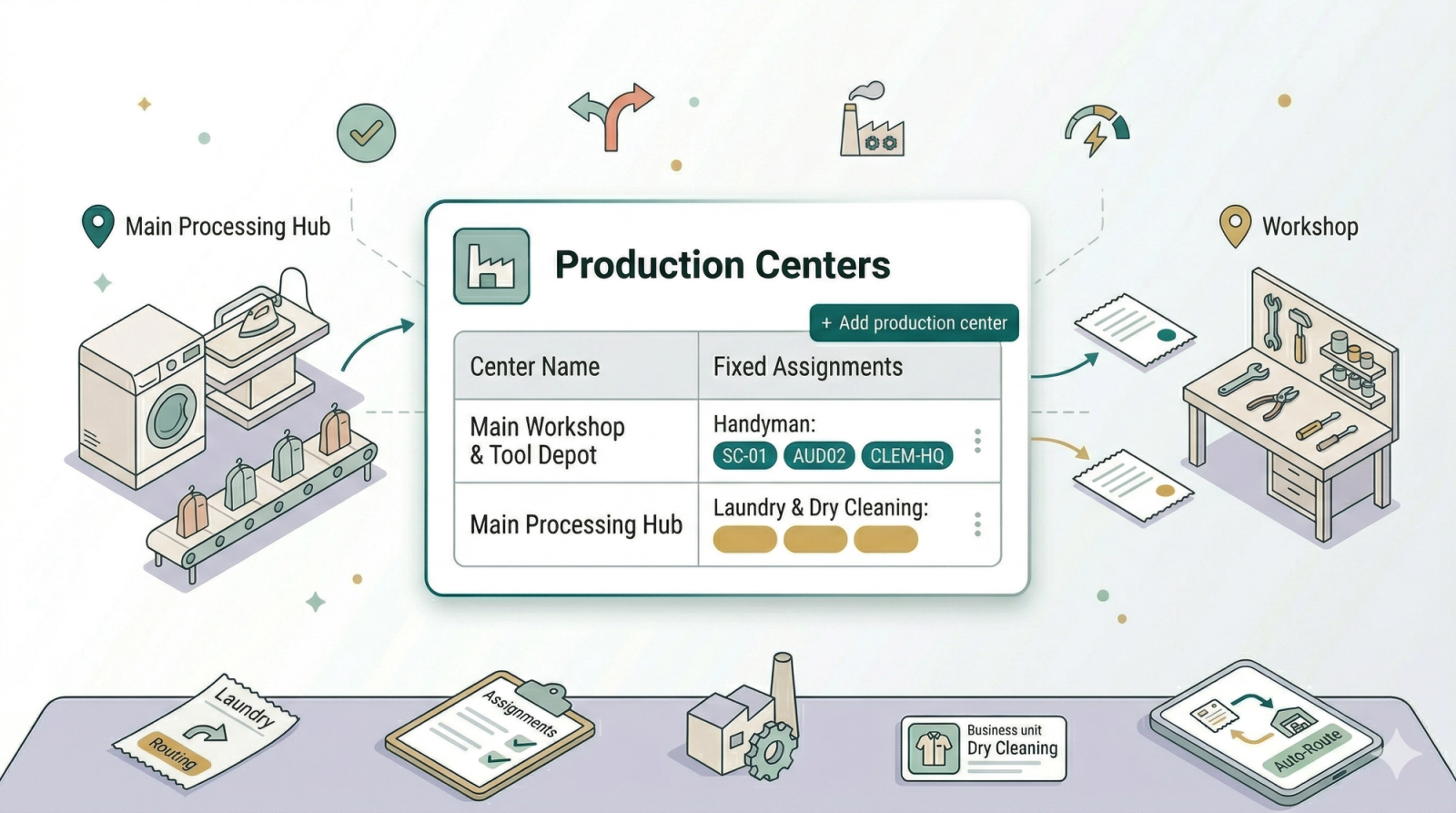
Production Centers are the places where your team processes work — for example the main laundry plant for a laundry shop, or the workshop for a bag repair shop. Once a production center is created, you can leave it as a manual receiving point for your team, or set up Fixed Assignments so the right work is automatically routed there.
Contents
Contents
How to Find Production Centers
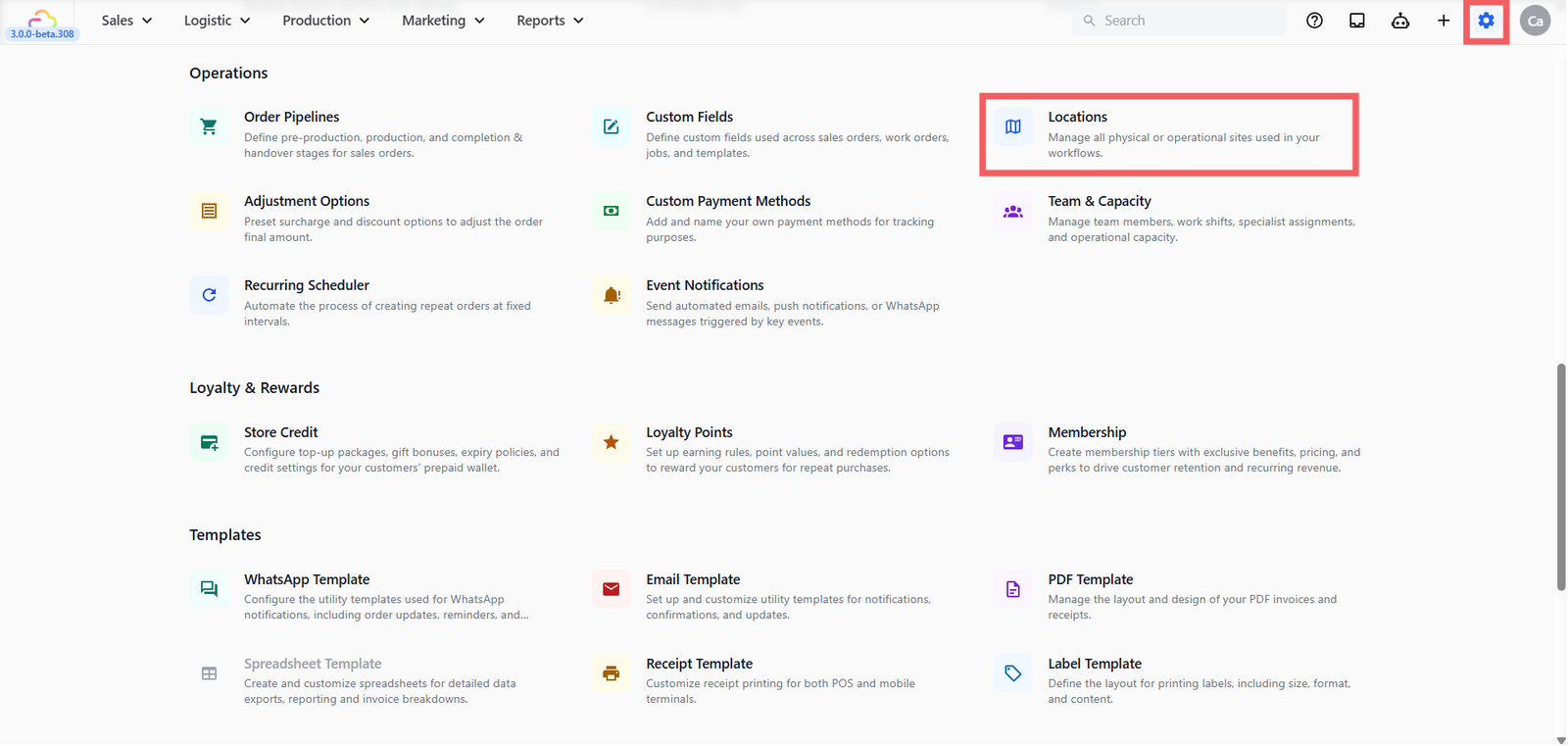
- Click the ⚙️ Settings icon in the top-right corner.
- Under the Operations section, click Locations.
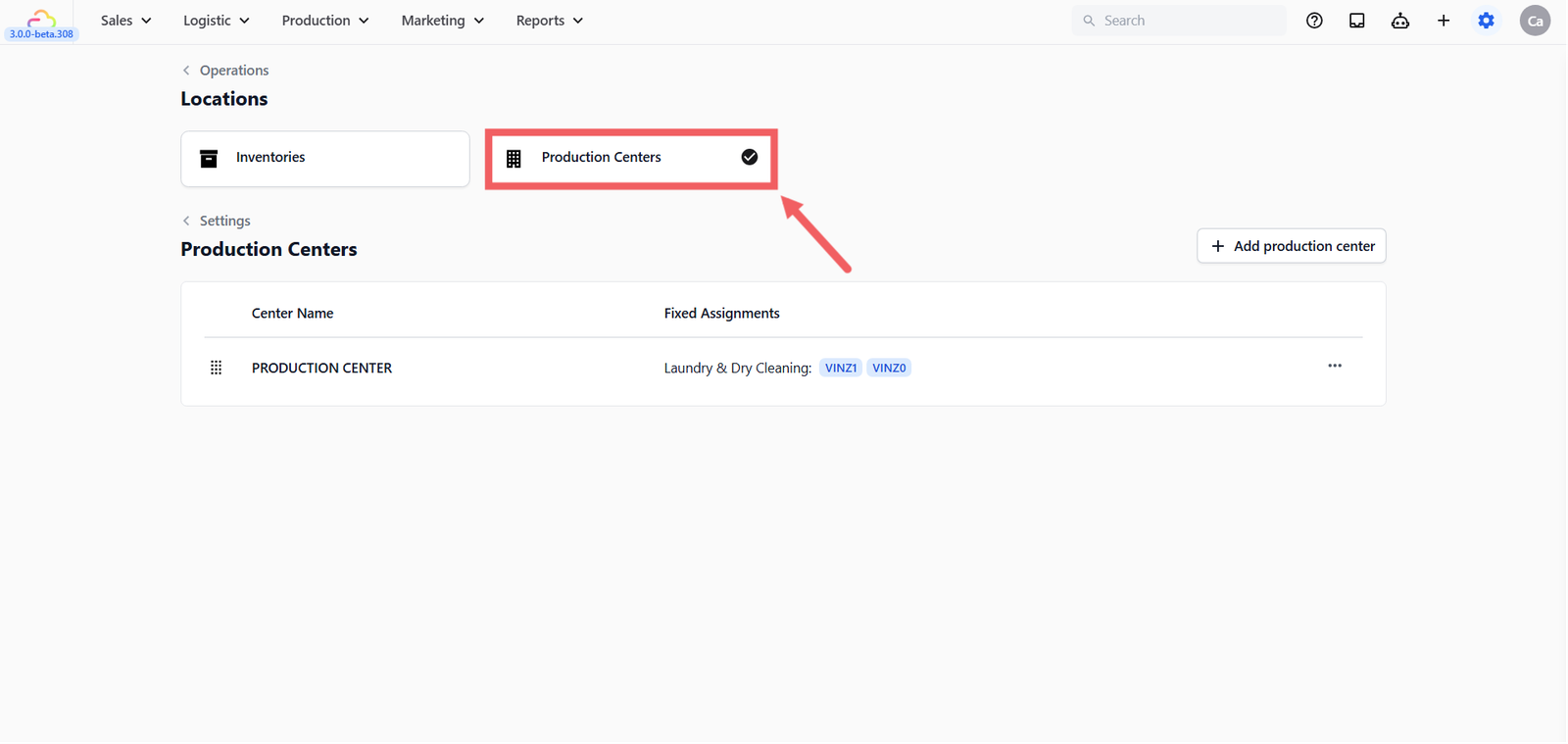
- Click the Production Centers tab.
How to Add a Production Center
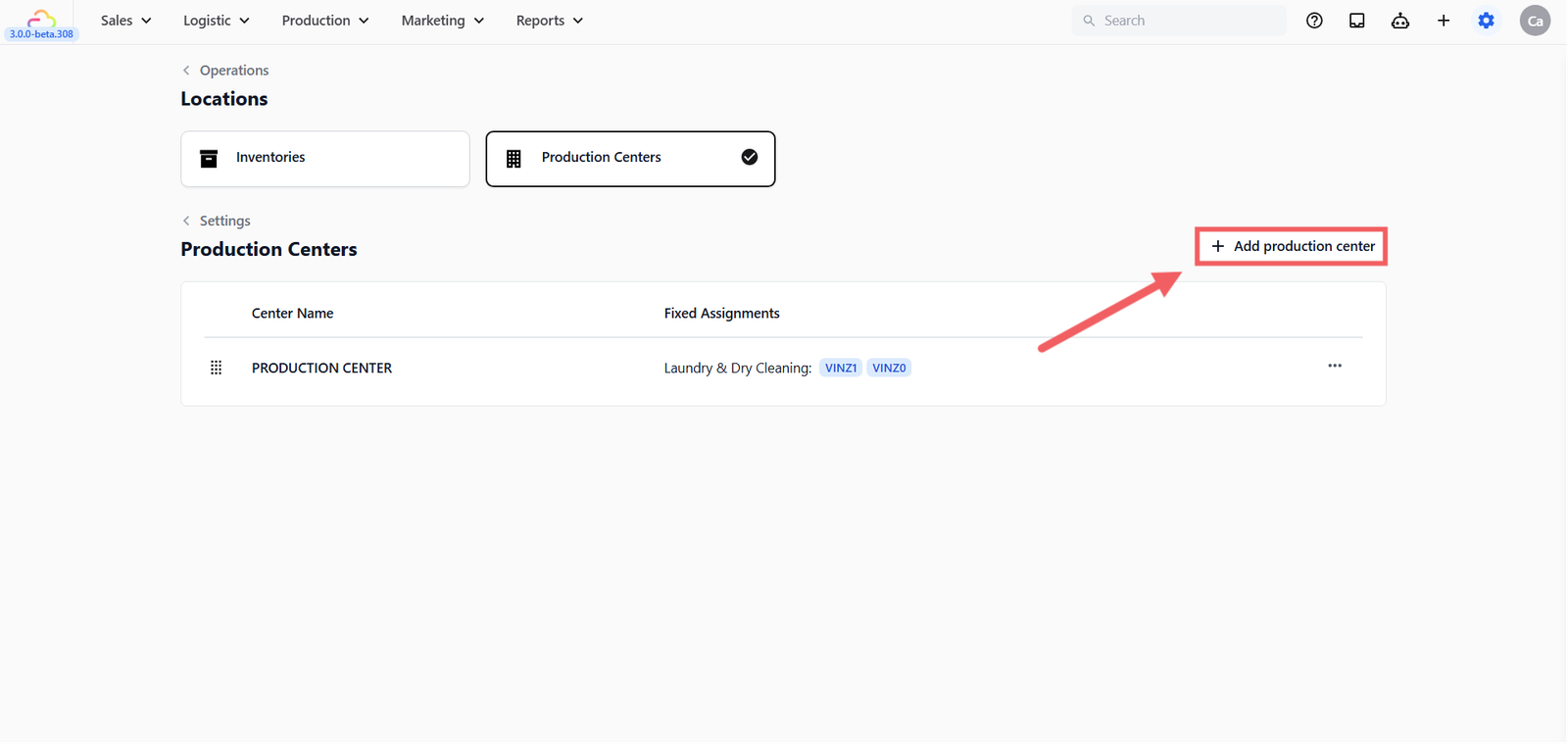
- Click + Add production center.
- Enter the Center Name, use something your team already recognises, such as Main Plant, Workshop, or Repair Center.
- Set up Fixed Assignments if you want orders to be routed here automatically.
- Click Add.
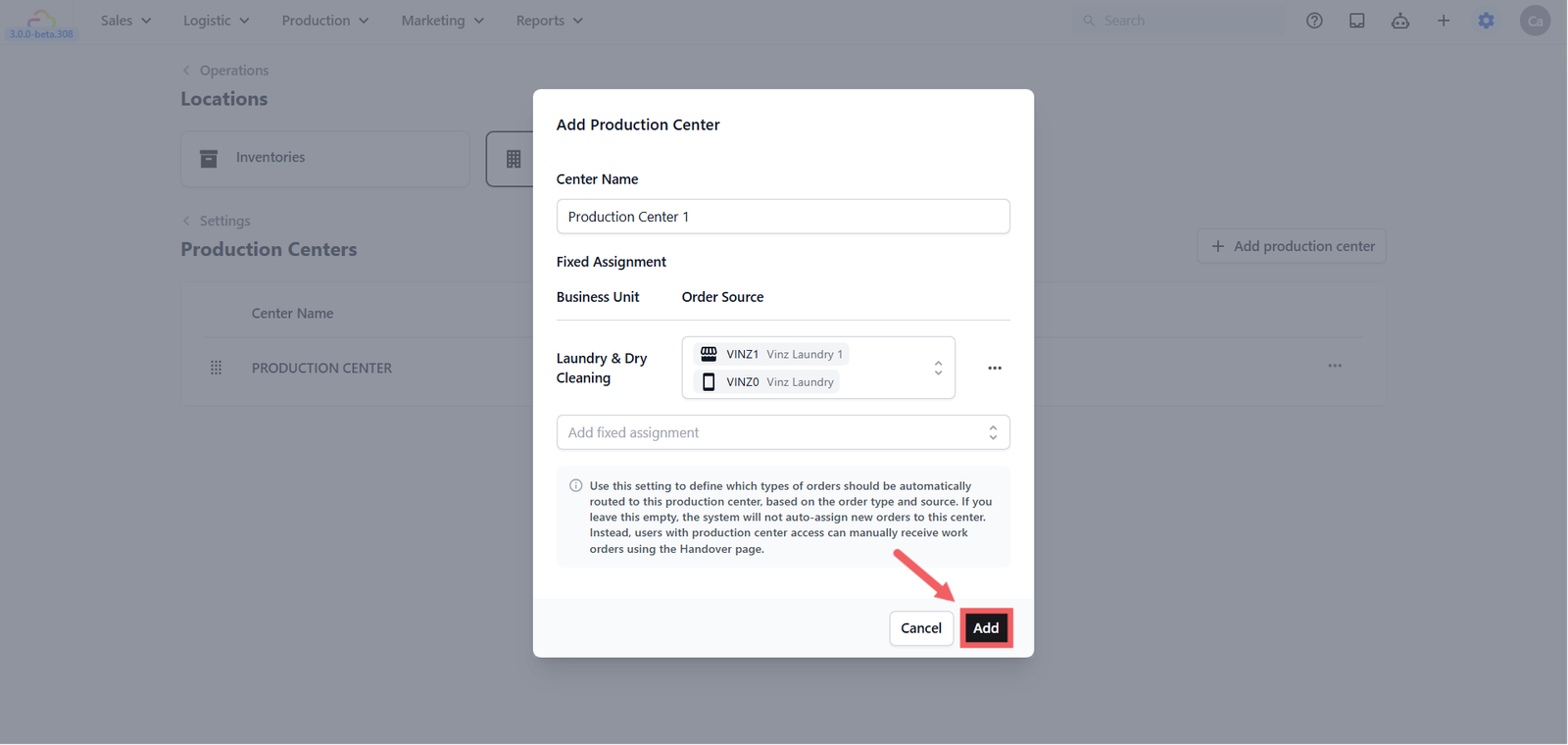
Fixed Assignments
Fixed Assignments are routing rules that tell EasyBiz which orders should automatically go to this production center, based on the business unit and where the order came from. For example, you can route all bag repair orders from your online store to your workshop without staff having to do it manually.
If you leave Fixed Assignments empty, no orders are auto-routed to this center. Staff with production center access can still manually receive work orders using the Handover page.
To add a Fixed Assignment:
- Click Add fixed assignment.
- Select a Business Unit, for example Laundry & Dry Cleaning or Bag Service.
- Select an Order Source, choose a specific sales channel, or leave it as All sources to include every channel under that business unit.
- Repeat for each additional business unit this center should handle.
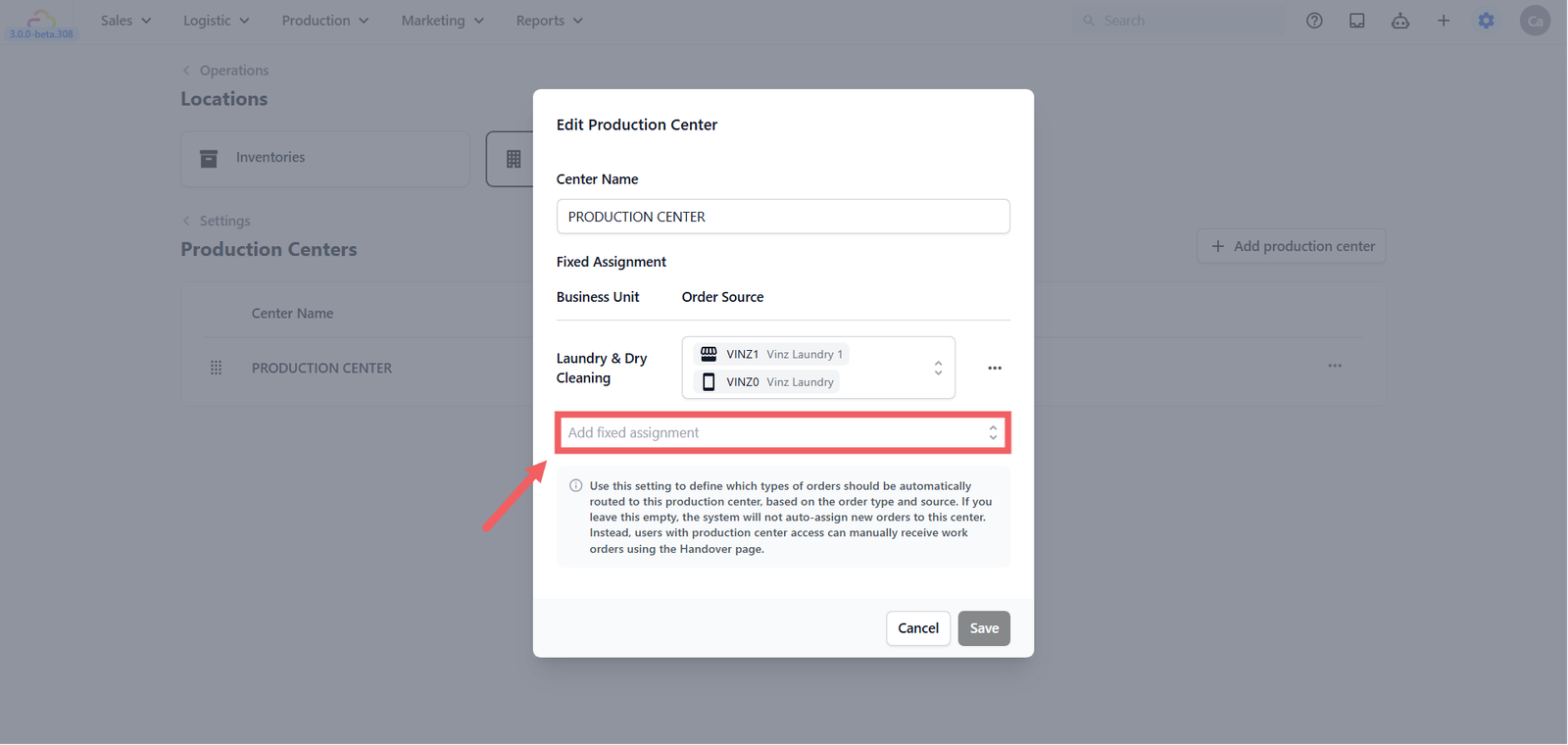
You can leave Fixed Assignments completely empty if you are not ready to auto-route work yet. Staff with production center access can still receive work orders manually using the Handover page.
How to Edit or Delete a Production Center
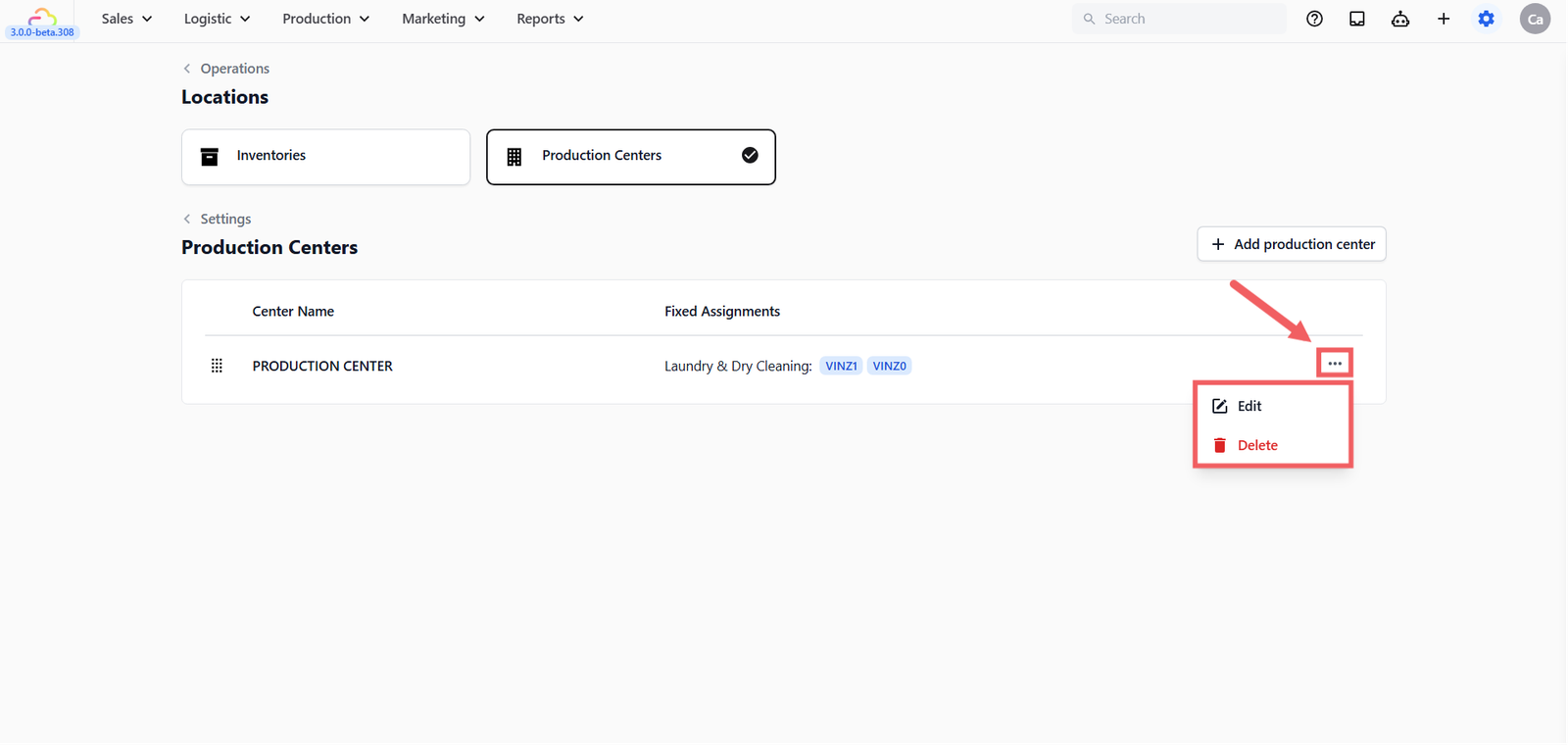
- Open the Production Centers tab.
- Find the production center in the list.
- Click the ... menu on the row.
- Click Edit to update the center name or Fixed Assignments, then save.
- Click Delete to remove the production center.
FAQs
Do I need a production center before going live?
You need one if your team uses production workflows or wants work routed to a workshop, plant, or service center.
What happens if I leave Fixed Assignments empty?
No orders are auto-routed to this center. Staff with production center access can still manually receive work orders using the Handover page.
Can one production center handle more than one business unit?
Yes. Use Add fixed assignment to add a row for each business unit this center should handle.
Can I choose more than one order source?
Yes. The Order Source selector supports multiple sales channels for each business unit row.
Will deleting a production center delete past orders?
No. It removes the center from current configuration. Past order records remain separate.
What's Next
Now that your production centers are ready, continue to [Introduction to Inventory Stock] to understand how your retail product stock is viewed and moved across your locations.
Give feedback
Up next
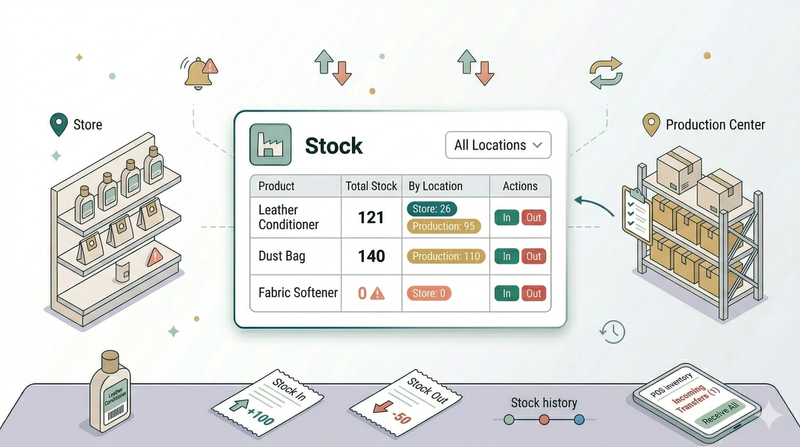
Introduction to Inventory StockSee what stock you have, where it sits, and when your team needs to add, remove, or transfer it.
Read more