
Intro to Order Management
In this article
When a customer places an order, there are steps your team needs to follow. From taking in the request, to processing it, to delivering the finished job, Order Management in EasyBiz lets you define this entire process so that every order follows the same steps and nothing gets missed. This guide introduces you to the key parts of Order Management and where to find them.
Contents
Contents
What is Order Management?
Order Management is how you track an order from the moment it comes in to when the job is completed. Instead of relying on paper, spreadsheets, or memory, EasyBiz gives you a structured process that your whole team can follow.
Why does this matter for your Business
- Everything in one place: Move away from scattered notes and spreadsheets into a single system where all your orders are tracked.
- Consistent quality: Every order follows the same steps, so your team handles each job the same way.
- Know where things stand: Get a clear view of where every order is at any given time, so you know what needs your attention next.
The Four Parts of Order Management
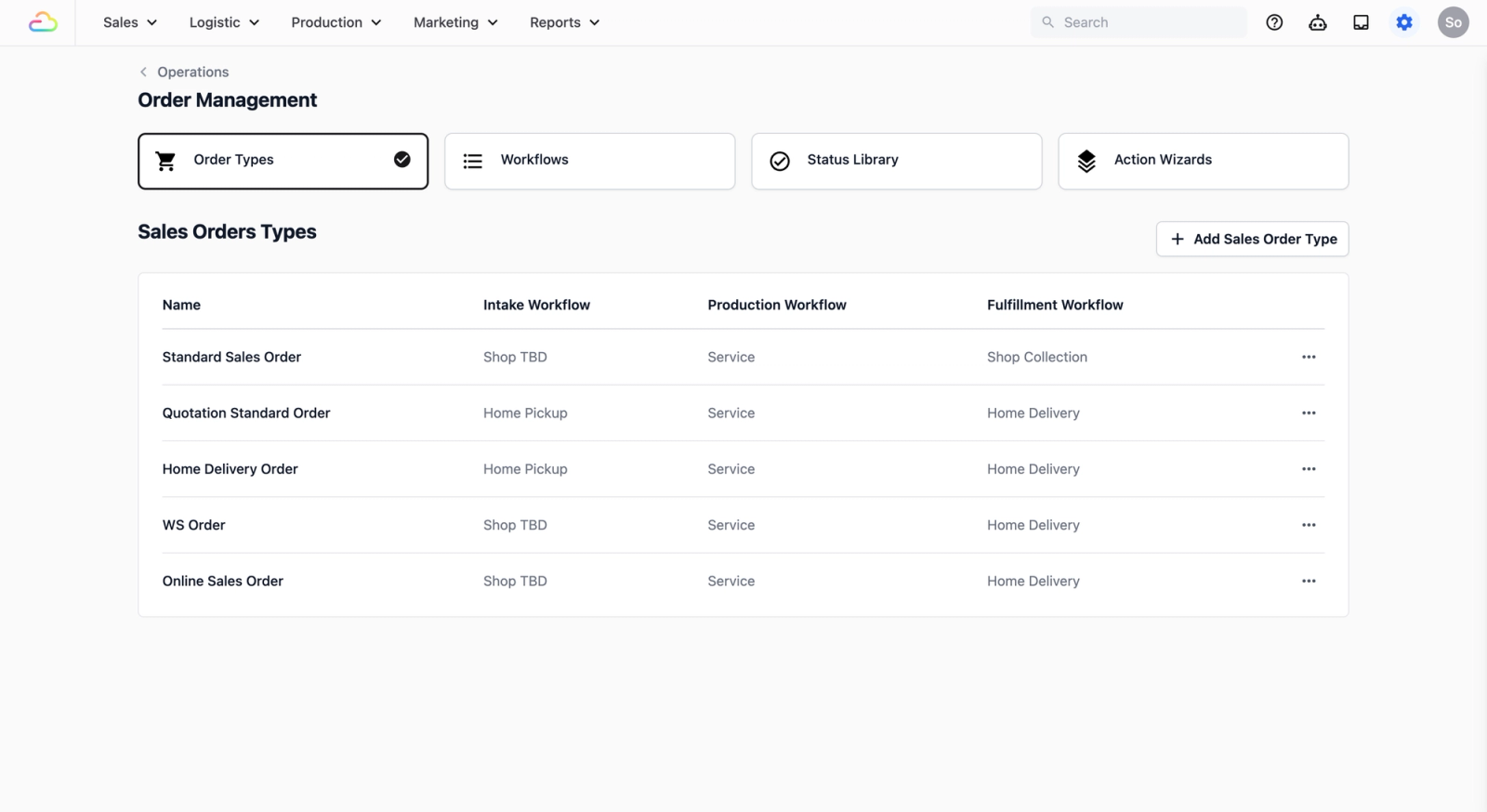
To set up Order Management for your business, there are four parts you need to know about:
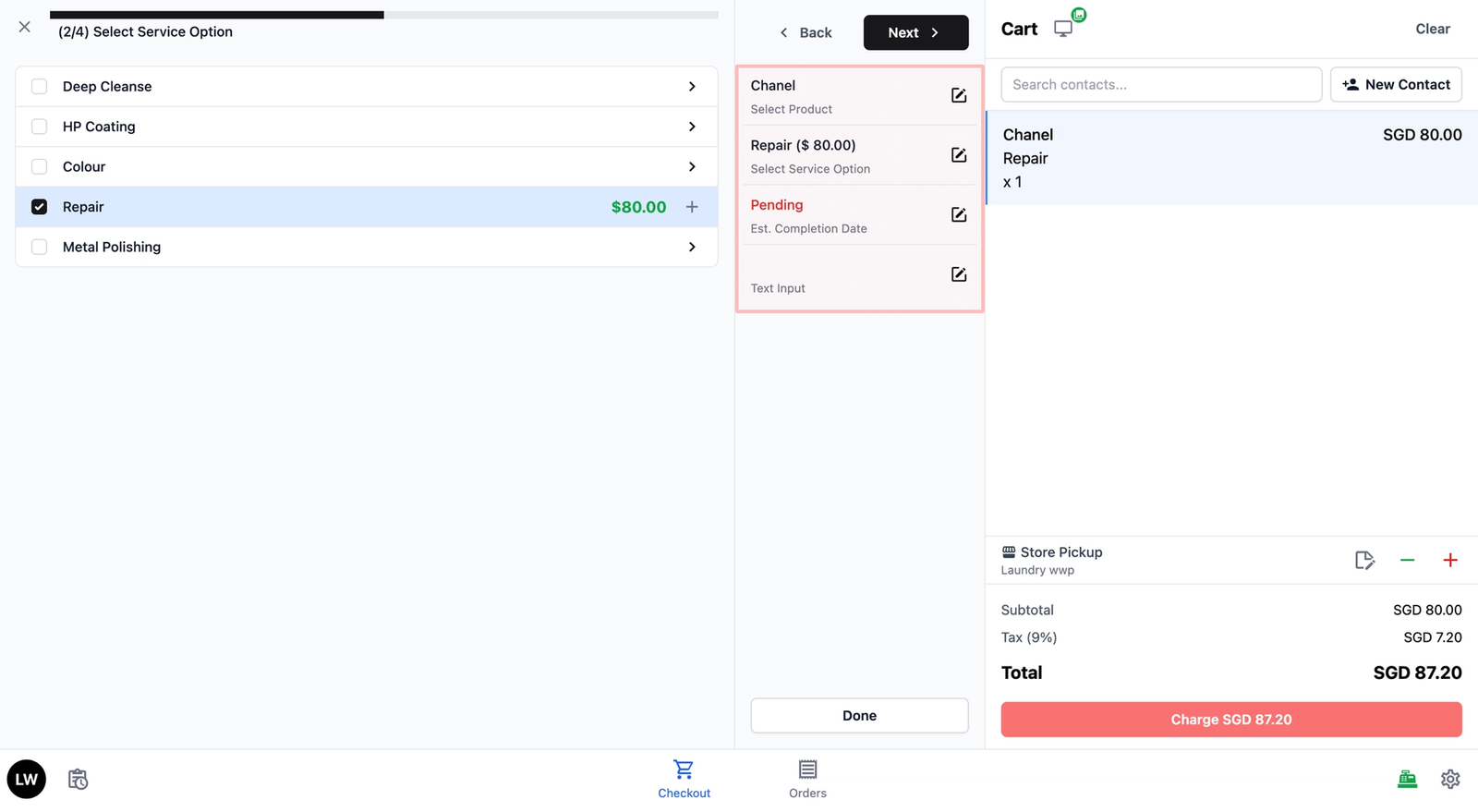
Action Wizards
- Action Wizards define the steps your team follows when creating or updating an order. They control what your team sees and what information they need to fill in when starting a new order.
- Example: A staff member creates a new order on the POS system and follows the steps you set up in the Action Wizard to complete the intake.
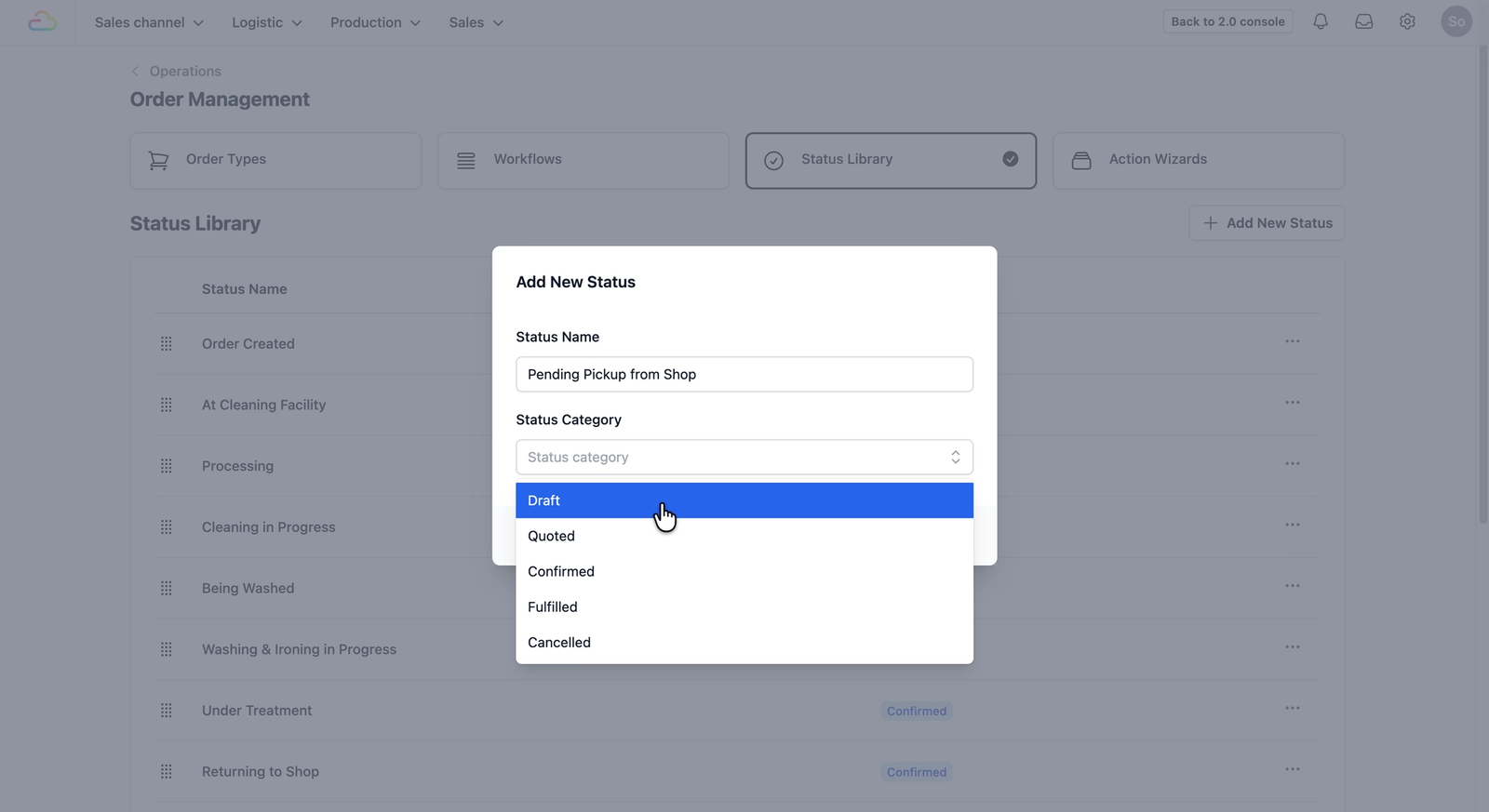
Status Library
The Status Library is where you define the individual stages an order can be in. These are the milestones that tell you where an order is at — such as "Order Created," "Pending Pickup," or "Quote Sent."
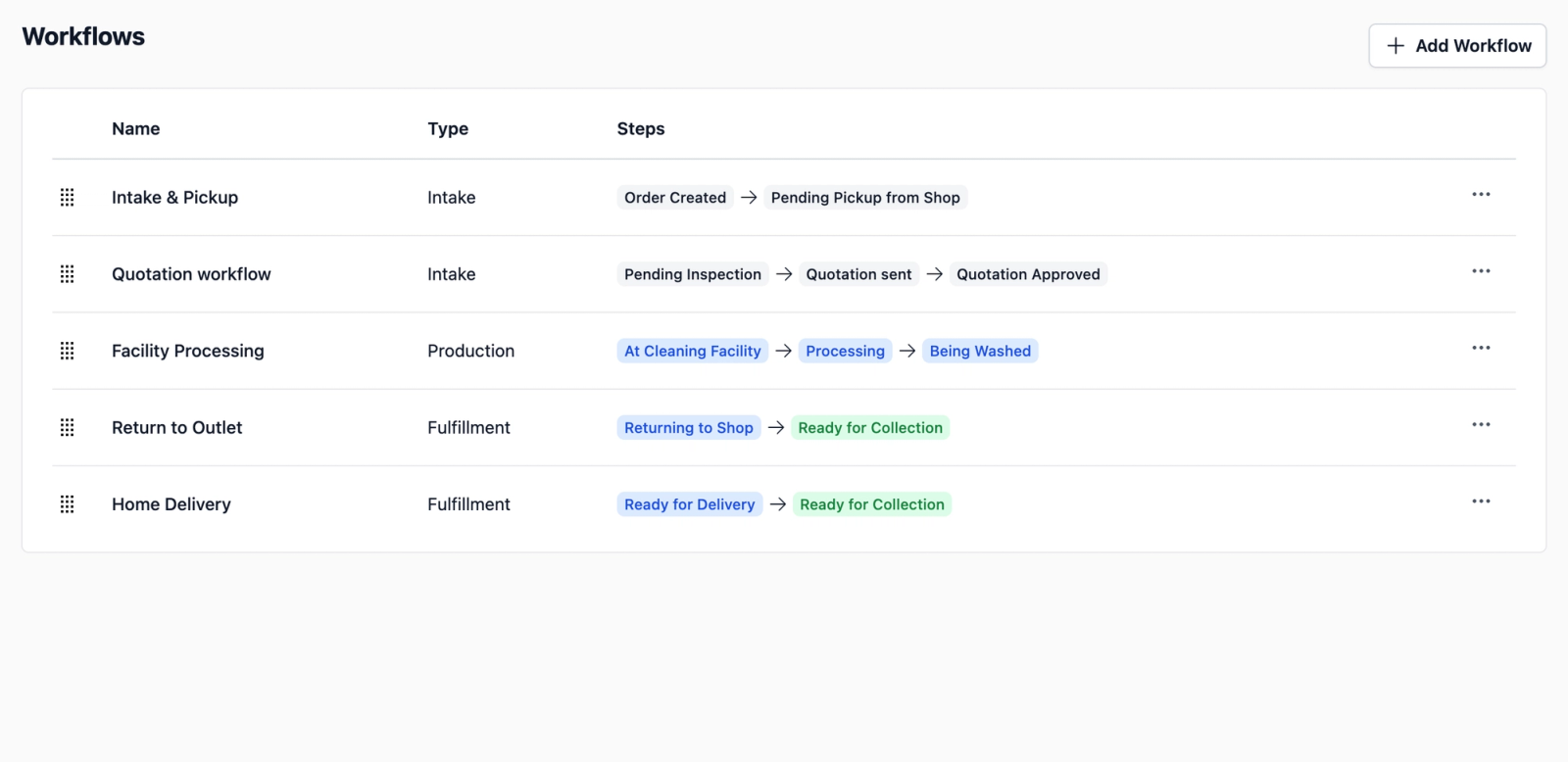
Workflows
A Workflow is a collection of stages from your Status Library, arranged in the order your team follows for a specific part of the process. For example, you might have an "Intake & Pickup" workflow or a "Quotation" workflow. Each workflow is tied to a Workflow Type (like Intake, Production, or Fulfillment), so you can organise your stages into clear groups. Learn more about Workflows here →
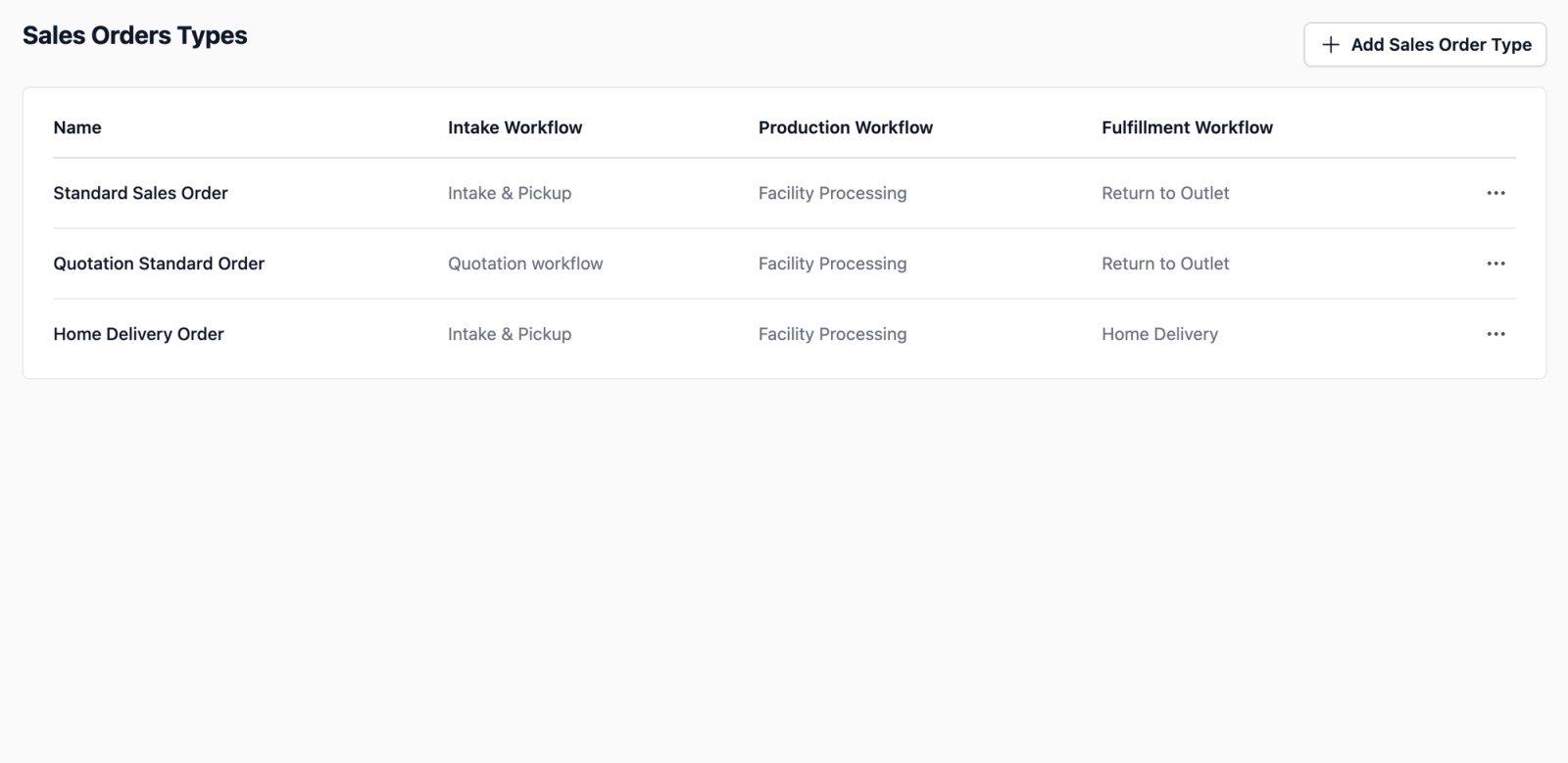
Order Types
Order Types are where you bring everything together. This is where you link your workflows together to create a complete end-to-end process. For a typical sales order, it might look like this: Intake → Production → Fulfilment . This ensures that when a certain type of order is created, the system knows exactly which process to follow and where the order is at.
Where to find these settings
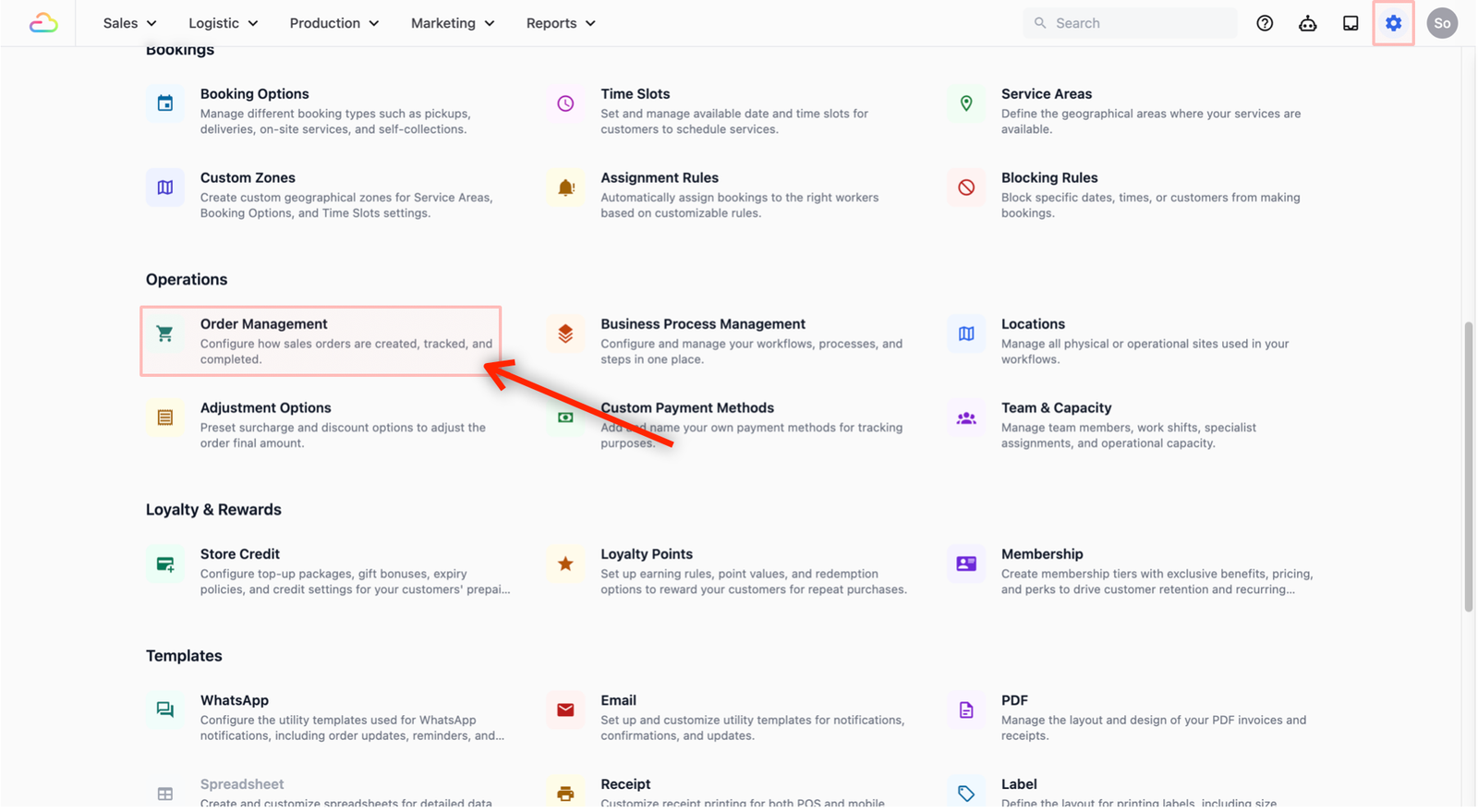
You can manage all four parts in the Order Management Page:
- From your console, click on the Settings (gear icon).
- Under Operations, click on Order Management.
You will see the four tabs at the top of the page to begin your setup.
Give feedback
Up next
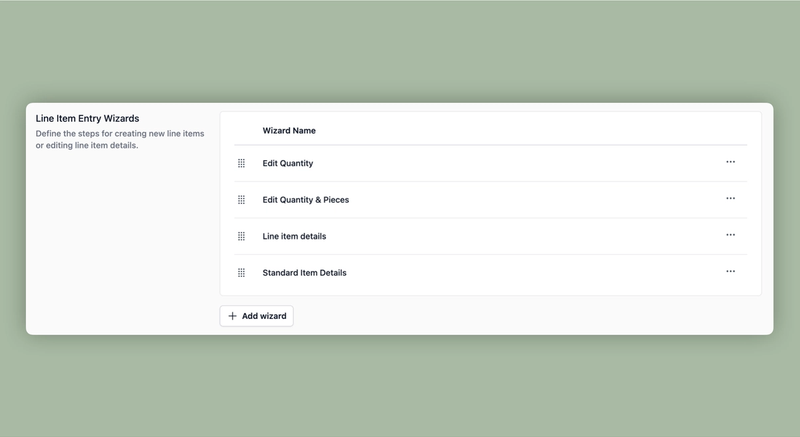
Set up the Item Entry StepsDefine what information your team fills in when adding an item to an order.
Read more