
Xero Integration Overview
In this article
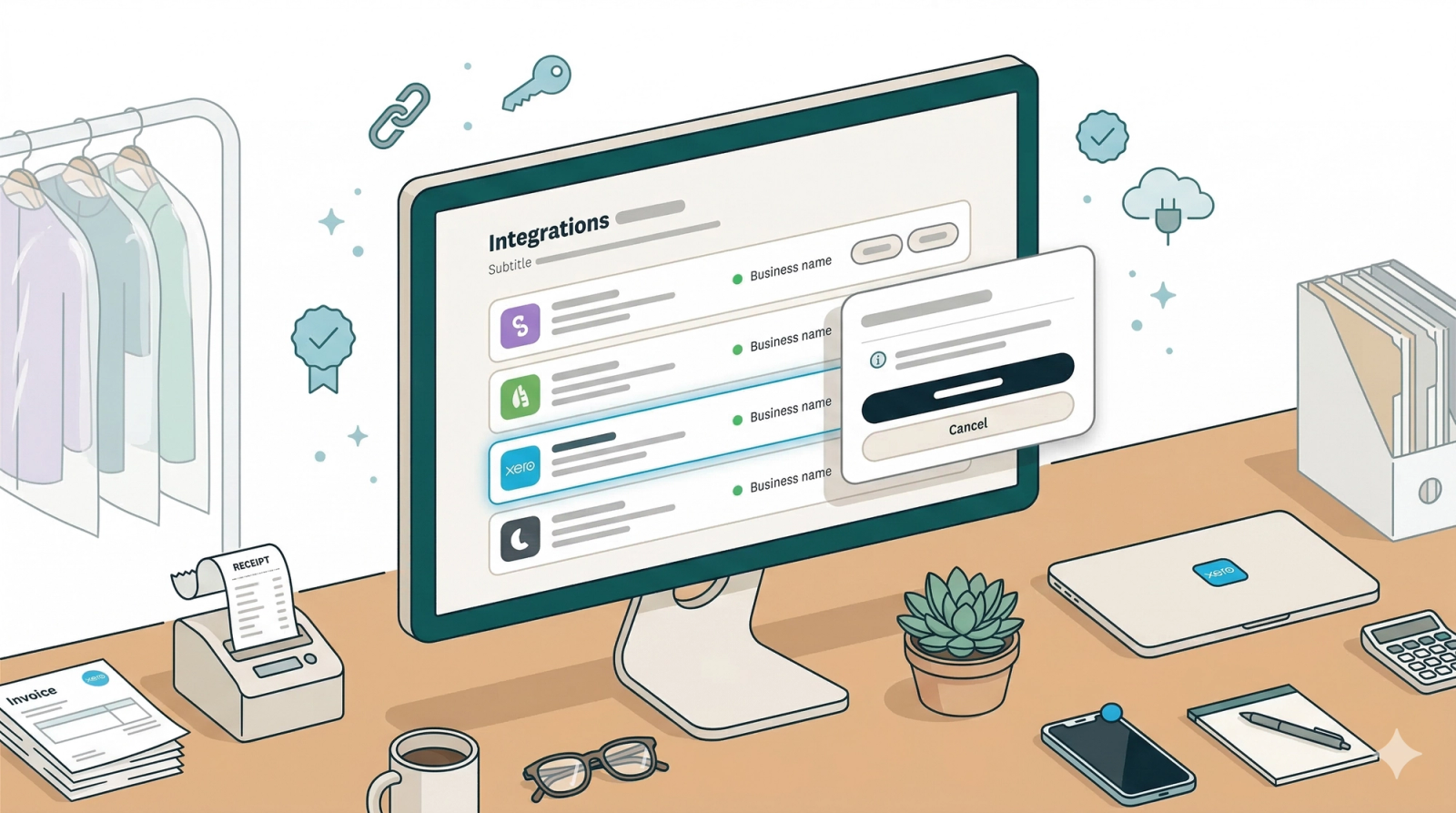
💡 What is the Xero Integration? A direct link between EasyBiz and Xero. This integration automatically syncs your sales data in real-time, eliminating manual data entry errors and keeping your financial reports 100% accurate.
Contents
Contents
Why should I connect EasyBiz to Xero?
Connecting your accounts offers three major benefits:
- Save Time: Eliminate hours of manual data entry. Your orders sync automatically as they happen.
- Reduce Errors: Humans make mistakes when typing numbers. Automation ensures that the data in Xero matches your sales records exactly.
- Real-Time Financials: Since data syncs instantly, your financial reports are always up to date, giving you a clear view of your business health.
🔄 How the Sync Works (The Data Flow)
Understanding how data moves between your systems is critical for keeping your accounts clean.
1. The Direction: One-Way ➡️
This integration is a one-way street. Data flows from EasyBiz Cloud -> Xero.
- What this means: You should treat EasyBiz Cloud as your "Source of Truth" for sales. When you create or update an invoice in EasyBiz, it is pushed to Xero.
- Note: Changes made directly inside Xero (e.g., editing an invoice description) will not sync back to EasyBiz.
2. The Triggers: Auto vs. Manual ⚙️
When does the sync actually happen? That depends entirely on how you configure your settings. You can use one or both methods depending on your needs:
- Auto Sync (Real-Time):The moment a sale is completed, the system triggers an immediate sync. This is the "set it and forget it" option for day-to-day operations.
- Manual Sync (On-Demand):Nothing happens until you say so. You select a specific date range and click a button to "force push" those historical orders into Xero.
👇 Setting it up
Ready to connect? The detailed setup guides for both Auto Sync and Manual Sync are available below.
External Resources
This guide covers how to connect and sync your data. If you need help using Xero itself (like generating profit & loss reports or reconciling bank feeds), please visit the Official Xero Central Help Page.
What's Next?
Now that you understand how the Xero sync works, continue to [Connect Your Account] to link your Xero organisation so EasyBiz can push sales and payments into it.
Give feedback
Up next
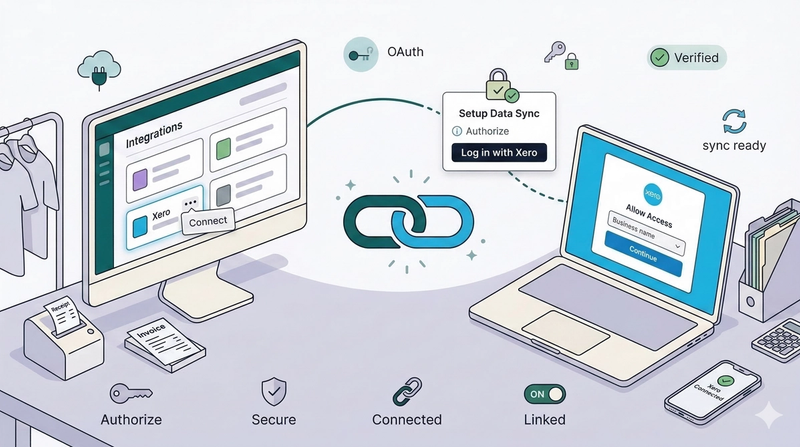
Connect Your Account🔗 Learn how to link your accounts. This guide walks you through the one-time setup process to authorize EasyBiz and establish a secure connection with your Xero organization.
Read more