
Introduction to Receivables
In this article
As your business grows, not every order gets paid in full right away. Some customers pay later, some pay in parts, and some may have outstanding balances you need to follow up on. The Receivables page helps you stay on top of all of this so nothing slips through the cracks.
Contents
Contents
What is Receivables?
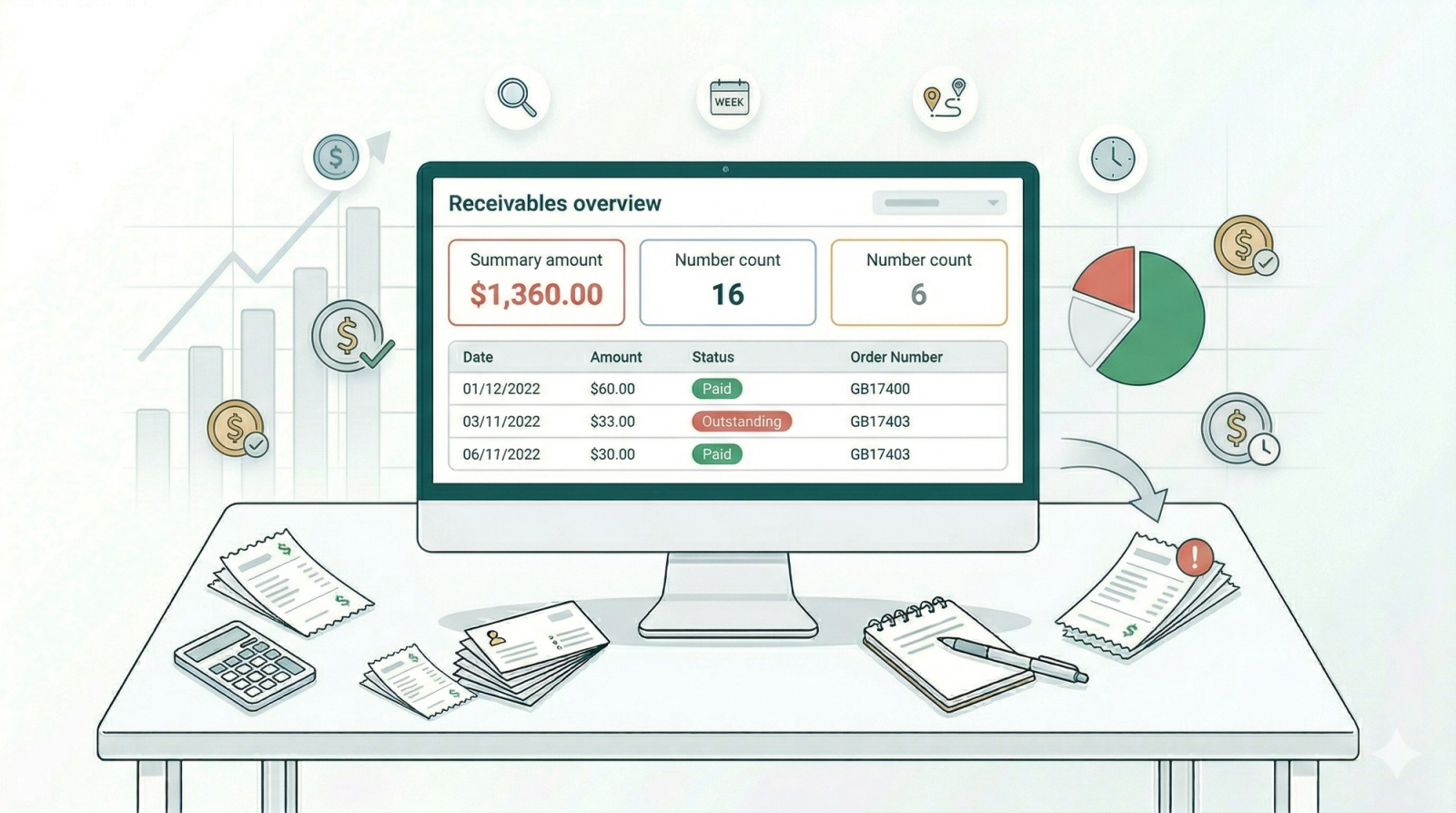
Receivables is a page that shows you all orders that still have money owed. If a customer has not paid, or has only paid part of the total, the order will appear here. Once an order is fully paid, it will no longer show up on this page.
For example, a customer drops off 3 bags of laundry and says they will pay when they pick up. That order will appear in Receivables until they pay.
Why use Receivables?
Without a dedicated page for unpaid orders, you would have to go through each order one by one to check if it has been paid. That takes time, and it is easy to miss something.
With Receivables, you can:
- See your total outstanding amount — know exactly how much money is still owed to your business at any point in time.
- Spot unpaid orders quickly — all unpaid orders are listed in one place so you do not have to search for them.
- Track partially paid orders — see which customers have paid some but not all of their balance, so you know who to follow up with.
- Follow up faster — with all the details in front of you, your team can reach out to customers and collect payments more efficiently.
Where to Find Receivables

You will see it under Sales in the top menu bar. Click Sales and select Receivables from the dropdown menu.
Give feedback
Up next
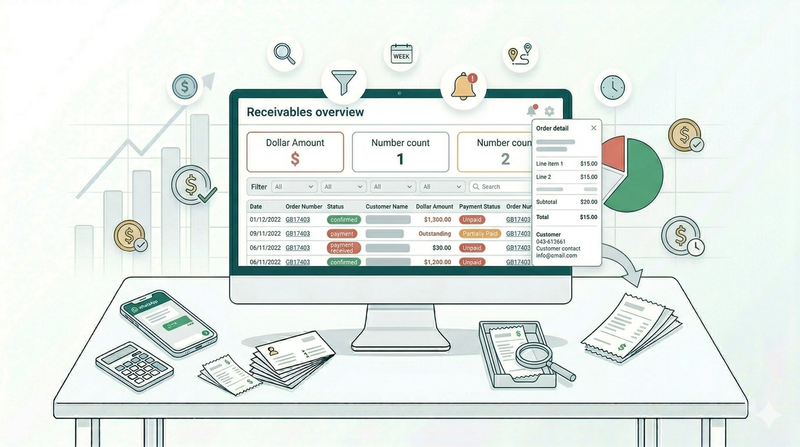
Managing Your ReceivablesLearn how to track, filter, and follow up on unpaid and partially paid orders.
Read more