
HitPay Overview
In this article
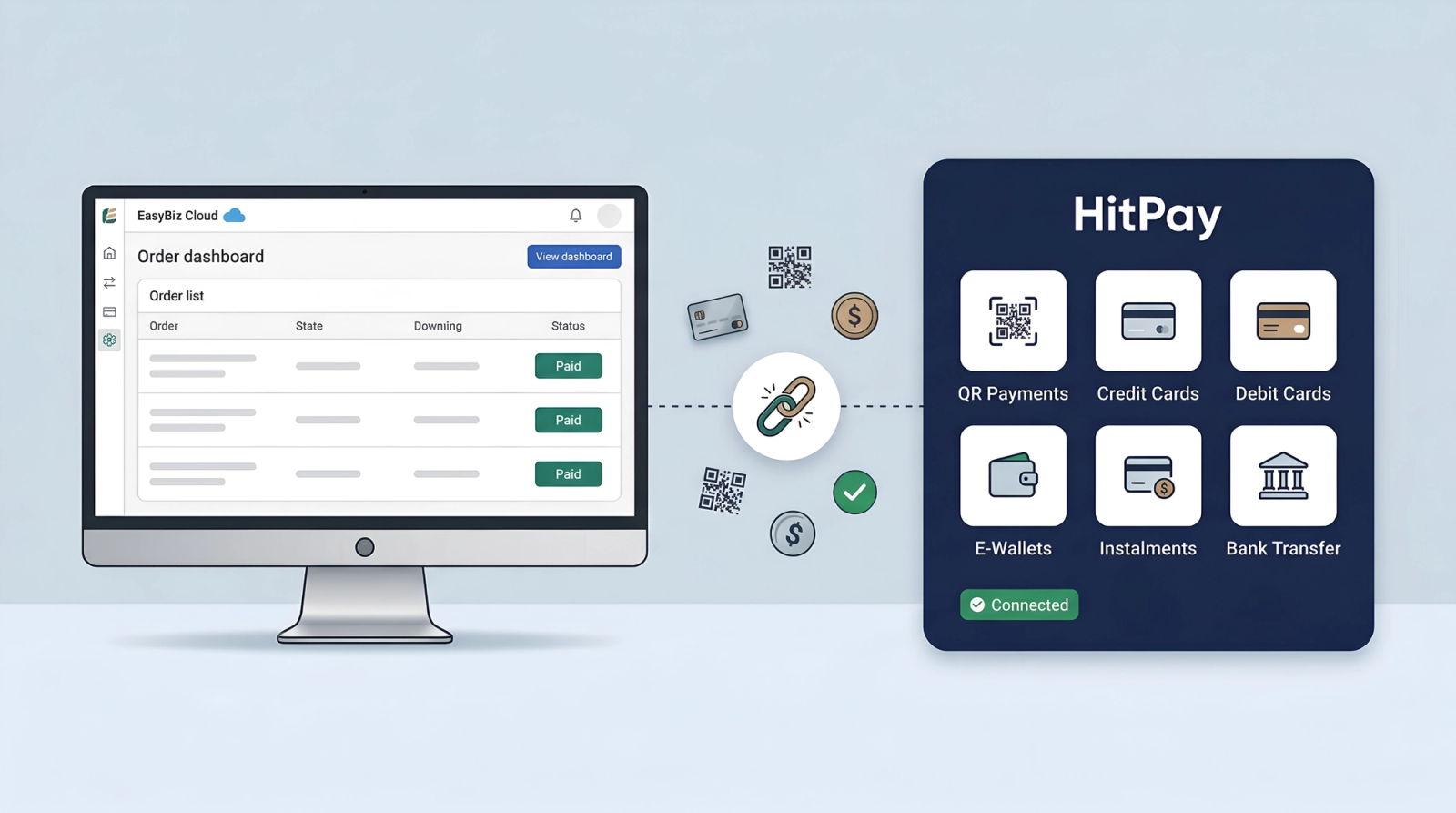
HitPay is one of the payment gateway options available in EasyBiz. If you are using HitPay to accept payments, you can connect it to EasyBiz so that payments made through HitPay are automatically tracked in your system. This guide explains what the integration does, and what payment methods are supported.
Contents
Contents
What does this integration do?
When you connect HitPay to EasyBiz, your customers can pay using the payment methods available through HitPay. Once they pay, the order is automatically marked as paid in EasyBiz — no need to manually update or chase payment confirmations.
How does your customer pay?
- Your staff creates an order in EasyBiz.
- Your staff sends the customer a payment link.
- The customer opens the link and chooses their preferred payment method (PayNow, card, etc.).
- Once paid, the order is automatically marked as paid in EasyBiz — no manual follow-up needed.
Supported payment methods
HitPay supports a wide range of payment methods in Singapore, including:
- PayNow — QR code payments linked to mobile number or UEN.
- Credit and Debit Cards — Visa, Mastercard, and international cards.
- GrabPay — Pay through the Grab app.
- ShopeePay — Pay through the Shopee app.
- Buy Now, Pay Later — Options like Atome and ShopBack for customers who prefer to pay in instalments.
For the full and latest list of supported payment methods, visit HitPay's pricing page.
Pricing
HitPay charges a fee per transaction. There is no additional charge from EasyBiz for using this integration. For details on HitPay's transaction fees, visit HitPay's pricing page.
What's next?
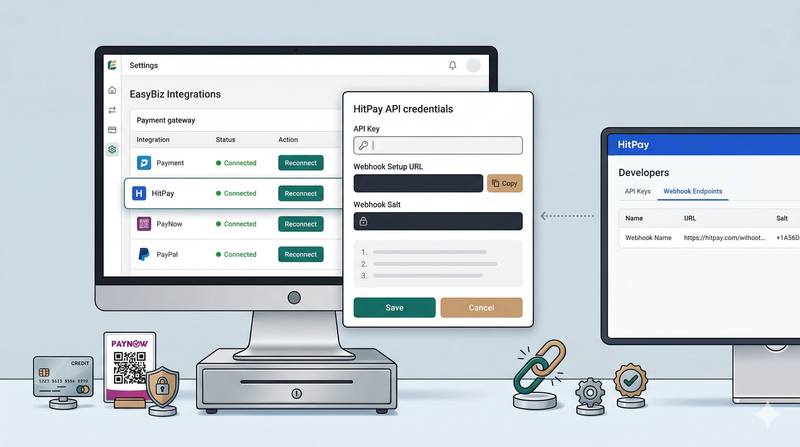
Ready to get started? See the setup guide to connect HitPay to your EasyBiz account. See [Connecting HitPay to EasyBiz].
Give feedback
Up next
Connecting HitPay to EasyBizAccept PayNow and card payments on your EasyBiz POS — connect HitPay in under 15 minutes.
Read more