
Introduction to EasyBiz POS
In this article
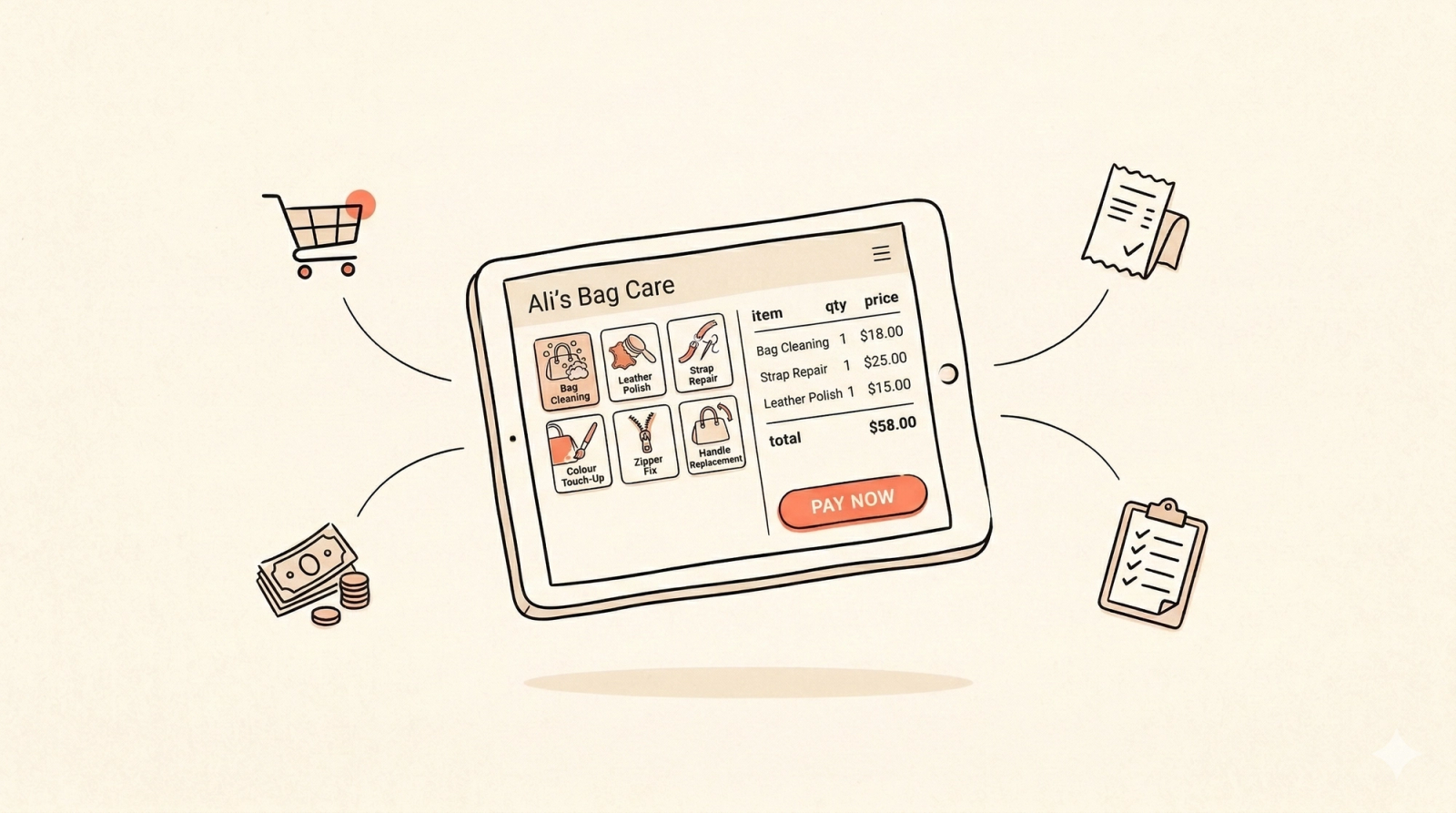
EasyBiz POS helps you manage your daily counter operations — from taking orders and collecting payments to tracking orders and closing the day. In this article, you will learn what EasyBiz POS can do for your business and why it matters for your day-to-day operations.
Contents
Contents
What Is a POS?
POS stands for Point of Sale. It is the system you use at your shop counter to take orders, collect payments, and keep track of your sales. Think of it as your digital cash register, but one that can do much more than just handle cash.
What Can You Do with EasyBiz POS?
With EasyBiz POS, everything your staff needs is on one screen — no switching between apps, no paper records, and no manual calculations. It runs in your web browser, so there is no software to install. Just simply open it on your computer, tablet, or phone and you are good to go.
Here is how it helps you run your shop day to day:
- Take orders and collect payments in one go: Select items, add them to the cart, assign a customer, and collect payment all from the same screen. No need to write things down separately.
- Accept multiple payment methods: Cash, VISA, NETS, or even let customers pay later. The system records every transaction for you automatically.
- Track every order without digging through paperwork: See all your orders and their statuses at a glance — pending, processing, ready for pickup, or delivered. You always know where each job stands.
- Print labels for every item: The system generates labels for each item in an order, so you can tag and track them easily. No more handwriting tags or guessing which item belongs to which customer. You can also customise the label format to suit your needs.
- Manage your cash drawer from open to close: Set your opening cash amount, and the system tracks every cash payment against its order. At the end of the day, you will know exactly how much should be in your drawer.
- Get daily reports instantly: Run a Close the Day (Z) report to see your total sales, income breakdown, and any outstanding balances, all calculated for you.
What Does EasyBiz POS Look Like?
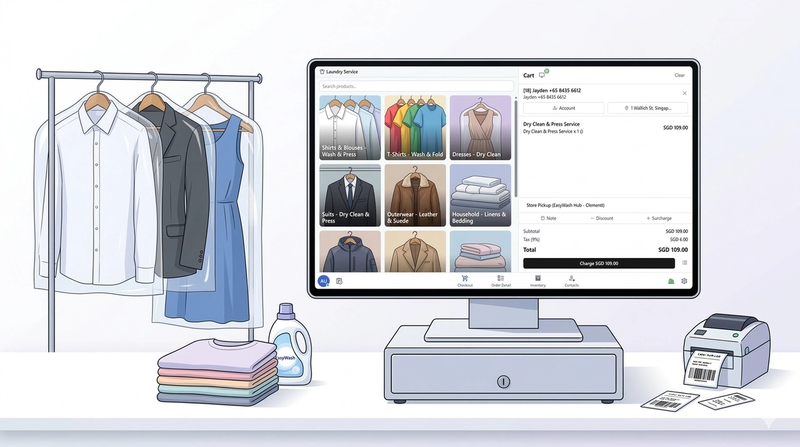
EasyBiz POS has a clean, simple layout with navigation tabs at the bottom of the screen. The tabs and features you see will depend on how your POS is set up — you can customise it to match your business needs.
Here is a quick look at how it works for different types of businesses:
Getting Started
You will be setting up your POS app in the EasyBiz Console — this is where you manage your apps and settings. In the following guide, we will walk you through it so you can be up and running quickly.
To get started, simply choose the guide tailored to your business:
- Set Up Your Bag Repair POS — for bag repair, leather care, and restoration businesses.
- Set Up Your Laundry POS — for laundry, dry cleaning, and garment care businesses.
Give feedback
Up next
Set up your Laundry POSLearn how to set up your Laundry POS in the EasyBiz Console and get it ready for your shop counter.
Read more