
Reports
Reports Overview
In this article
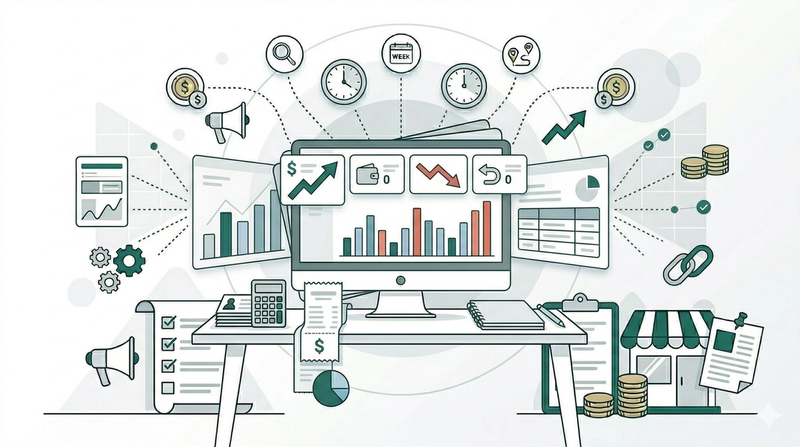
EasyBiz provides several reports to help you understand different parts of your business. This guide gives you an overview of what each report covers and where to find them.
Contents
Contents
Why use Reports?
Without reports, it is hard to know how your business is really doing. You might feel like sales are going well, but you would not know for sure — or be able to spot problems early — without actual numbers to back it up.
With Reports, you can:
- See your revenue at a glance — know how much you have earned, how many orders came in, and what your average order value is.
- Find out what is selling — see which products or services are bringing in the most money and which ones are not performing.
- Track where your orders come from — understand which channels (e.g., walk-in, WhatsApp, online) are driving the most business.
- Compare performance over time — use monthly and yearly views to spot trends, seasonal patterns, or sudden changes.
- Export your data — download your reports as spreadsheets to share with your team, your accountant, or for your own records.
What Reports are Available?
EasyBiz provides four reports, each covering a different area of your business:
- Sales — Your revenue, orders, product performance, returns, and daily trends.
- Payments — How much has been collected and which payment methods your customers are using.
- Customers — How many new and returning customers you have, and how much each customer has spent.
- Credits — Any store credits that have been issued to customers and how much has been used.
Where to Find Reports
On the top navigation bar, click Reports. You will see the following options:
- Sales: The Sales report shows you how much your business has earned over a selected period. You can see your total revenue, the number of orders placed, your average order value, and any returns. It also breaks down which products or services are bringing in the most sales, so you know what is performing well and what is not.
- Payments: The Payments report gives you a clear view of the money coming into your business. You can see how much has been collected, which payment methods your customers are using (e.g., cash, card, or online), and whether there are any outstanding payments. This helps you keep track of your cash flow and spot any gaps.
- Customers: The Customers report helps you understand who your customers are. You can see how many new customers came in during a period, how many are returning, and how much each customer has spent. Use this to identify your most valuable customers and track how your customer base is growing.
- Credits: The Credits report keeps track of any store credits that have been issued to your customers. Store credits are amounts that customers can use toward future purchases — for example, when a refund is given as credit instead of cash. This report helps you monitor how much credit is currently outstanding and how much has been used.
Give feedback
Up next
Understanding Your Sales ReportLearn how to read your sales numbers, track your best-selling products, and spot trends.
Read more