
Introduction to Business Process Management

In this article
Business Process Management (BPM) lets you define how work moves through your business — step by step, from start to finish.
Contents
Contents
What is Business Process Management (BPM)
Business Process Management (BPM) lets you define how work moves through your business — step by step, from start to finish.
Instead of relying on memory, phone calls, or sticky notes, you set up a clear workflow once. After that, every job follows the same steps automatically.
Why does this matter?
If you run a service business, your product is your process. A shirt that skips the quality check goes out wrinkled. A bag repair that misses the "before" photo has no proof of its original condition.
BPM solves three problems:
1. Consistency: Every item goes through the same steps, no matter who's on shift. New hires follow the same process as your most experienced staff.
2. Visibility: You can see exactly where every job is without asking anyone. No more "Did that delivery go out?" conversations.
3. Speed: When steps are clear and tasks are auto-assigned, there's less waiting, less confusion, and fewer mistakes.
How to access BPM
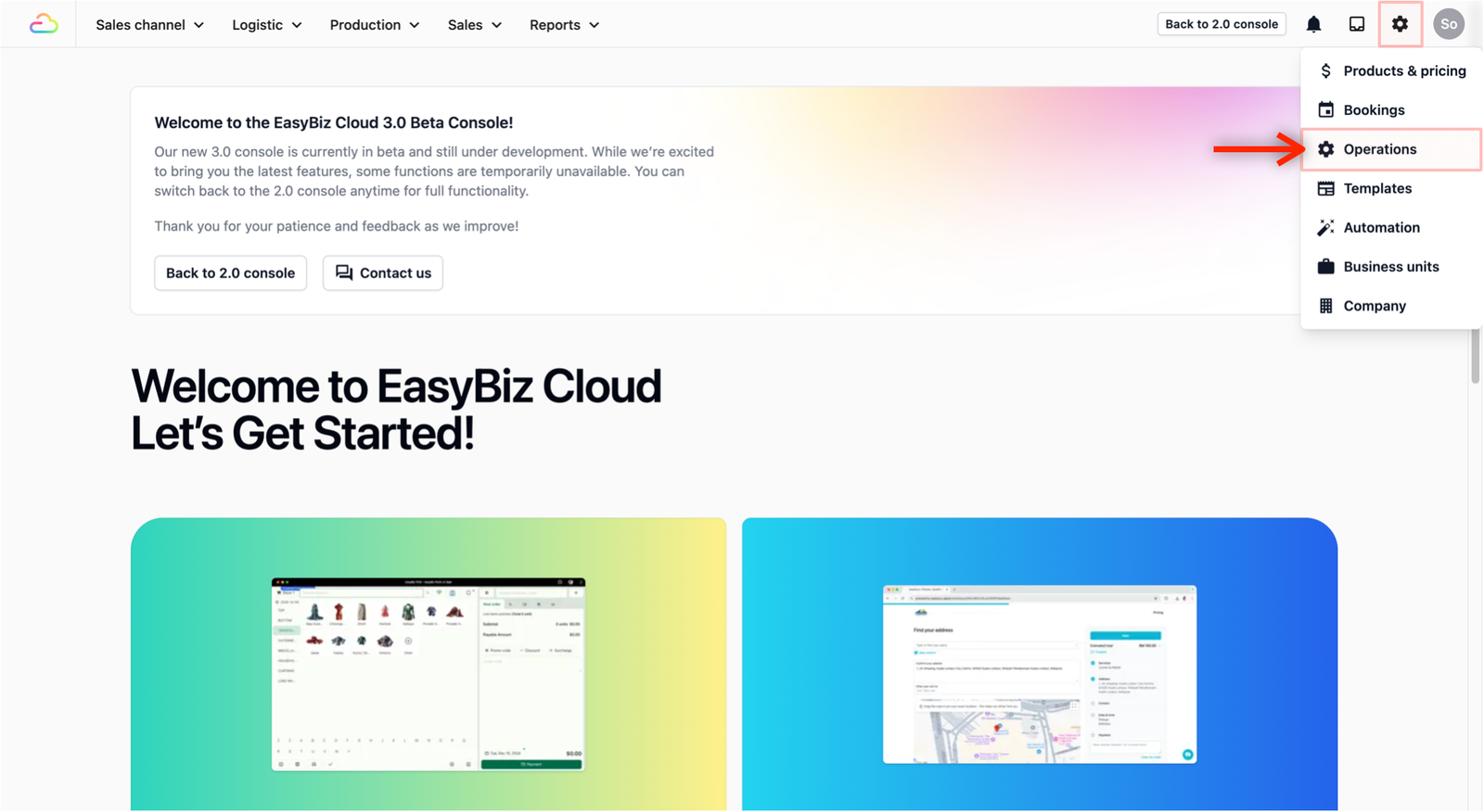
In your EasyBiz console, go to Settings → Operations.
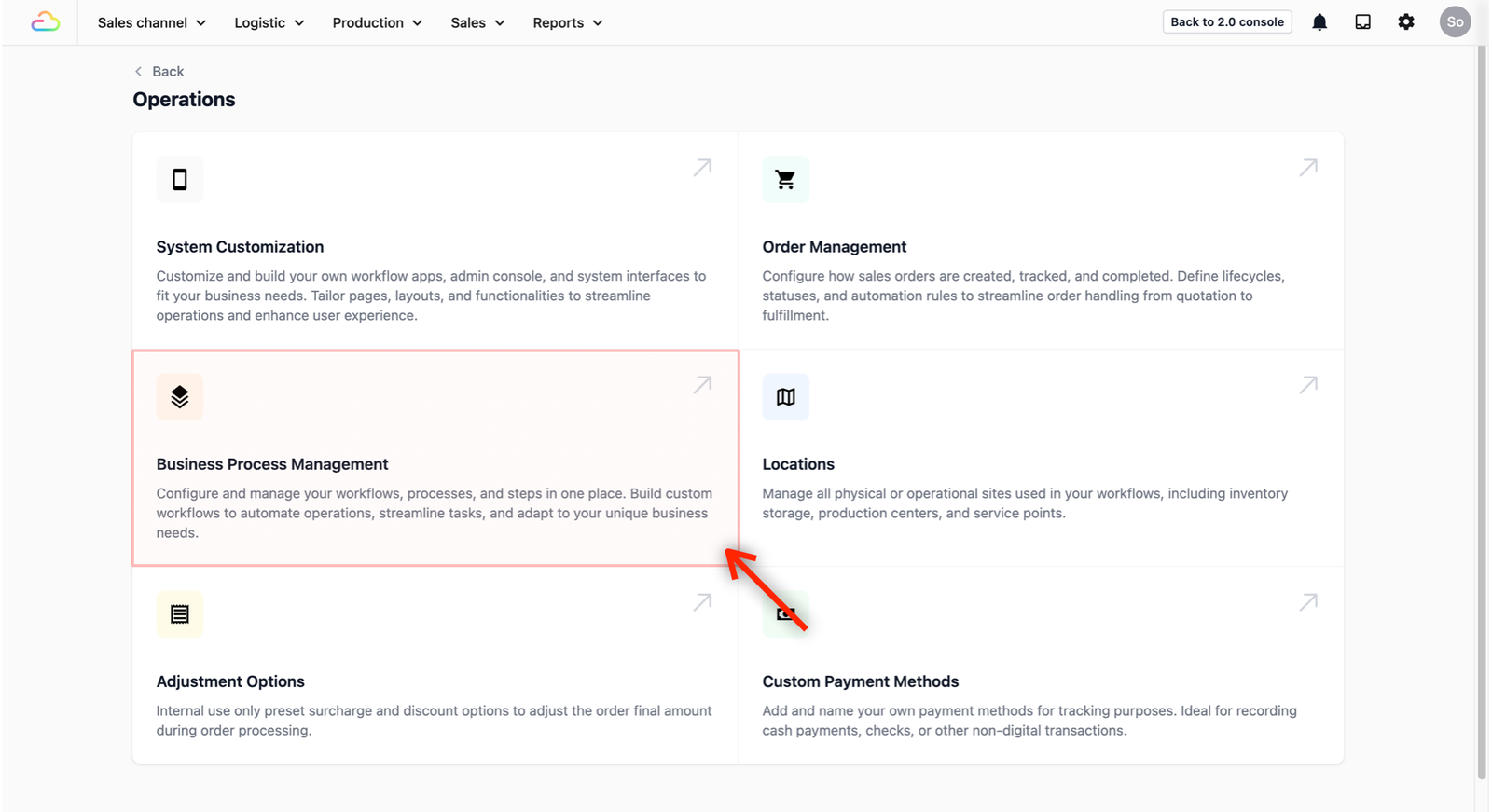
Click on Business Process Management.
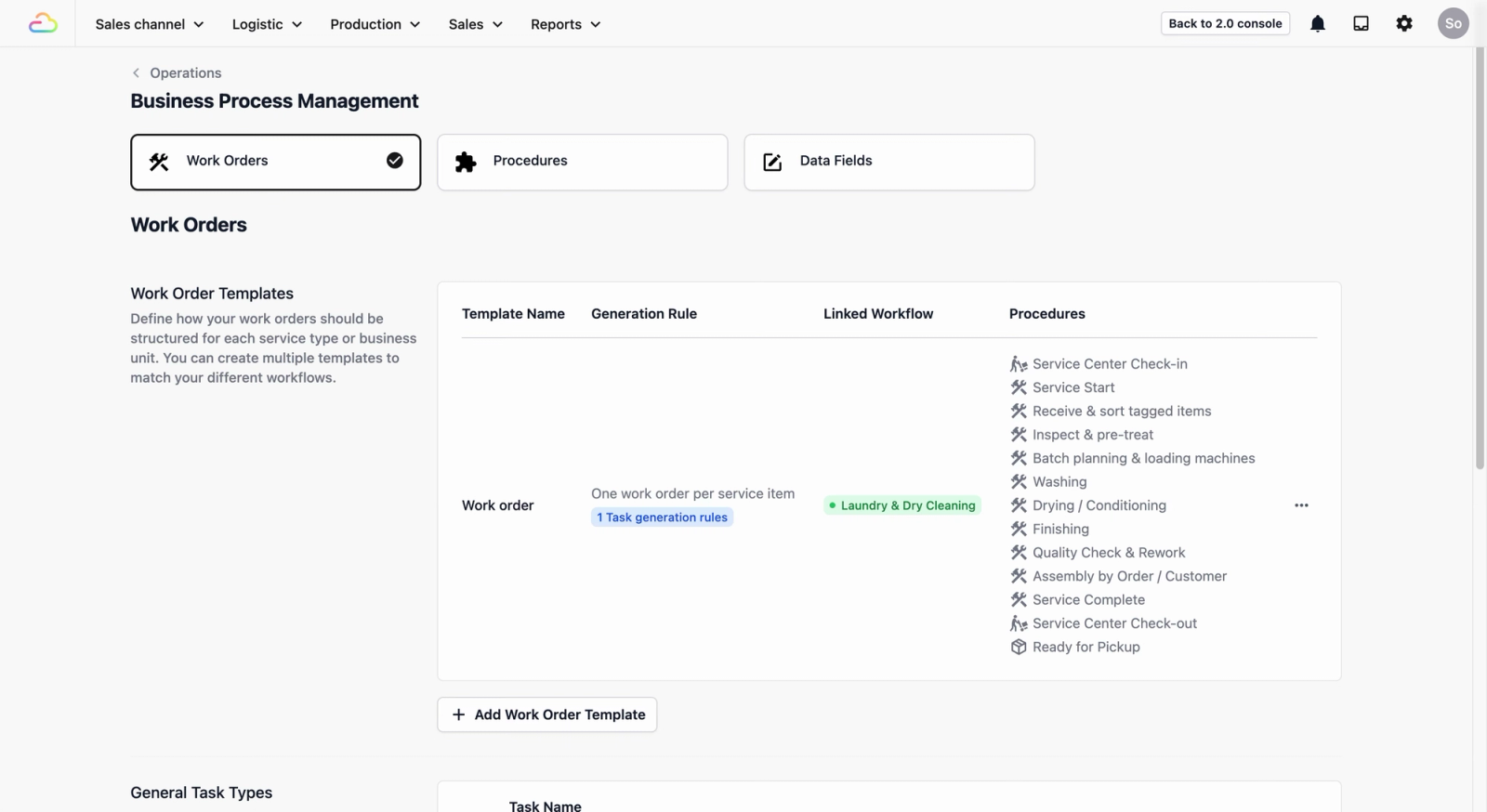
You'll see three tabs at the top of the page: Work Orders, Procedures, and Data Fields.

BPM is made up of three building blocks
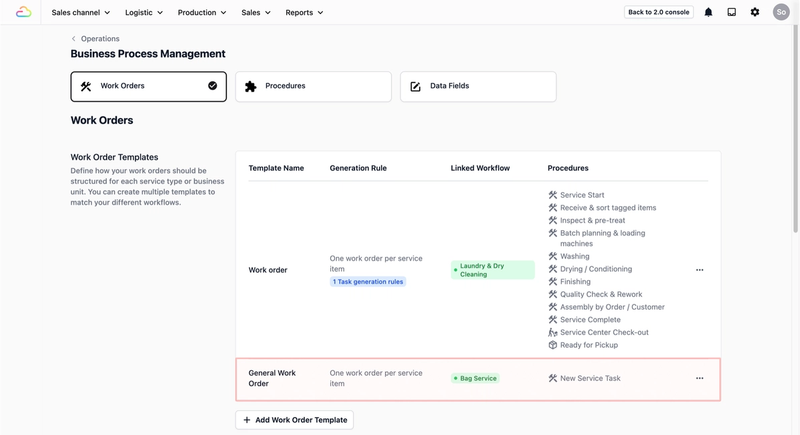
- Work Orders: Templates for your jobs. When a sales order is confirmed, a work order is created automatically.
- Procedures: The individual steps inside a work order, like "Washing" or "Quality Check.".
- Data Fields: If the default system fields don't cover what you need, you can create your own custom fields (like tracking number, item condition, or repair notes) and add them to any procedure.
How BPM works in EasyBiz
Here is a simple version:
- A customer's sales order is confirmed.
- EasyBiz automatically creates a Work Order based on your template.
- Your team follows the Procedures inside that work order, step by step.
- At each step, they complete the tasks and fill in any information needed.
Don't worry about the details for now, the guides below will walk you through setting everything up step by step.
What's next?
Choose the guide that matches your business:
- Use Case: Laundry & Dry Cleaning → Set up a complete laundry workflow with all the procedures and data fields you need.
- Use Case: Bag Repair → Set up a complete bag repair workflow from check-in to customer pickup.
- Getting Started: Setting Up Your First Workflow → A general guide if your business doesn't match the above, or you want to build a custom workflow.
Give feedback
Up next
Getting Started with BPMLearn how Data Fields, Procedures, and Work Orders work together, so you can set up a process that fits your business.
Read more